Use freddy on Android to read supported records shared through Health Connect by your health and fitness apps.
Before you connect
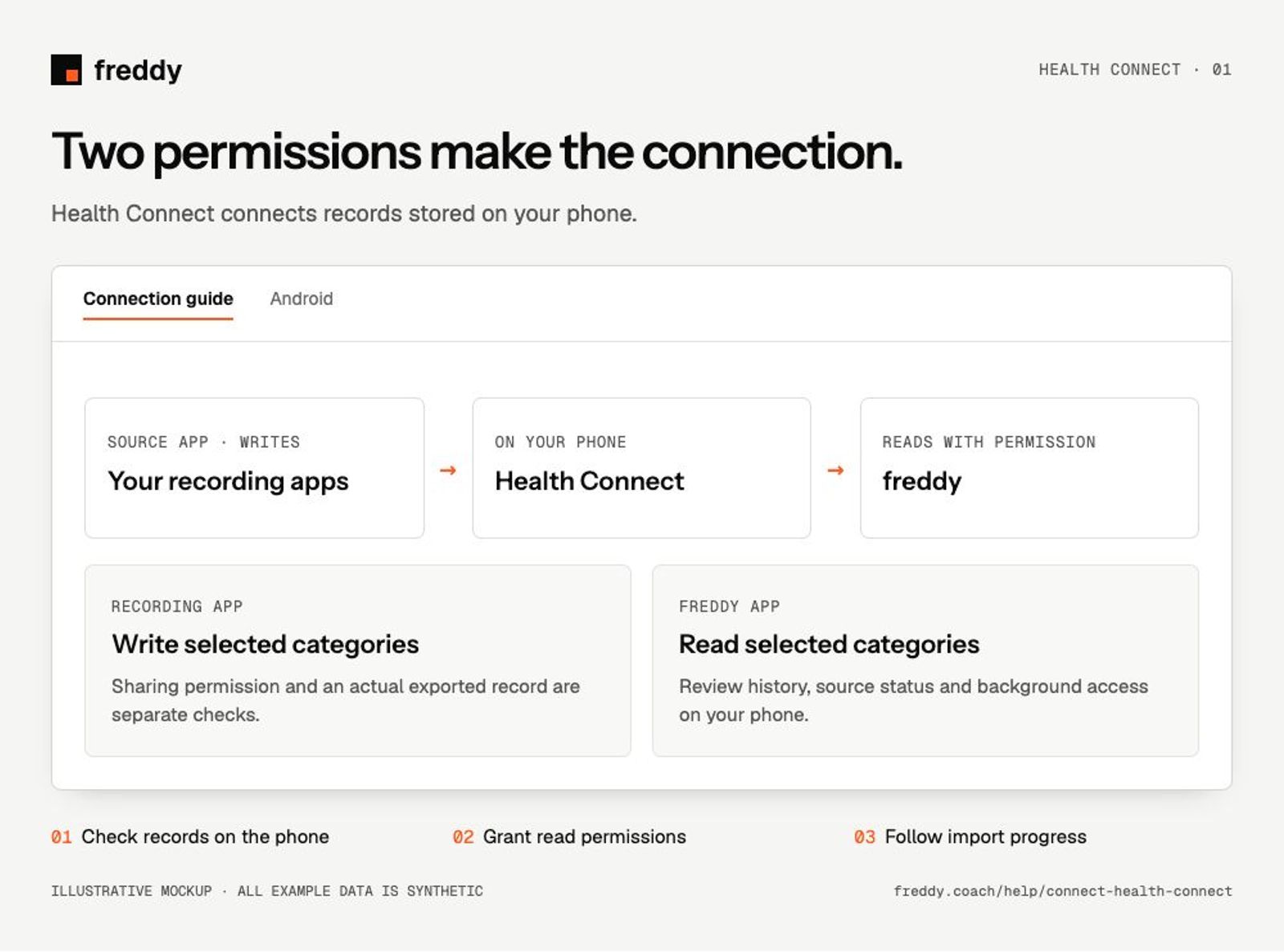
Install freddy on the Android phone containing your Health Connect records. Use your personal phone profile. Health Connect is built into Android 14 and later; older compatible phones may need the Health Connect app.
Connect
Open freddy Sources after installing the phone app
- Open Health Connect on your phone and check that your recording app can write the categories you want.
- Open freddy → Sources → Health Connect and follow the permission prompts. Allow freddy to read the matching categories.
- Review history and background-access prompts if offered for your version and account. These are separate from category permissions.
- Keep freddy open for the first import, then inspect source names and dates in Data.
What reaches freddy
- Supported activity, exercise, sleep, heart-rate and body records written into Health Connect.
- Supported nutrition and hydration records from apps that export them.
- The source app attached to each record, rather than every metric that app displays.
History and updates
Android normally limits an app’s initial historical reads to a recent window of about 30 days. Older access requires the history permission and support in your freddy version and account. Background access is separate and Android decides when tasks run. A longer query window does not itself grant phone permissions.
If data is missing
- Your source app is connected but no data arrives: check its write permissions and actual entries in Health Connect.
- Only recent history appears: check the history permission and the dates actually stored in Health Connect.
- Sync works only when open: inspect background permissions and Android battery restrictions, then follow the Android background guide.
Use it with your other sources
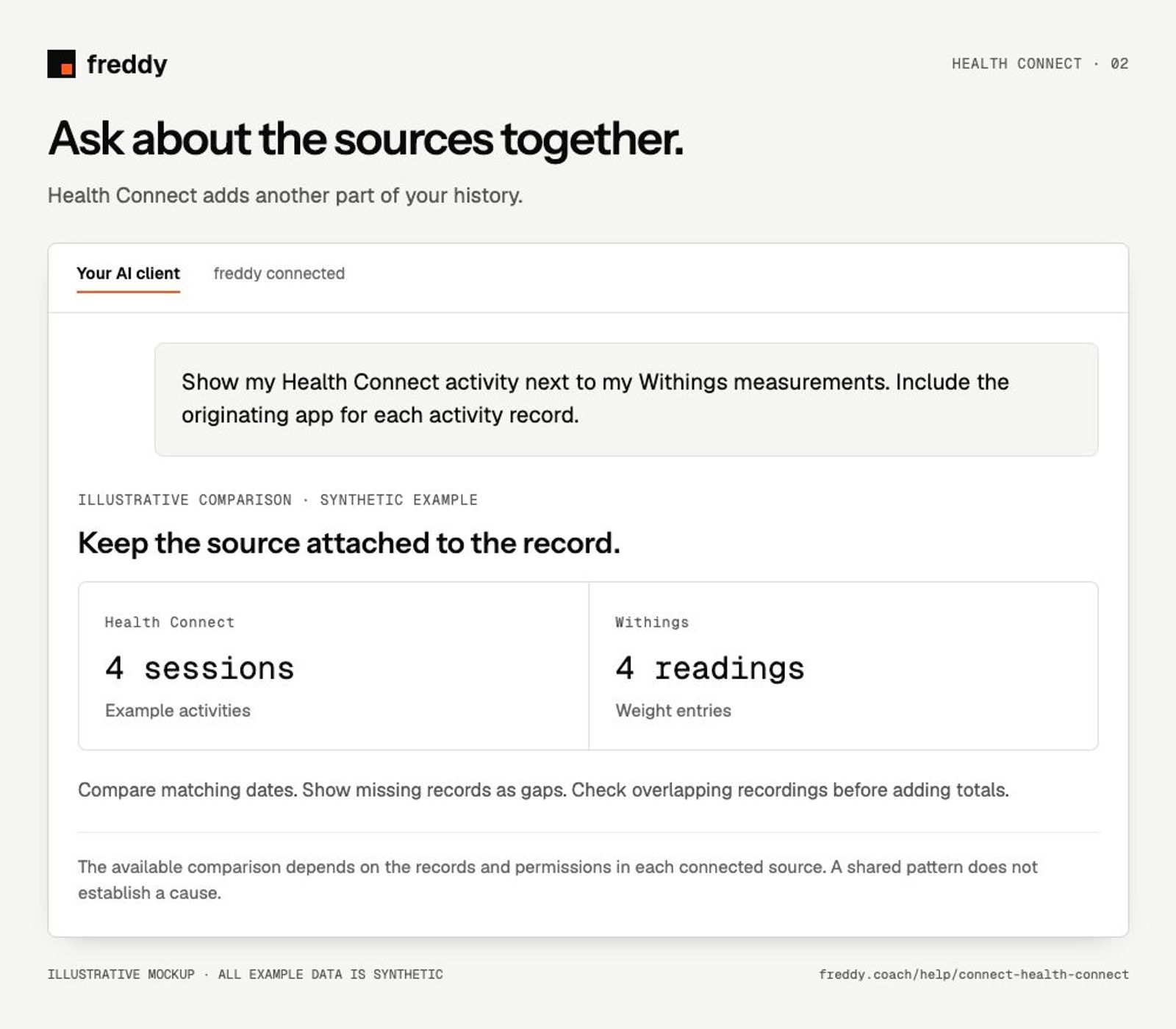
Show my Health Connect activity next to my Withings measurements. Include the originating app for each activity record.
Pause or disconnect
Revoke freddy’s read permissions in Health Connect to stop phone access. Pausing a contributing source in freddy stops future import; Clear stored history is a separate action. Check its confirmation before deleting. Turning off permissions does not automatically erase the copies already stored in either app.
Provider instructions
Health Connect app permissions
Android history and background reads