Good morning, health and performance enthusiasts.
A warm welcome to the 1,092 new members who joined freddy last week.
It was a big week. Here's what's new:
In short
- Google Health connects directly, so your Fitbit and Pixel Watch data gets more detail and lands in freddy faster.
- ChatGPT gets the freddy plugin updated to v4.0, with new skills, a guided setup and new starter prompts.
- ChatGPT gets a new freddy sidebar app for quick access without leaving ChatGPT.
- The new Pages tab shows your metrics in charts and dashboards, configured by your AI.
- The new Data tab shows what freddy holds for each source and metric.
- Sources, AI apps and API keys now sit together on one Connections tab.
- Disconnecting a source now keeps its data. Deleting the data is a separate choice.
- The Android app 1.0.18 is on Google Play.
- freddy's backend moved to new infrastructure for more reliability.
- PRO: ChatGPT routines can now be triggered by new data landing in freddy, through MCP events.
- PRO: The Personal API is out of beta, so you can build more on your own data now.
The new Pages, Data and Connections tabs are live on the web and come to the mobile app with the next release.
Google Health connects directly
If you use a Fitbit or Pixel Watch, your data now comes into freddy with more detail and arrives faster. Sign in with Google and your sleep stages, heart rate, HRV, workouts, steps and weight come in, with your earlier history. Each workout shows the device or app that recorded it.
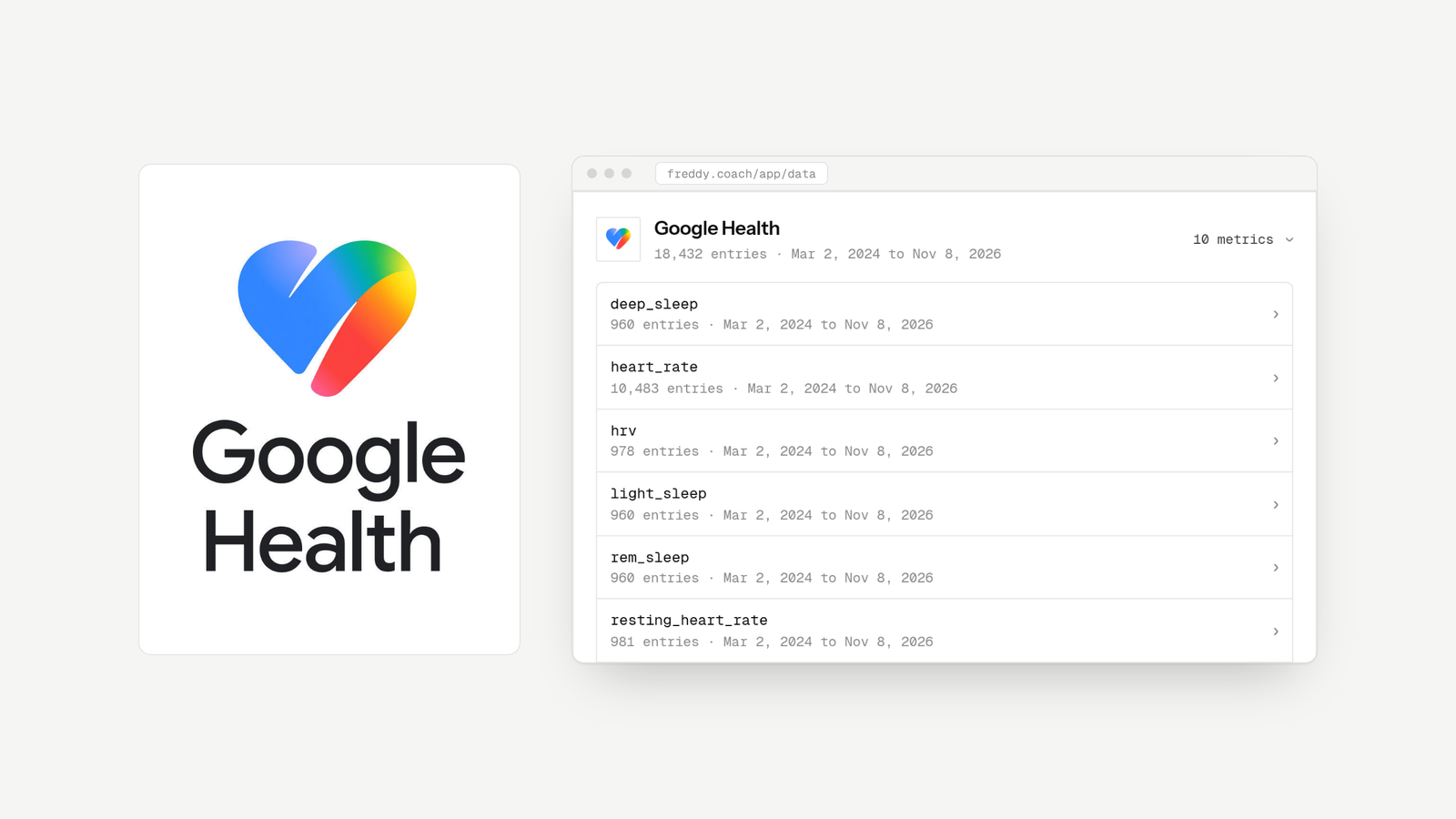
The Google Health logo, and a Google Health source on the freddy Data tab. Demo data.
freddy plugin v4.0 in ChatGPT
The freddy plugin in ChatGPT is now v4.0, listed as freddy health. A guided setup asks what you want to know, helps you connect the source that has it, and answers from your own numbers. New starter prompts include "How did I sleep last night?".
It has three new skills: Get started (the guided setup), Build a page (see Pages below) and Act on new data (see the PRO routines below).
freddy in the ChatGPT sidebar
freddy now has its own entry in the ChatGPT sidebar, in the desktop and phone apps. It opens a freddy home inside ChatGPT with your pages, your sources and their status, and links to Data, Activity and Connections. Open a page and its charts show right there.
Pages: charts and dashboards built by your AI
Ask your AI for a page in plain words, for example "Make a freddy page with my sleep, HRV and resting heart rate for the last 30 days." It picks the charts, checks each one against your data and saves the page.
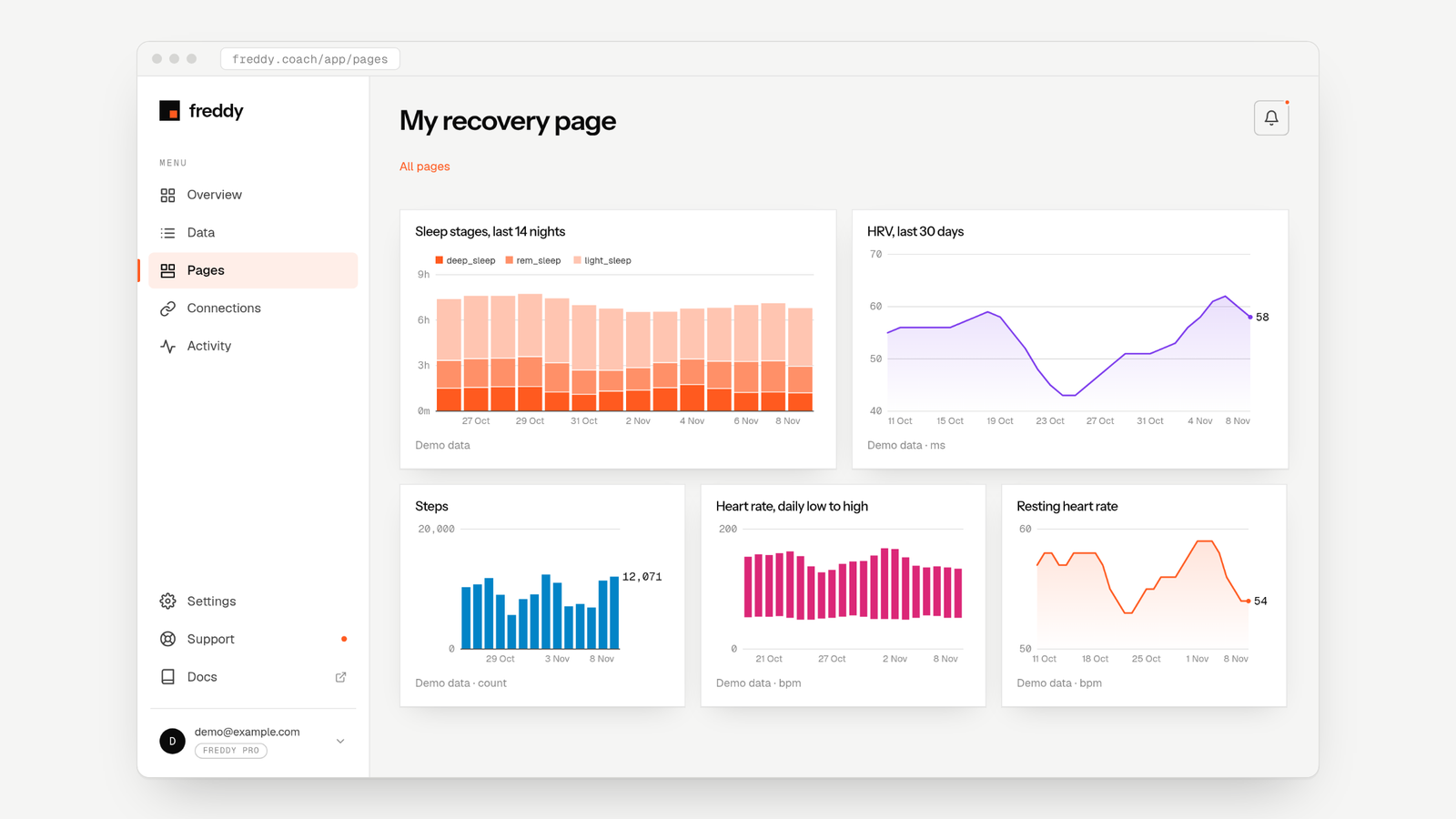
A freddy page with five charts. Demo data.
A page holds up to 12 charts: lines, bars, stacked sleep stages, a latest value, a calendar or a daily low-to-high range. Each chart shows the values your sources stored, with no added scores or averages. To change a page, ask again, for example "Add my steps to my morning page." Pages work on every plan, and you find them in the Pages tab and in the freddy sidebar in ChatGPT.
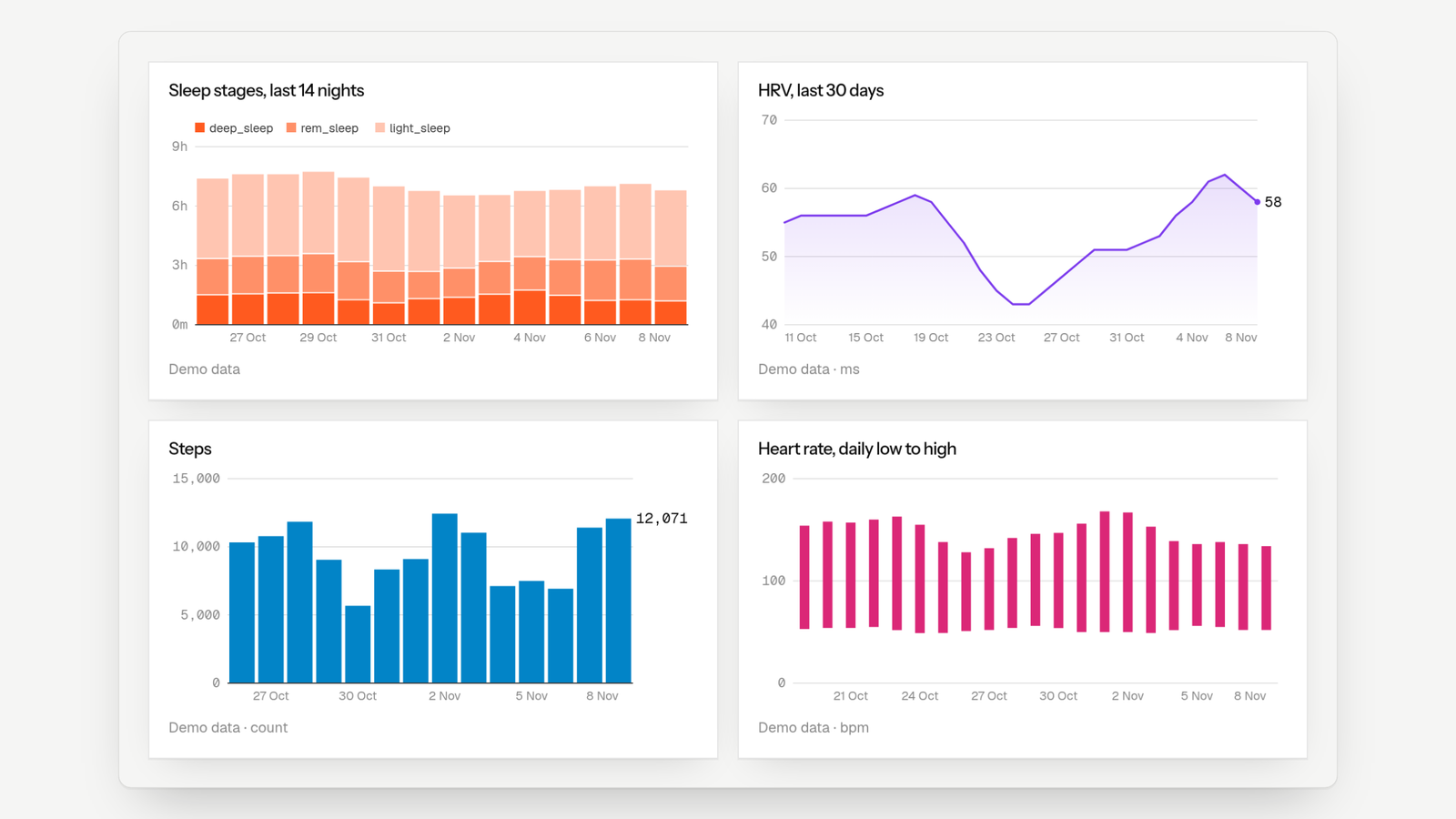
Four chart types a page can use: stacked sleep stages, a line, bars and a daily low-to-high range. Demo data.
Data tab
The Data tab lists each source, how many entries freddy holds and since when. Open a metric to see its chart and every entry as your source sent it.
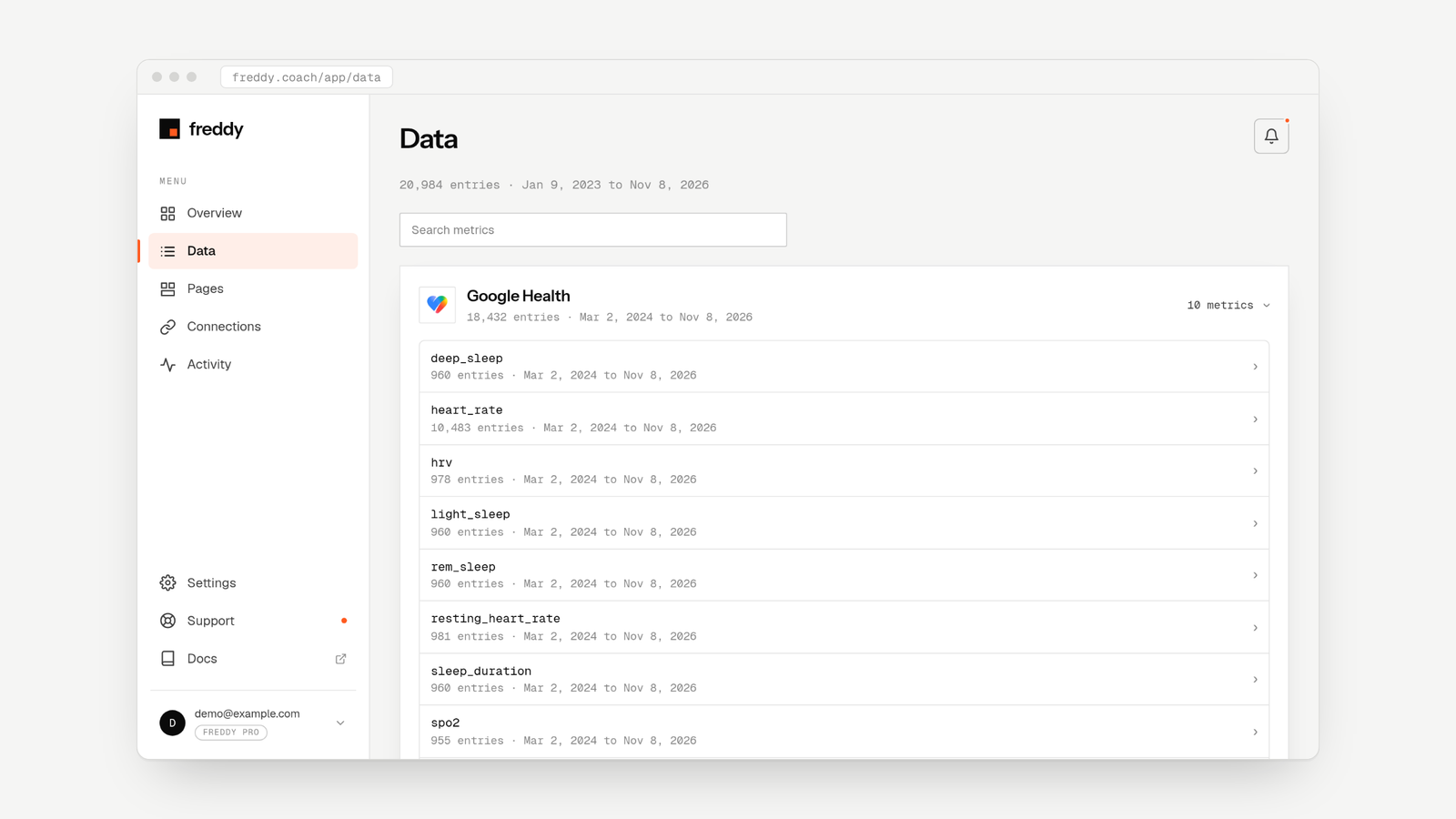
The Data tab with a Google Health source opened. Demo data.
One Connections tab
Your sources, AI apps and API keys now sit together on one Connections tab.
Disconnect keeps your data
Disconnecting a source keeps the data freddy already has. To erase it, choose Delete source and data. The freddy CLI 0.3.0 works the same way: freddy disconnect keeps the data, and --delete-data deletes it.
Android app 1.0.18
The Android app 1.0.18 is on Google Play. Each source now shows one status: Listening, Syncing, Paused or Action needed, as on iPhone.
New infrastructure
freddy's backend moved to new infrastructure on Thursday 5 Nov, for more reliability. Maintenance took about 35 minutes.
PRO: ChatGPT routines on new data
ChatGPT routines can now be triggered by new data landing in freddy, through MCP events. In a ChatGPT Work chat, ask for something like "each time my sleep is in, review last night and yesterday". Each time new data for those metrics syncs, freddy tells ChatGPT and the routine runs with your numbers. You see each routine under ChatGPT on the Connections tab, and you can stop it there.
PRO: Personal API out of beta
The Personal API is out of beta, so you can build more on your own data now. Create a read-only key on the Connections tab and pull your data into a dashboard, a spreadsheet or your own app.
Use case of the week: a sleep review when your night lands (PRO)
- Open a Work chat in ChatGPT with freddy added.
- Ask: "Each time my sleep data arrives in freddy, give me a short review of last night's sleep and of yesterday's steps and workouts."
- ChatGPT sets up the routine, and it shows under ChatGPT on the Connections tab.
The next morning, once your watch or ring syncs, the review appears in that chat with your own numbers.
Have a freddy use case you'd like to share? Send it to support@freddy.coach with the question you asked and what made the answer useful. Leave out personal health details. If you'd like it featured in a future email, say whether to credit you or keep it anonymous.