Connect Ultrahuman to read your ring’s sleep, movement and recovery records alongside training and other measurements.
Before you connect
Sync your device in the Ultrahuman app. Ring and glucose features depend on the products and services present in your account.
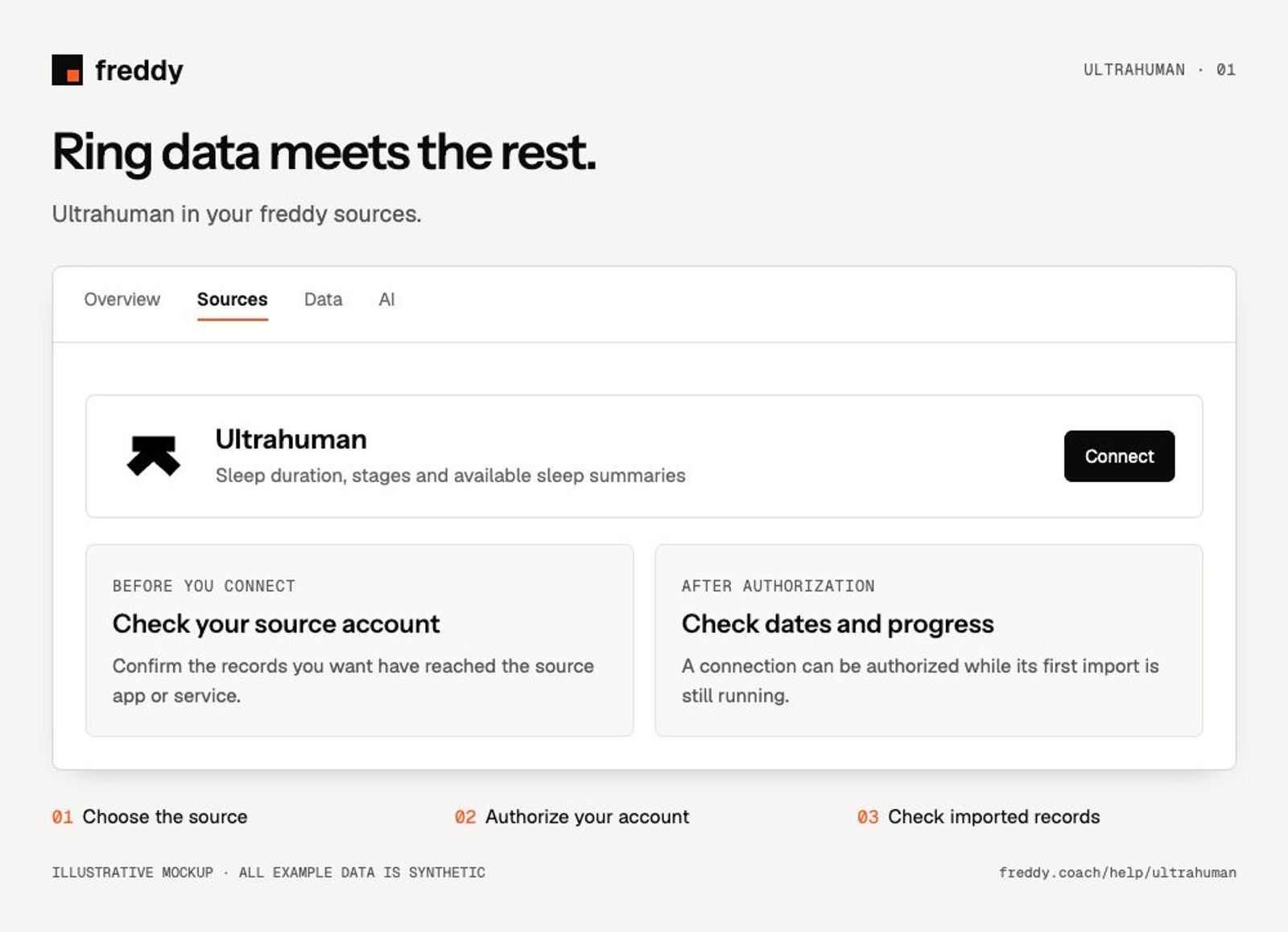
Connect
- Open Ultrahuman in Sources and choose Connect when available.
- Sign in to Ultrahuman. If asked for a six-character code, get a fresh one in the Ultrahuman app: Profile → Access Code at the bottom. Review the permissions and authorize the categories you want to share.
- Return to freddy and inspect the source’s import status and date coverage.
What reaches freddy
- Sleep duration, stages and available sleep summaries.
- Movement, recovery, resting heart rate, HRV and temperature records where supplied.
- Glucose records if your Ultrahuman account includes them and the authorized service provides them.
History and updates
freddy checks Ultrahuman periodically and imports the available daily history. A day’s record may change as sleep and movement processing completes. The first connection and a fully processed day are separate steps.
If data is missing
- Today looks incomplete: check the date and processing state in Ultrahuman, then let the next sync run.
- Glucose does not appear: a ring connection by itself does not create glucose records. Check the records and permissions in your account.
- A category stopped updating: compare its latest date in Ultrahuman and freddy before reconnecting.
Use it with your other sources
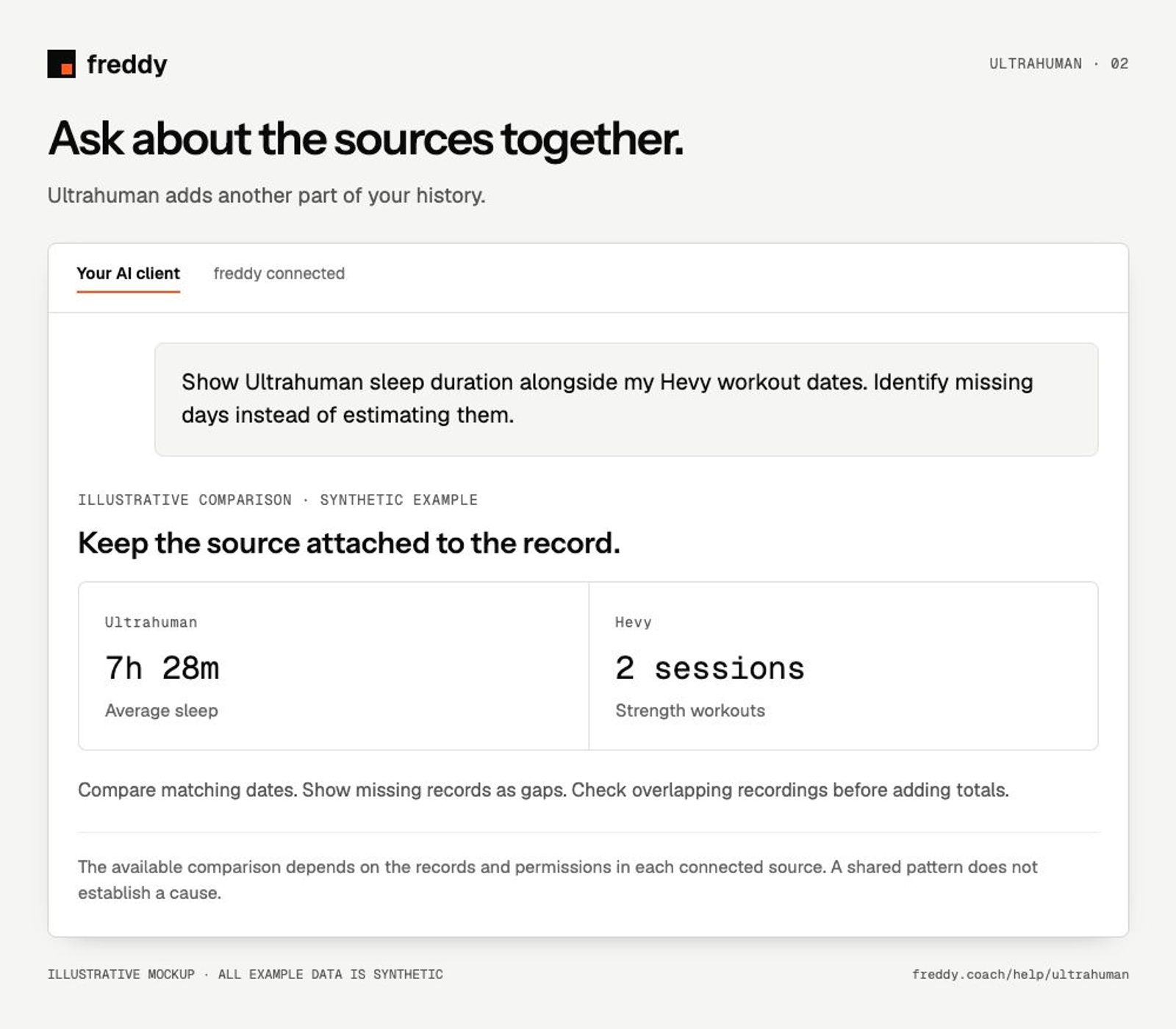
Show Ultrahuman sleep duration alongside my Hevy workout dates. Identify missing days instead of estimating them.
Pause or disconnect
Use Paused on the source to stop future sync without deleting its stored history. Disconnect removes the connection and its associated data from freddy; read the confirmation before continuing. It does not delete your records in Ultrahuman. You can also revoke freddy’s authorization in the source service’s connected-app settings.