Your Oura Ring tracks your sleep, readiness, and heart rate every night, and the AI assistant you talk to every day cannot see any of it. The Model Context Protocol (MCP) is the open standard that connects the two, and nine options now do it for Oura. Many older guides no longer work, so this list shows only the ones that do.
It ranks them by setup effort, from least to most. freddy is ours, and it is first: nothing to install, no developer account, and it works in any AI app that speaks MCP. Each entry says who it suits.
What to know first
In December 2025, Oura withdrew personal access tokens, the simple keys that many early Oura MCP servers asked you to paste (Oura API spec). Every working option now signs in with OAuth. A hosted service does that through its own Oura app. A server you run yourself needs an Oura developer app of your own, which you register at Oura's developer portal. Oura limits an app it has not approved to 10 users, which is plenty for one person.
So a setup guide that starts with "paste your personal access token" no longer works, however many stars the project has.
One more rule applies to every option on this list: if your ring is Gen3 or newer, Oura requires an active Oura Membership for API access, including through partner apps (Oura help).
Where a server runs decides where you can use it. A hosted server is a web address, so it works in Claude and ChatGPT on the web, on the desktop, and on your phone. A server on your computer works only in desktop apps such as Claude Desktop and Cursor. The Claude phone app and claude.ai cannot reach it, and ChatGPT needs a tunnel you set up yourself.
ChatGPT and Claude can read some Oura data without MCP, through Apple Health on an iPhone, in the US: ChatGPT Health on Free to Pro plans, and Claude in beta on Pro and Max. Oura shares only part of its data with Apple Health, such as sleep stages, heart rate, steps, and workouts, and not readiness, sleep score, HRV, or temperature (Oura help).
The list
1. freddy
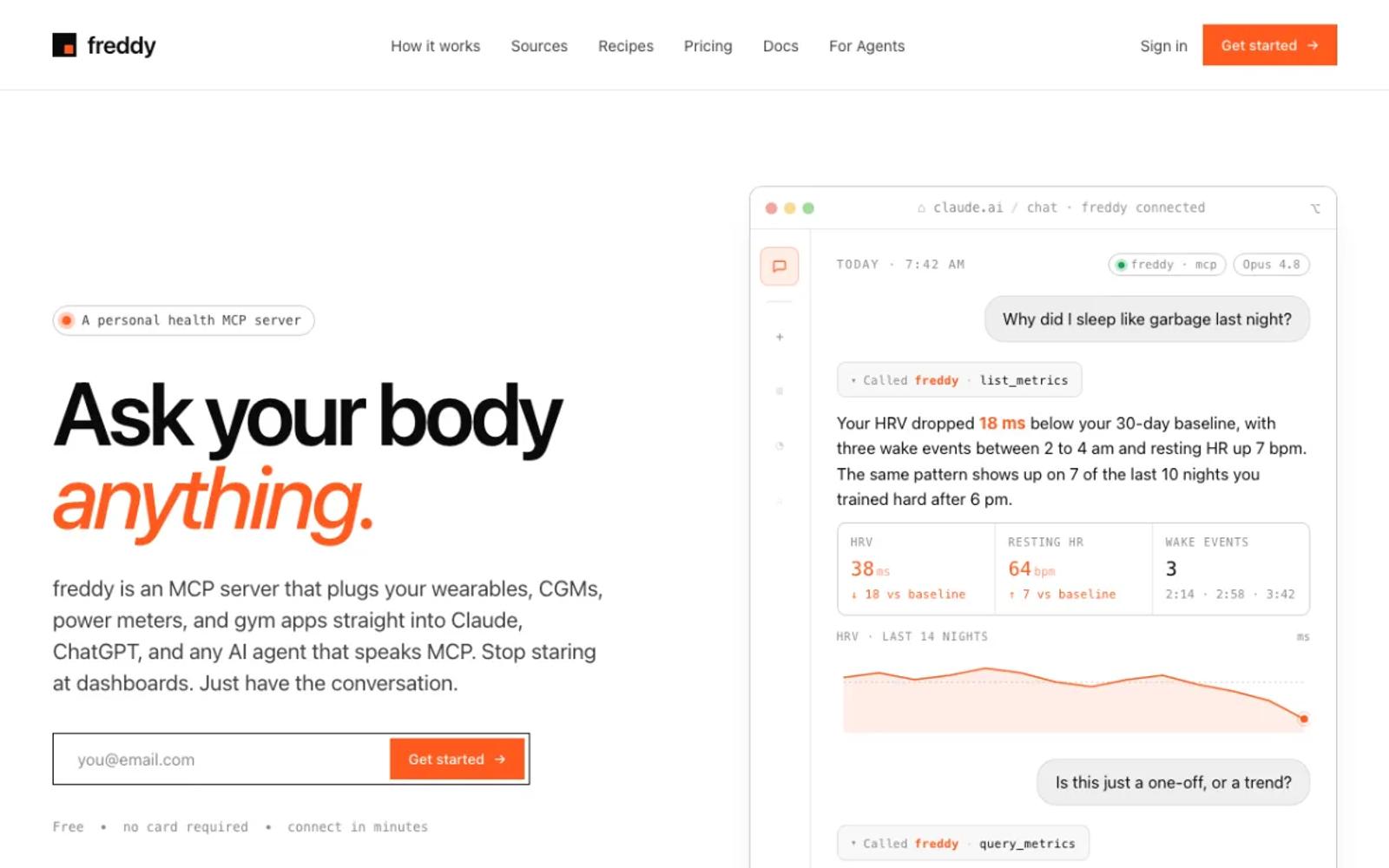
freddy is a hosted MCP server for your health data from all your apps. You sign in with a code we email you, connect Oura on Oura's own sign-in screen, and add freddy to your AI app, from ChatGPT's app directory or with one personal URL in Claude, Cursor, or any other MCP client.
freddy uses Oura's official API with OAuth, so the end of personal tokens did not touch it, and you do not register a developer app. New Oura data arrives soon after your ring syncs, and freddy reads your history too, readiness and sleep scores included. The same account reads Garmin, Polar, Withings, Apple Health, and more, so you can ask across all of them.
Like every option that uses Oura's API, freddy needs an active Oura Membership for a Gen3 or newer ring. Our Oura guide walks through every step.
Setup: three steps in your browser. Nothing to install, nothing to update, and it works on your phone too.
Price: free for one source with a short history window, or $49/year for all your sources and your full history.
Best for: almost everyone, and especially people who use more than one app or would rather not run a server.
2. Wellness Project
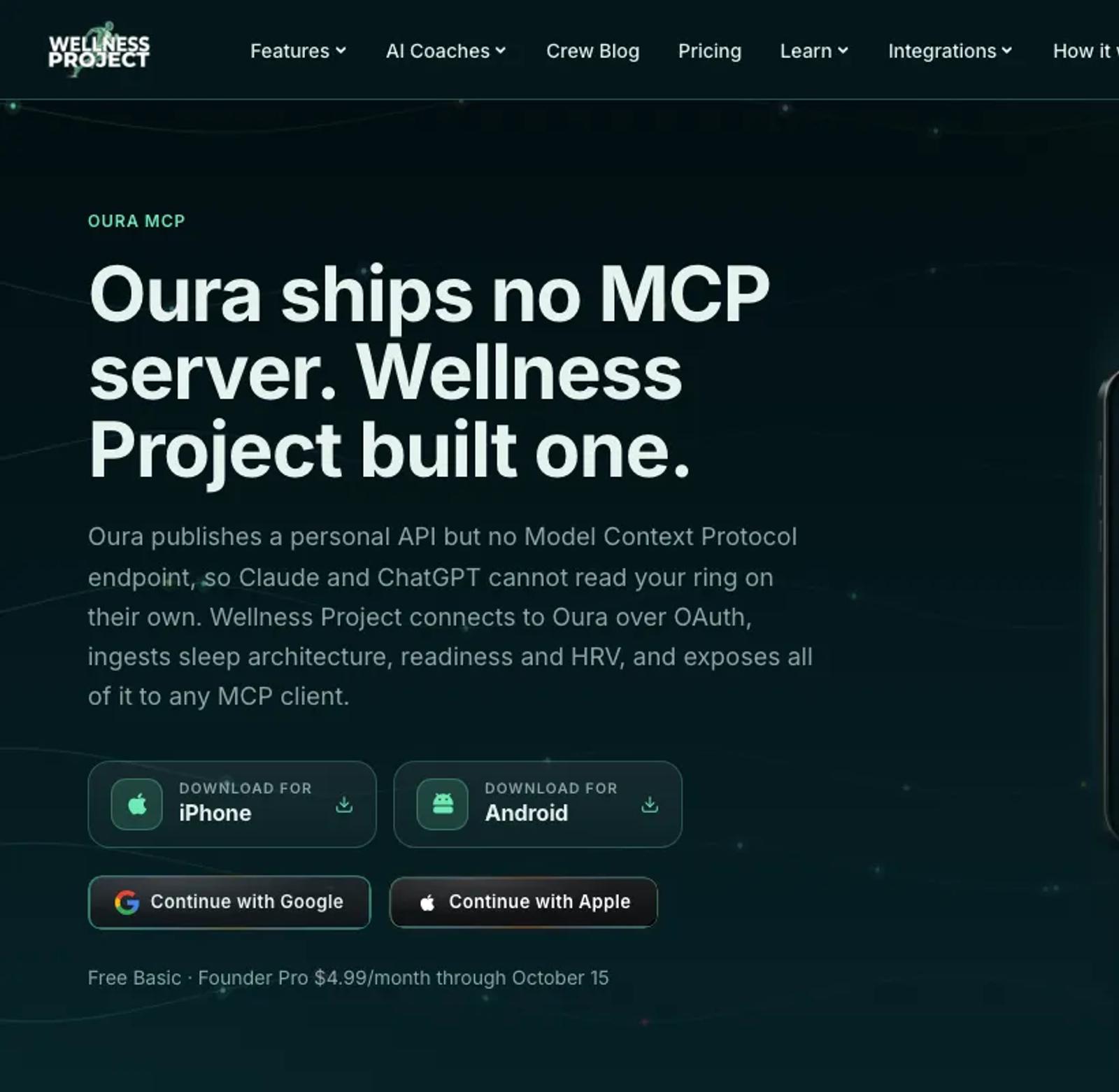
Wellness Project is a hosted coaching app with its own MCP server. It connects Oura through its own Oura app, so you only approve access on Oura's screen, and it offers the synced history to your AI app. Its server lists 73 tools, some of which write to Wellness Project.
The free plan allows 3 analysis chats a day, with the app and your AI app counted together.
Setup: sign in with Apple or Google, connect Oura, then add its MCP address to your AI app and sign in.
Price: a free Basic plan. Pro is $9.99 a month or $99.99 a year, with an introductory $4.99 a month or $39.99 a year until October 15 (pricing).
Best for: people who want a coaching app alongside their AI assistant.
3. AthleteData
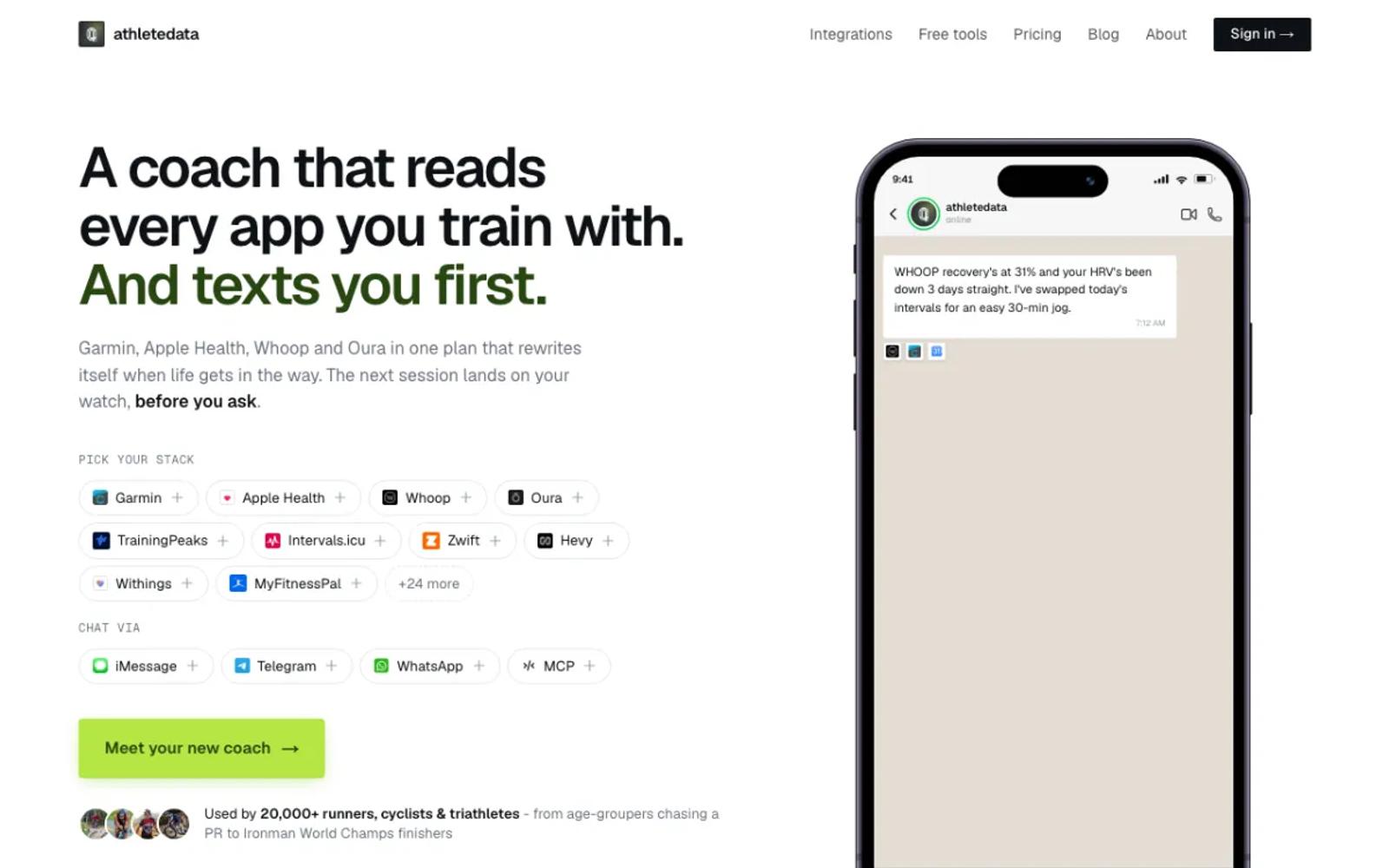
AthleteData is a hosted AI coach with a cheaper MCP-only plan. It connects Oura with one sign-in, and it lists 17 Oura tools and about 180 days of starting history. The coaching plan messages you after workouts; the MCP-only plan leaves that out.
Setup: sign up, connect Oura, copy your personal MCP address, and add it to your AI app.
Price: MCP-only is CHF 9 a month or CHF 69 a year, after a 7-day free trial (plans). Coaching is CHF 29.90 a month.
Best for: athletes who want a training coach as well as answers.
4. Rajskij/oura-mcp
A small local server with a one-click install for Claude Desktop: 10 read-only tools, MIT licensed, with a demo mode on Oura's sample data that needs no account.
Setup: moderate. Register your own Oura app, open the .mcpb file in Claude Desktop, paste your app's client ID and secret, and approve access in the browser. A self-hosted web version exists for claude.ai and phones, with more setup.
Price: free and open source.
Best for: Claude Desktop users who want the quickest self-run setup.
5. davidmosiah/oura-mcp
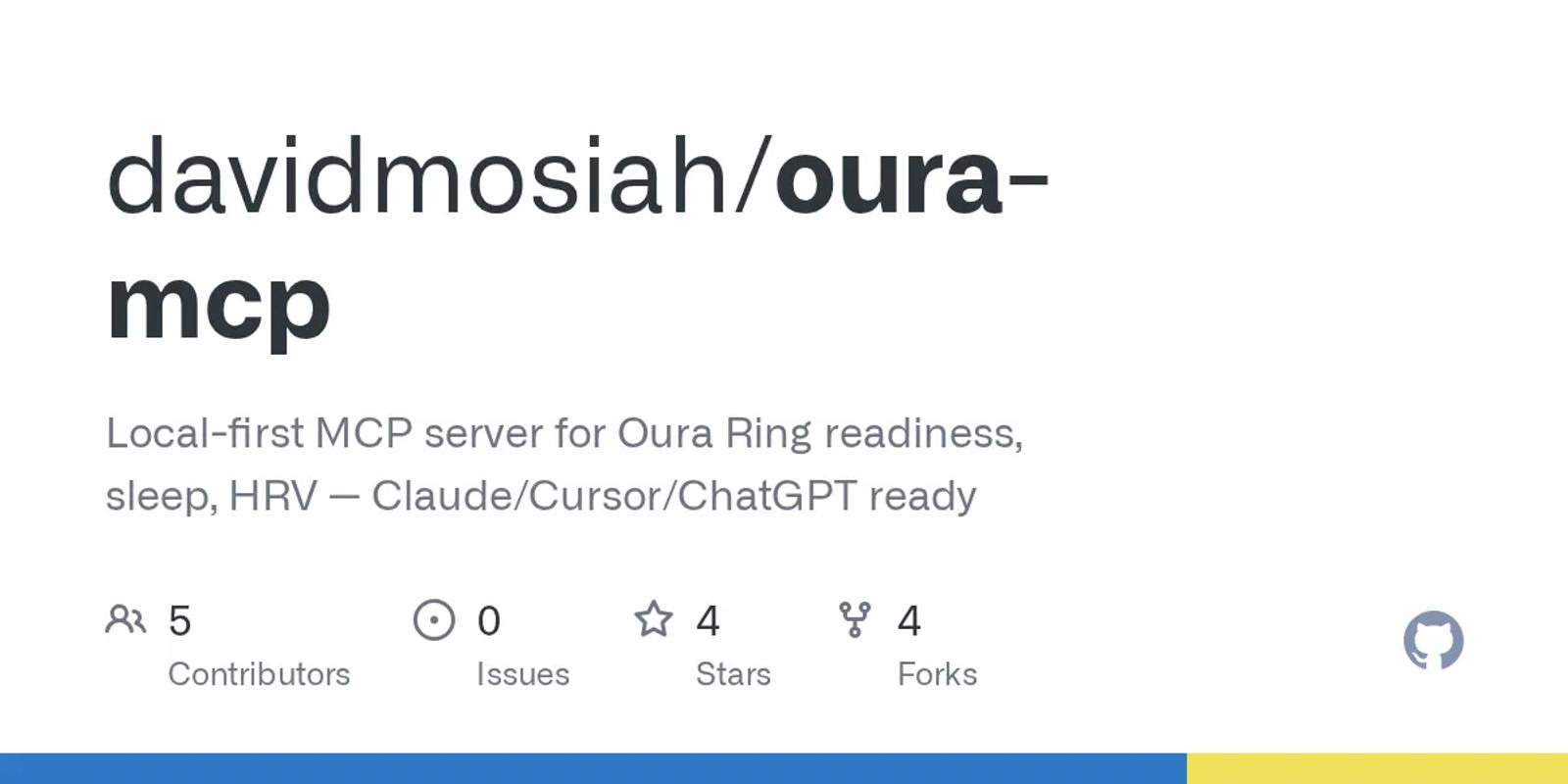
About 23 tools, published on npm as oura-mcp-unofficial under an MIT license, with setup, auth, and doctor commands that write your Claude Desktop config for you.
Setup: moderate. Install Node 20, register your own Oura app, run the setup and auth commands, and let it add itself to your AI app. Desktop apps only.
Price: free and open source.
Best for: people who want a guided command-line setup.
6. mitchhankins01/oura-ring-mcp
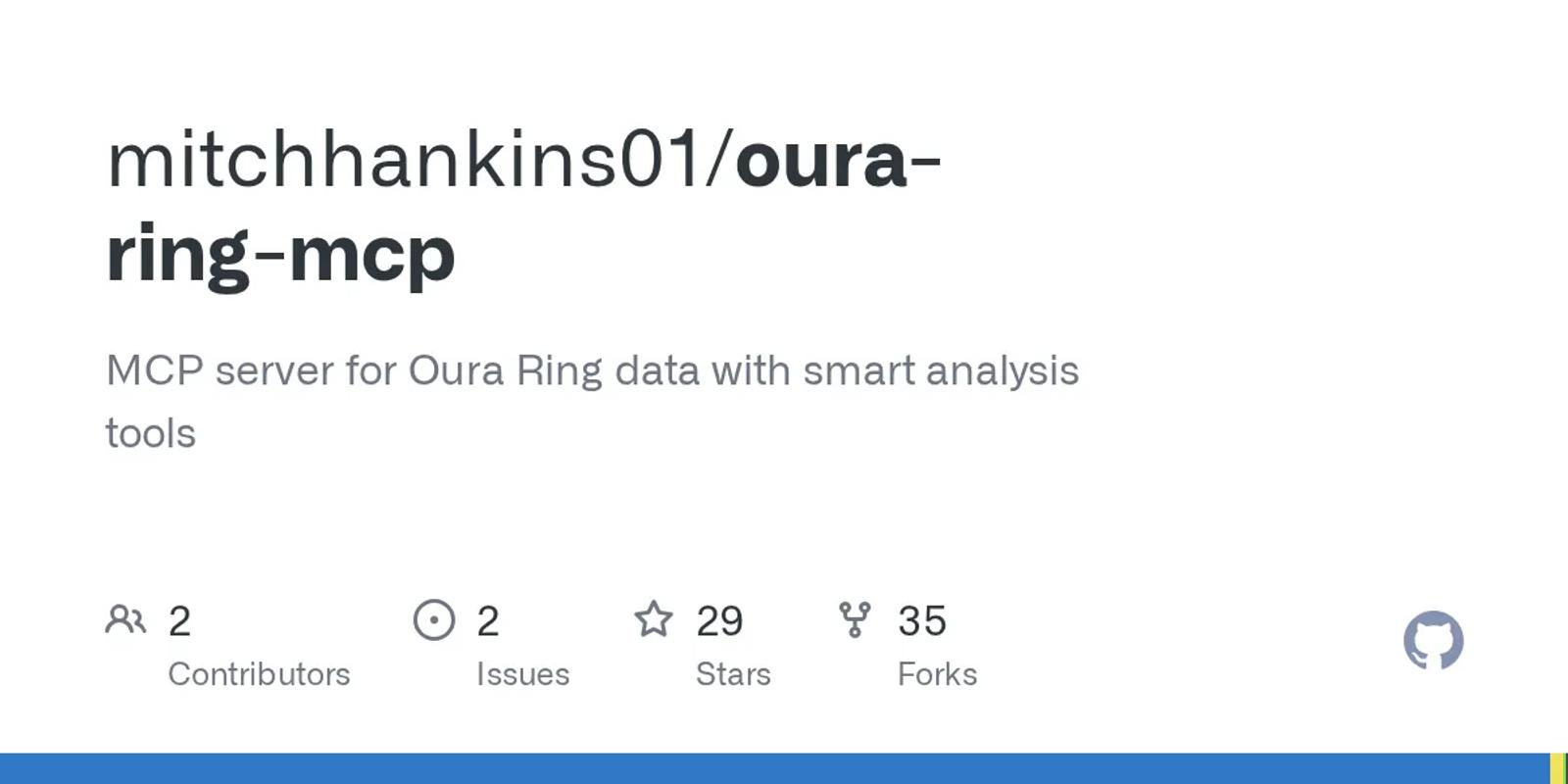
The most-starred working option, with 29 stars and 17 tools: 10 for your data and 7 that analyze it, plus prompts. Its README leads with the personal-token setup, which no longer works, so use the OAuth setup it lists second.
The README says MIT, but the repository has no license file, and its last change was in February 2026.
Setup: moderate. Install Node 18, register your own Oura app, run its auth command, and add your app's ID and secret to Claude Desktop's config. Desktop apps only, unless you deploy it yourself.
Price: free.
Best for: people who want built-in analysis tools.
7. FelixWag/oura-ring-mcp
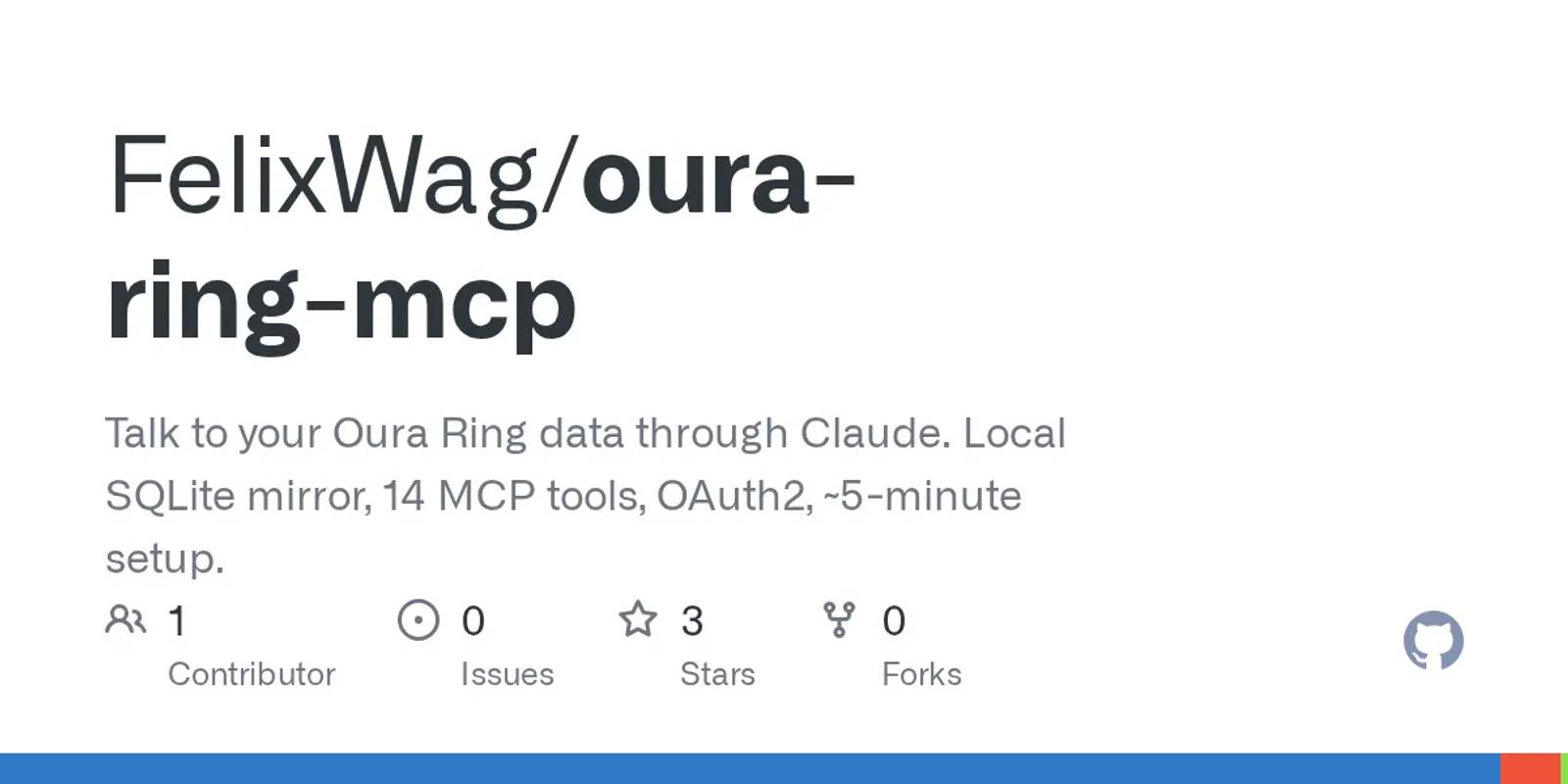
14 tools over a local SQLite copy of your data, MIT licensed, with a twist: you can add your own notes to a day, such as "2 beers Thursday", and ask how they line up with your sleep.
Setup: involved. Register your own Oura app, clone the repository, build it with Node 20, run its first sync, and add it to Claude Code, which is what its docs cover.
Price: free and open source.
Best for: people who want to tag their days and ask about the tags.
8. Open Wearables
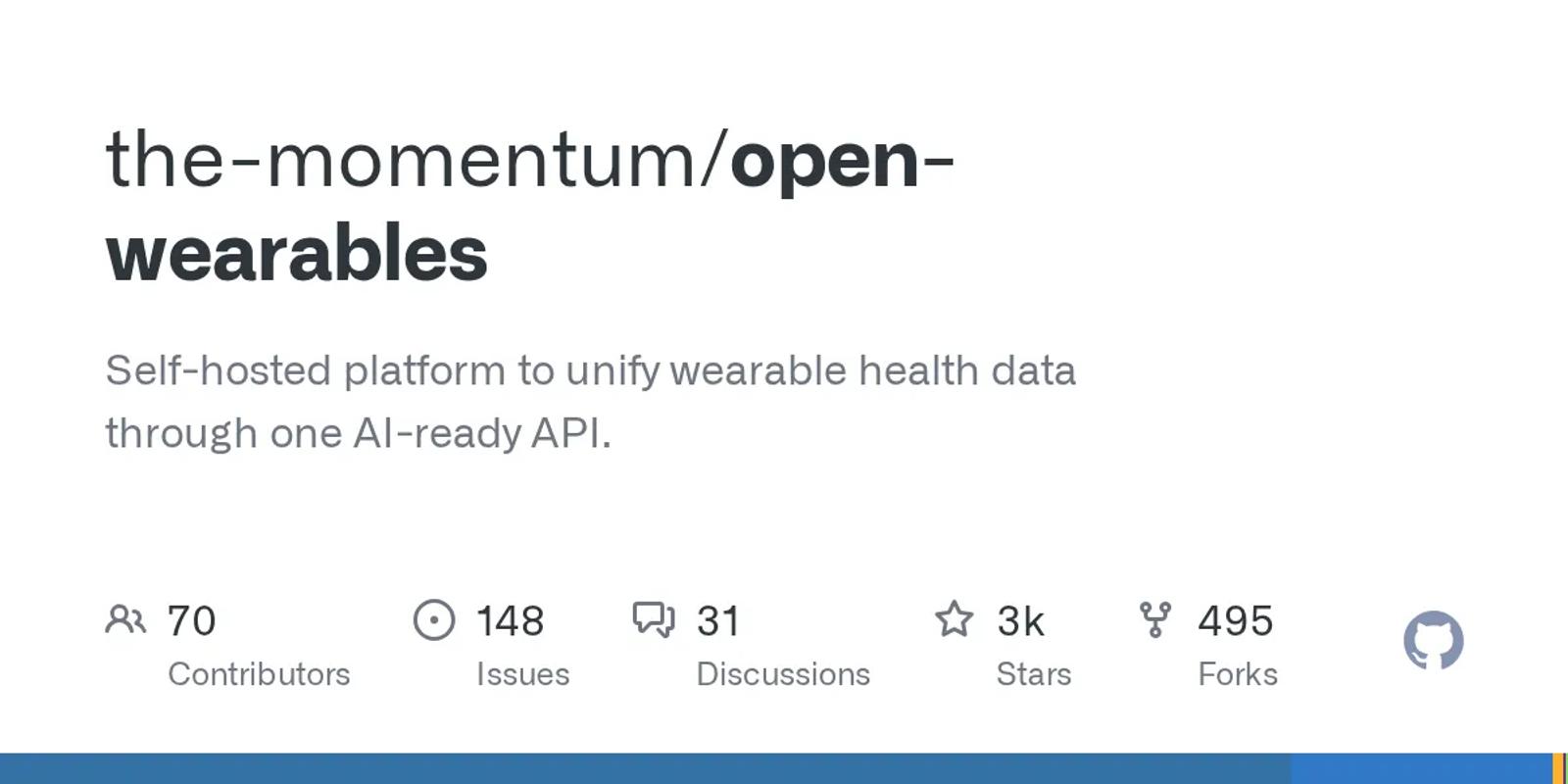
An open-source platform that you run on your own server, with 2,558 stars and an MIT license. It signs in to Oura with your own app, receives Oura's update notifications, and includes an MCP server with 6 tools. The project calls itself early-stage.
Setup: the most work of the ready-made options. Run its Docker stack, put your own Oura app's keys in its config, create an API key, and set up the MCP server. Oura's notifications need a public web address. Desktop apps only.
Price: free software. You pay for the server.
Best for: developers who want several sources on hardware they control.
9. Oura's API spec with an OpenAPI-to-MCP tool
Oura publishes an OpenAPI spec, so a generic tool such as openapi-mcp-generator can turn it into an MCP server with a tool for each endpoint.
The sign-in is yours to solve: the generator cannot run Oura's OAuth flow, so you get a token yourself and pass it in, and a token from the simple flow lasts 30 days.
Setup: the most work on this list. Register your own Oura app, generate the server, get a token, and renew it by hand. Desktop apps only, unless you host it.
Price: free and open source.
Best for: developers who want full control over every tool.
| Tool | Setup | Oura sign-in | Price |
|---|---|---|---|
| freddy | None; web, desktop, and phone | Official OAuth | Free tier; $49/year |
| Wellness Project | None; web, desktop, and phone | Official OAuth | Free (3 chats a day); Pro $9.99/mo |
| AthleteData | Connector address; web, desktop, and phone | Official OAuth | CHF 69/yr or CHF 9/mo |
| Rajskij/oura-mcp | One-click file and your own Oura app; Claude Desktop | OAuth, your own app | Free |
| davidmosiah/oura-mcp | Terminal and your own Oura app; desktop only | OAuth, your own app | Free |
| mitchhankins01 | Terminal and your own Oura app; desktop only | OAuth, your own app | Free |
| FelixWag | Build from source and your own Oura app; Claude Code | OAuth, your own app | Free |
| Open Wearables | Your own server and Oura app; desktop only | OAuth, your own app | Free; you pay for hosting |
| OpenAPI generator | Generate, then renew tokens by hand | Token you get yourself | Free |
How to choose
For most people, the answer is freddy: no developer app, nothing to keep running, and it works in any AI app that speaks MCP, on your phone too. The exceptions:
- You want a coaching app alongside: Wellness Project, or AthleteData for training.
- You use Claude Desktop and want to run it yourself: Rajskij/oura-mcp.
- You want to tag your days and ask how the tags line up: FelixWag/oura-ring-mcp.
- You want several sources on hardware you control: Open Wearables.
Whatever you pick, skip any Oura MCP server that asks for a personal access token. That route closed in December 2025.
Prices and details verified in September 2026. This space moves fast, so check each vendor's site for current details before you commit. For other wearables, see our roundup of wearable MCP servers.