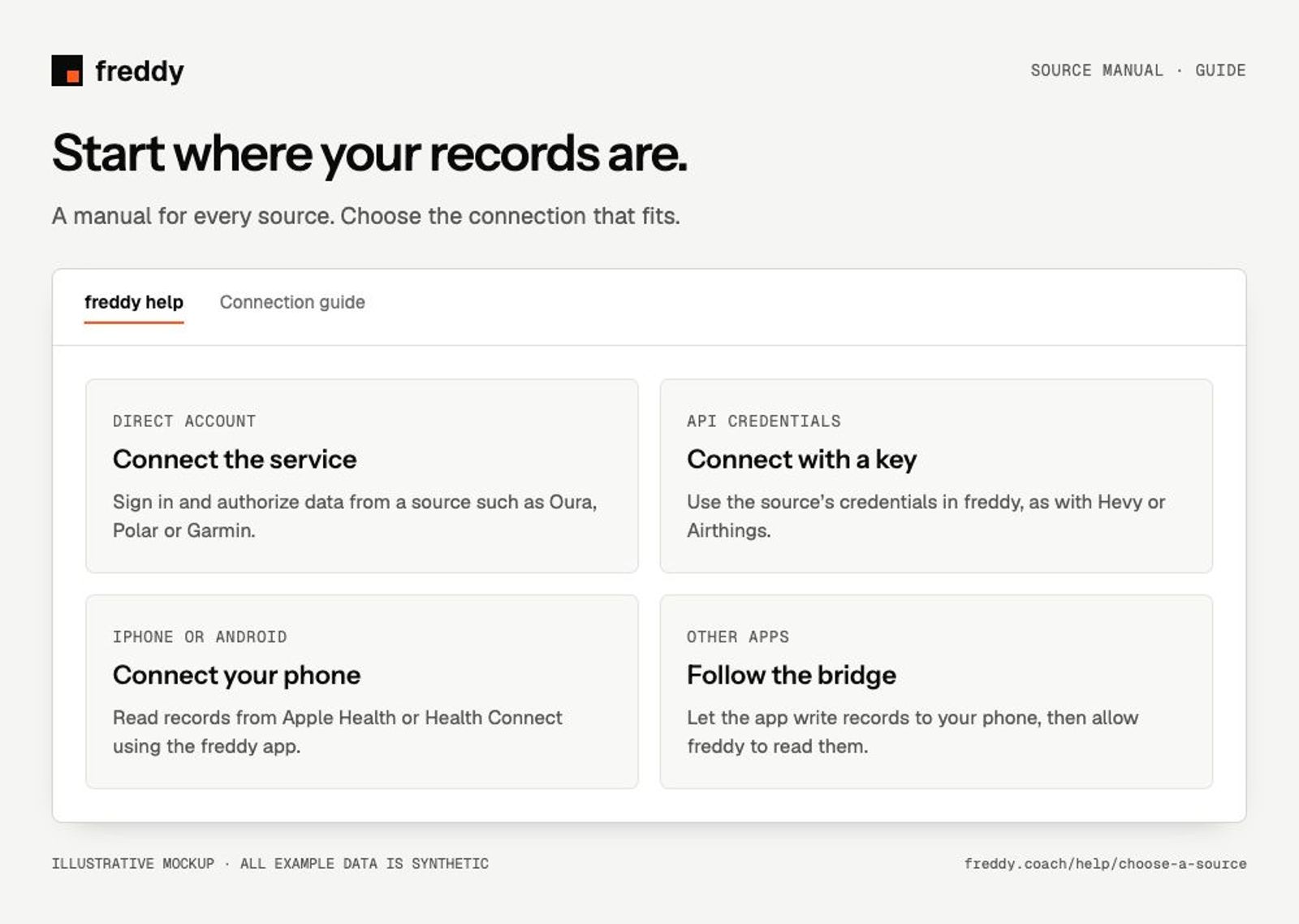
Start with the source that already holds your records. A direct connection reads the source account; a phone bridge reads the records an app shares with Apple Health or Health Connect.
Connect an account
Authorize a source account or paste its API credentials in freddy. Each guide covers setup, available data, history and troubleshooting.
Connect your phone’s health platform
Use the freddy app on the phone that contains your records. The browser can display uploaded data; phone access is granted on the device.
Connect through another app
These sources reach freddy through your phone’s health platform. The manual explains the app’s export step and the platform permission step.
Google Fitbit · iPhone and Android
Cronometer · iPhone and Android
MyFitnessPal · iPhone and Android
Other bridge apps: check compatibility and set up sharing
Connections in alpha
These manuals explain restricted access and the setup path when enabled. A catalog listing does not mean the source is available to connect.
After your first connection
- Check that records have arrived, including their dates and source names.
- Connect another source you want to compare with the first.
- Connect your AI client, ask a dated question and request source labels.
Understand sync and find missing data
Import Garmin archive and FIT data
Which route should you use?
For a source with a direct connection, use its manual to check the available data and history. For apps that export through your phone, use the bridge route. If you use both, inspect overlapping records before asking for totals. Different sources can describe the same workout or night.