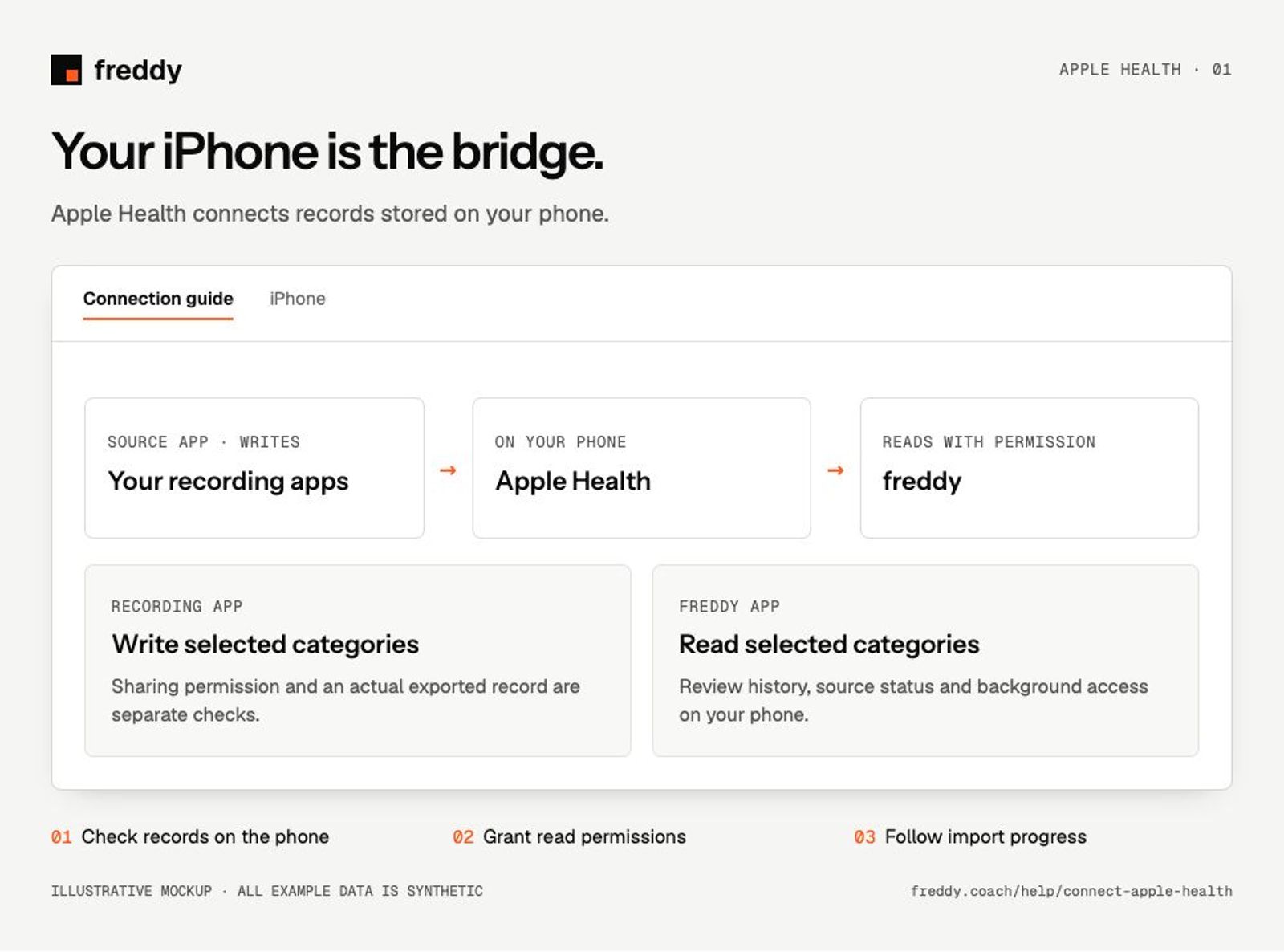
Use the freddy iPhone app to bring records from Apple Health into freddy, including Apple Watch data and records written by other apps.
Before you connect
Install freddy on the iPhone containing your Health records and sign in to your freddy account. A desktop browser can show uploaded records, but cannot read your iPhone’s Health database.
Connect
Open freddy Sources after installing the phone app
- Open freddy on iPhone, go to Sources and connect Apple Health.
- Review the iOS Health permission sheet and allow the categories you want freddy to read.
- Keep freddy open during the initial import and inspect its progress. For another app’s records, also enable that app’s permission to write those categories to Apple Health.
- Open the Apple Health source in freddy to review the apps and devices contributing records.
What reaches freddy
- Supported activity, workouts, sleep, heart-rate and related records that you allow freddy to read.
- Supported body measurements, nutrition and other health categories present in Apple Health.
- The source app or device attached to imported records, so you can inspect where they came from.
History and updates
freddy can import supported records already present on the phone and permitted by iOS. Older records that never reached Apple Health cannot be recovered by a freddy re-import. Background updates depend on iOS scheduling; opening freddy lets it resume work in the foreground.
If data is missing
- An app appears in Health but has no records: permission alone is not a data transfer. Open a category in Apple Health and inspect its entries and source.
- Records are in Apple Health but absent in freddy: check freddy’s read permissions and whether the source is active in freddy.
- Updates are delayed: open the source app first, then freddy, and check progress. Do not assume a background task has run at a fixed time.
Use it with your other sources
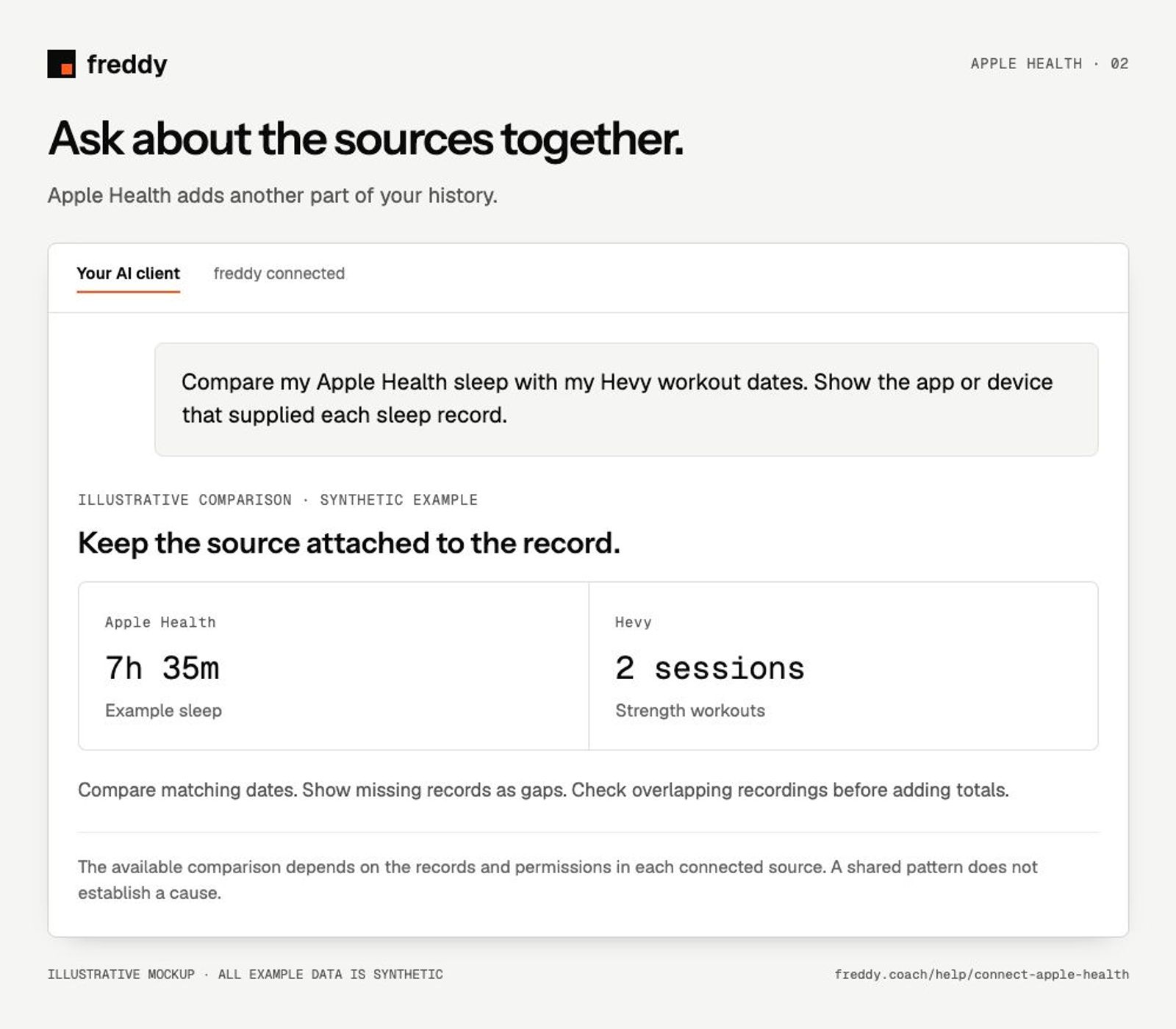
Compare my Apple Health sleep with my Hevy workout dates. Show the app or device that supplied each sleep record.
Pause or disconnect
Revoke freddy’s Health read permissions to stop access from the phone. In freddy, pausing a contributing source stops future import; Clear stored history is a separate deletion action. Read its confirmation for the scope. Removing permission does not by itself delete records already stored in freddy or Apple Health.
Provider instructions
Manage Apple Health data and sources
Other apps through Apple Health or Health Connect