Your Withings scale, blood pressure monitor, watch, and sleep analyzer record a lot about you, and the AI assistant you talk to every day cannot see any of it. The Model Context Protocol (MCP) is the open standard that connects the two, and nine options now do it for Withings.
This list ranks them by setup effort, from least to most. freddy is ours, and it is first: nothing to install, no developer app to register, and Withings next to your other apps in any AI app that speaks MCP. Each entry says who it suits.
What to know first
Withings' API is open to individuals: anyone can register a developer app for free, with no contract (Withings developer guide). So the question that sorts the options is whether you just sign in with Withings, or register your own app first.
Two details matter if you register your own. The free plan leaves out Withings' paid pack of advanced measures, such as sleep score, overnight HRV, ECG, and VO2 max (data list). And an app whose callback is a local address runs in a restricted mode for up to 10 users, which is enough for one person.
Withings' own AI assistant lives in the Withings app for Withings+ members, at $9.95 a month or $99.50 a year. Withings ships no MCP server of its own.
Where a server runs decides where you can use it. A hosted server is a web address, so it works in Claude and ChatGPT on the web, on the desktop, and on your phone. A server on your computer works only in desktop apps such as Claude Desktop and Cursor. The Claude phone app and claude.ai cannot reach it, and ChatGPT needs a tunnel you set up yourself.
The list
1. freddy
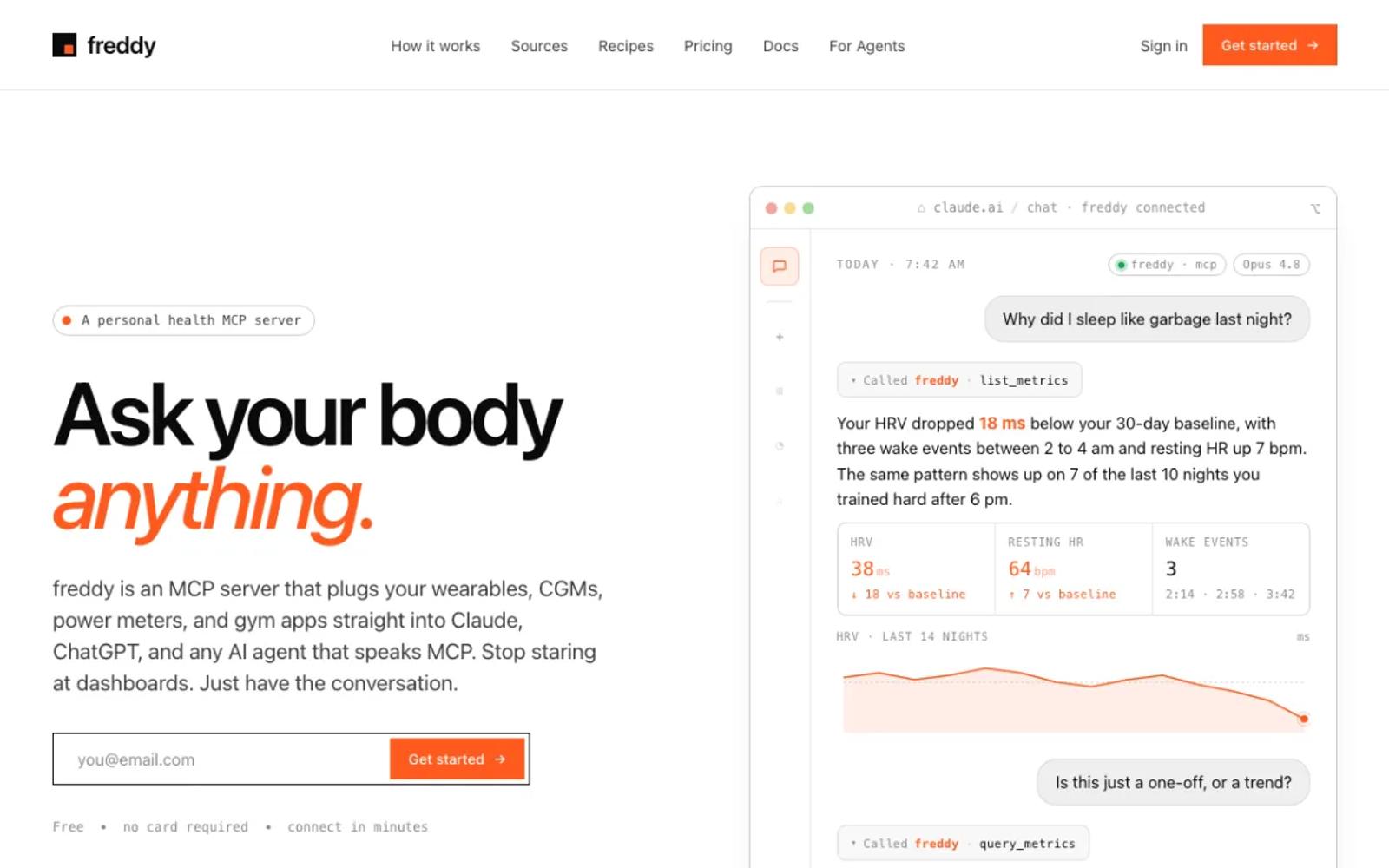
freddy is a hosted MCP server that brings your health data from all your apps into one place. You sign in with a code we email you, connect Withings on Withings' own sign-in screen, and add freddy to your AI app, from ChatGPT's app directory or with one personal URL in Claude, Cursor, or any other MCP client.
New weigh-ins, blood pressure readings, and nights arrive by push soon after your device syncs, and your history comes with them. The same account reads Garmin, Oura, Polar, Apple Health, and more, so a question like "does my blood pressure follow my training load" works across all of them.
Our Withings guide walks through every step.
Setup: three steps in your browser. Nothing to install, nothing to update, and it works on your phone too.
Price: free for one source with a short history window, or $49/year for all your sources and your full history.
Best for: almost everyone with Withings devices, and especially people who use more than one app.
2. withings-mcp.com
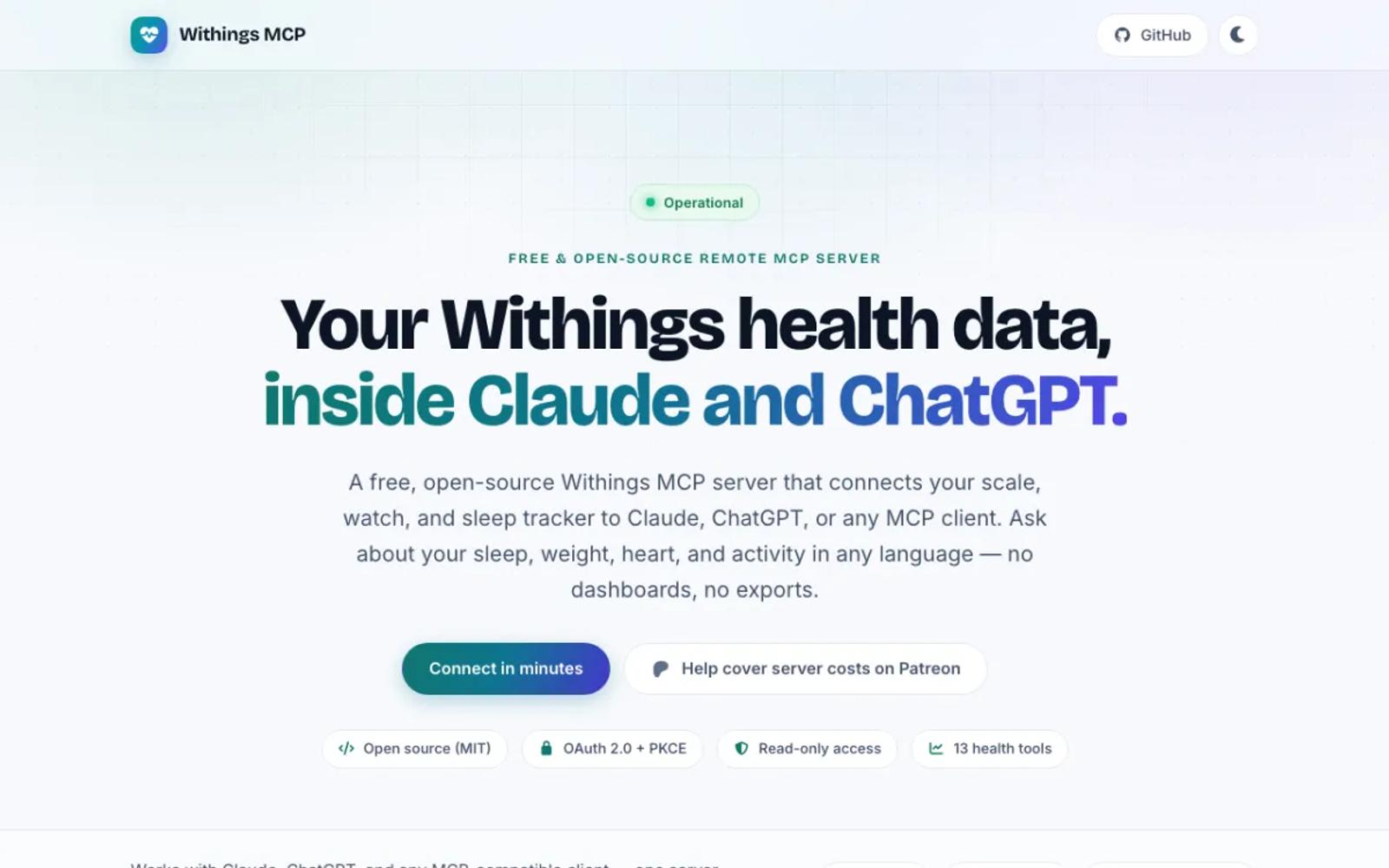
withings-mcp.com is a free hosted server for Withings alone, open source under MIT. It signs in with Withings' own screen through the project's app and offers 13 read-only tools, from sleep and measurements to ECG and stethoscope recordings.
It is a one-person project with no guarantee, and it does not say which Withings plan it uses, which decides whether the advanced measures come through.
Setup: add its URL as a custom connector, click Connect, and sign in to Withings.
Price: free, with a Patreon for donations.
Best for: Withings-only users who want a free hosted server.
3. Wellness Project
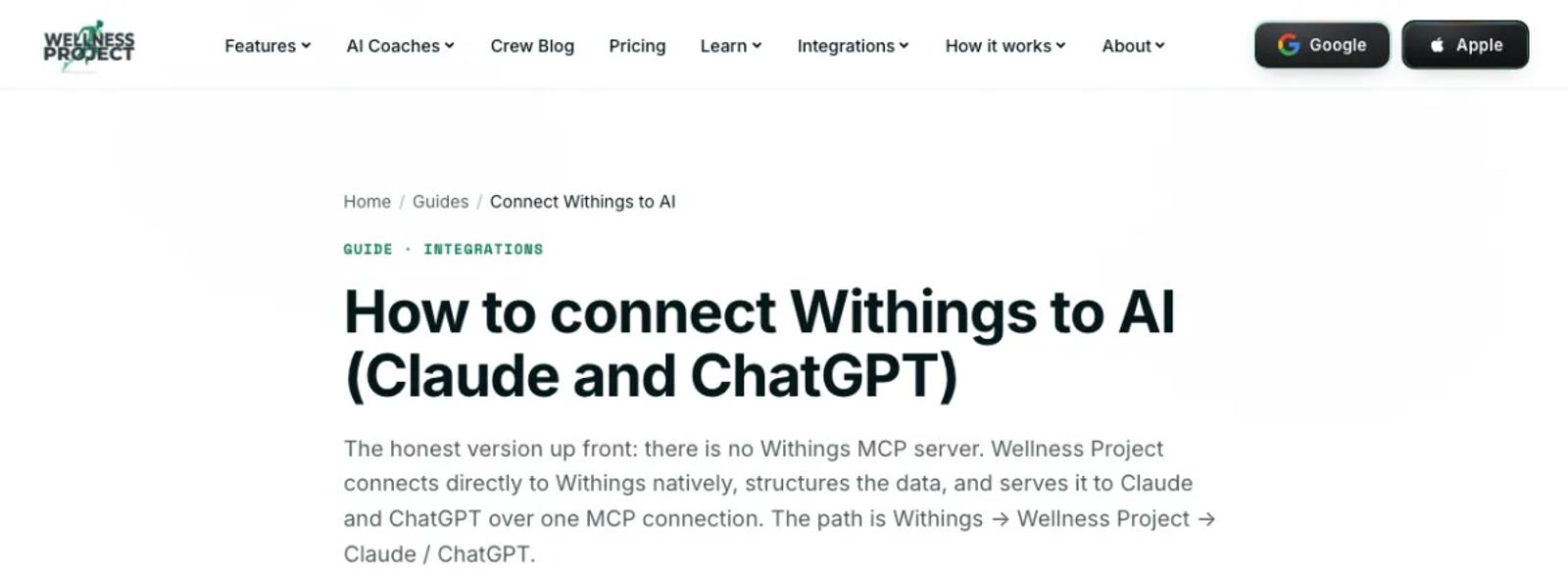
Wellness Project is a hosted coaching app with its own MCP server. It connects Withings directly for body, sleep, activity, heart, and blood pressure data, and its server lists 73 tools, some of which write to Wellness Project.
The free plan allows 3 analysis chats a day, with the app and your AI app counted together.
Setup: sign in with Apple or Google, connect Withings in the app, then add its MCP address to your AI app and sign in.
Price: a free Basic plan. Pro is $9.99 a month or $99.99 a year, with an introductory $4.99 a month or $39.99 a year until October 15 (pricing).
Best for: people who want a coaching app alongside their AI assistant.
4. FitnessPeak
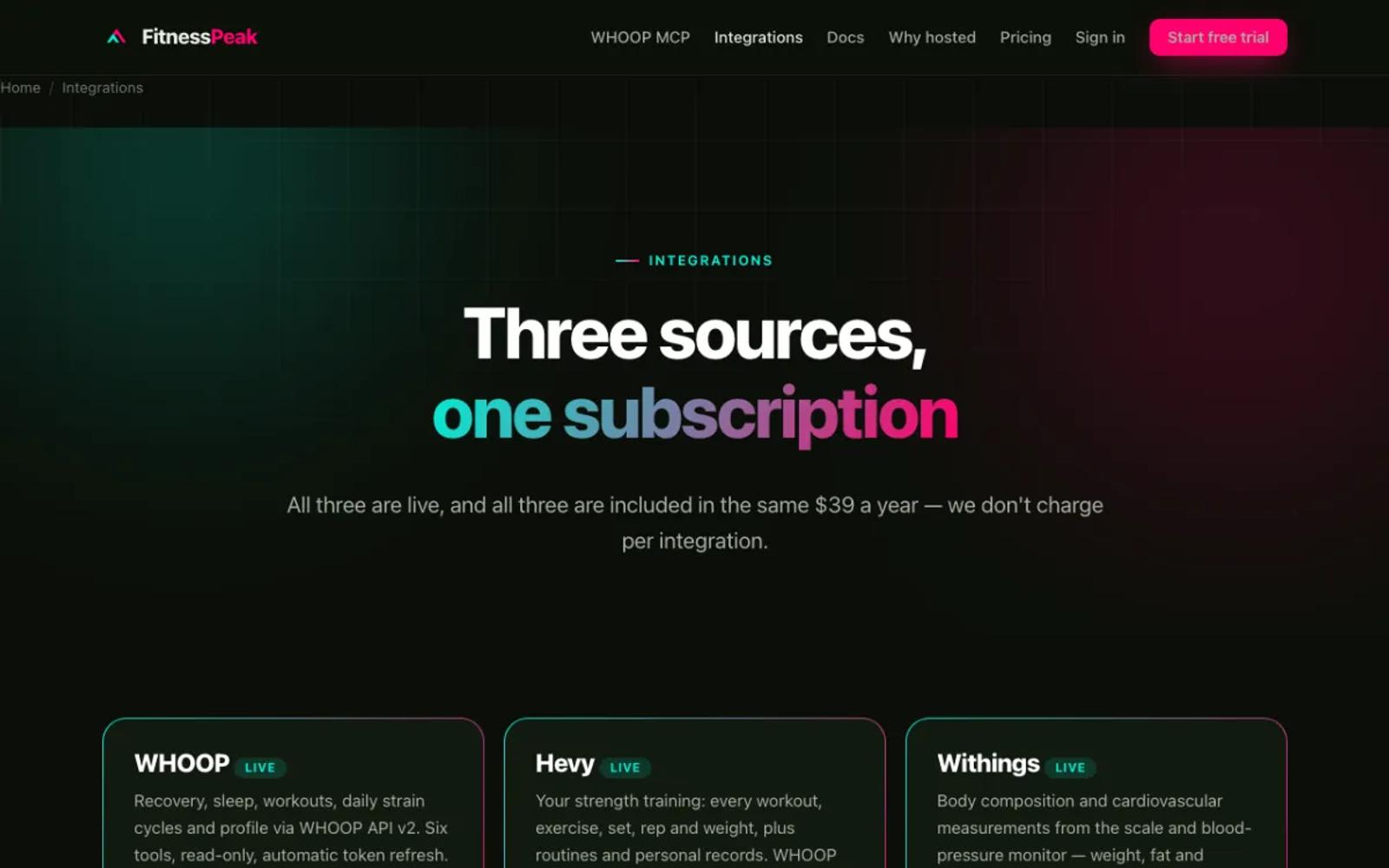
FitnessPeak, from a Norwegian company, runs a hosted MCP server that covers Withings, WHOOP, and Hevy, with 9 read-only Withings tools for weight, blood pressure, heart, sleep, activity, and more. It connects with a key, so it suits Claude, Cursor, and VS Code.
Setup: sign up with a card, connect Withings, and add its key to your AI app.
Price: $39 a year, after a 14-day trial (pricing).
Best for: people who want Withings, WHOOP, and Hevy in one small hosted server.
5. AthleteData
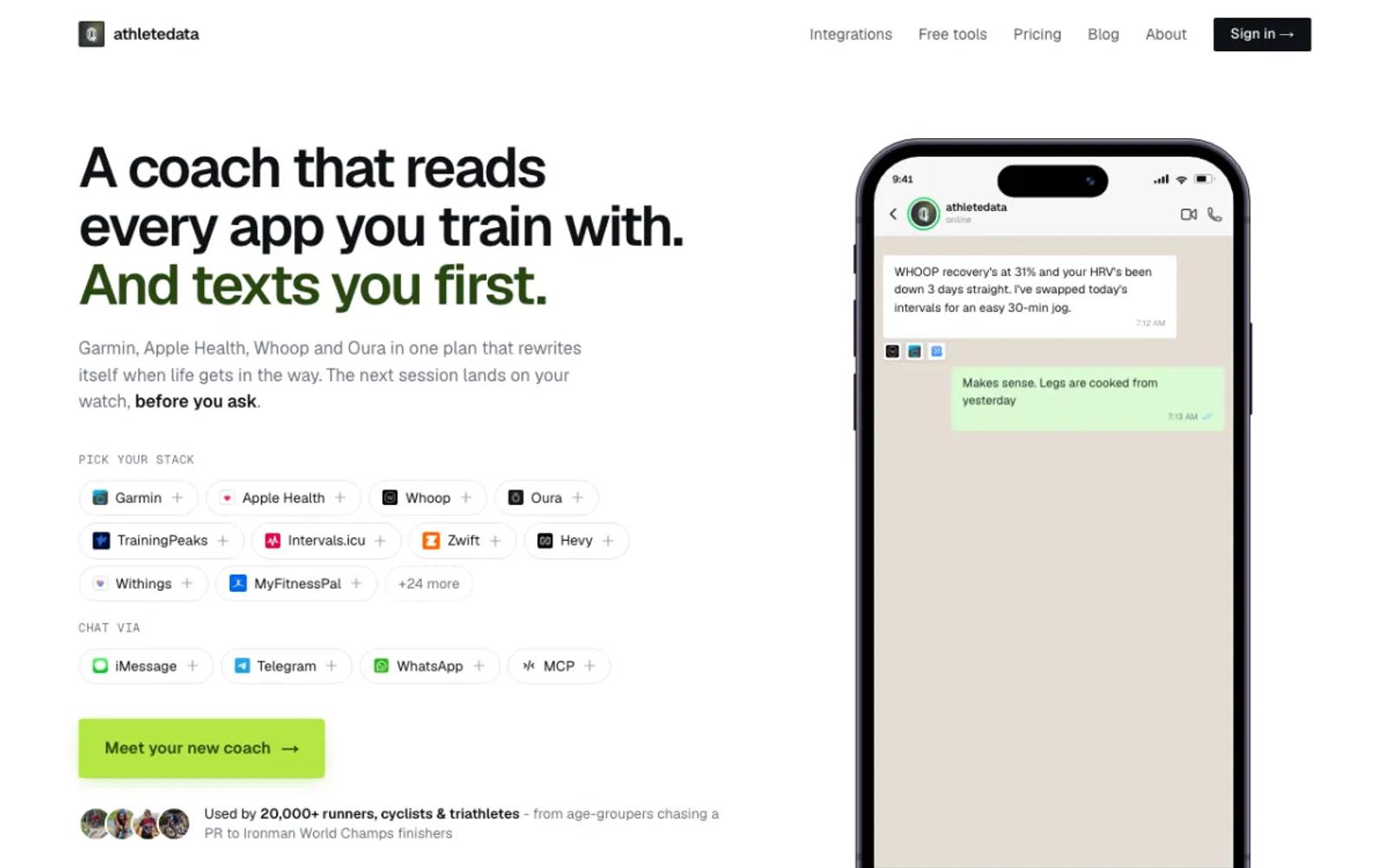
AthleteData is a hosted AI coach with a cheaper MCP-only plan. It reads Withings weight, sleep, blood pressure, and body composition, next to more than 30 other apps. The coaching plan messages you after workouts; the MCP-only plan leaves that out.
Setup: start the trial, connect Withings, and add the connector to your AI app.
Price: MCP-only is CHF 9 a month or CHF 69 a year, after a 7-day free trial (plans). Coaching is CHF 29.90 a month.
Best for: athletes who want a coach that gets in touch first, as well as answers.
6. Fulcra Context, through Apple Health
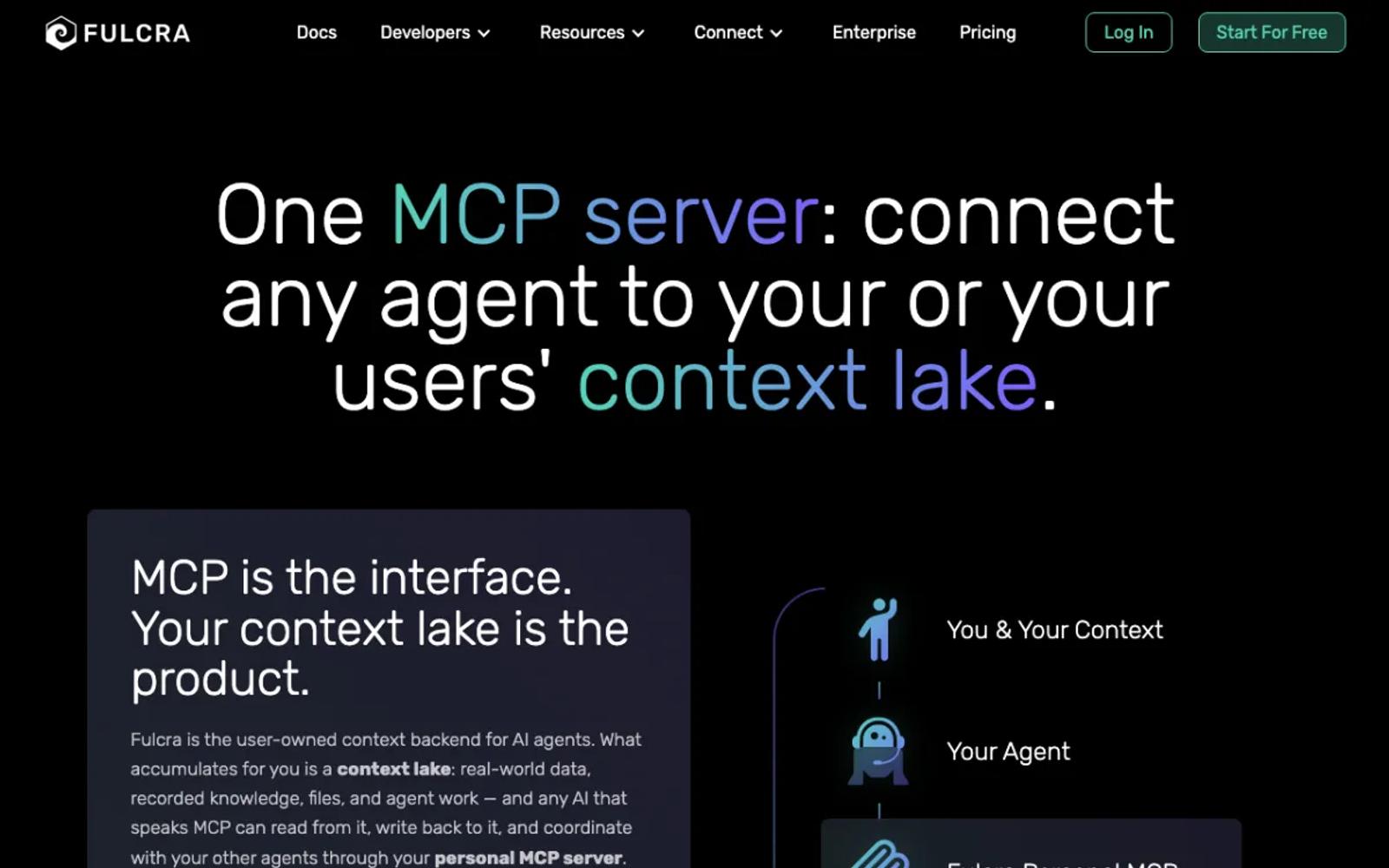
Fulcra Context is a personal data store with a hosted MCP server. Its iPhone app reads Apple Health, and the Withings app can share weight, blood pressure, heart rate, HRV, sleep, ECG, and more there, which is one way to reach measures that a free-plan API app does not get.
It is iPhone only, and the Withings app pushes to Apple Health when you open it.
Setup: moderate. Turn on the Apple Health export in the Withings app, install Context, allow Apple Health access, then add Fulcra's server to your AI app.
Price: Personal is free. Pro is $14.99 a month or $149.99 a year (pricing).
Best for: iPhone users who want a broader personal data store.
7. withings-mcp-unofficial
A local server with about 18 tools, daily and weekly summaries among them, MIT licensed and published on npm as withings-mcp-unofficial. It reads Withings through your own developer app.
Setup: involved. Register your own Withings app with a local callback, install Node, and run its setup, auth, and doctor commands. Desktop apps only.
Price: free and open source.
Best for: people who want a guided command-line setup on their own computer.
8. partymola/withings-mcp
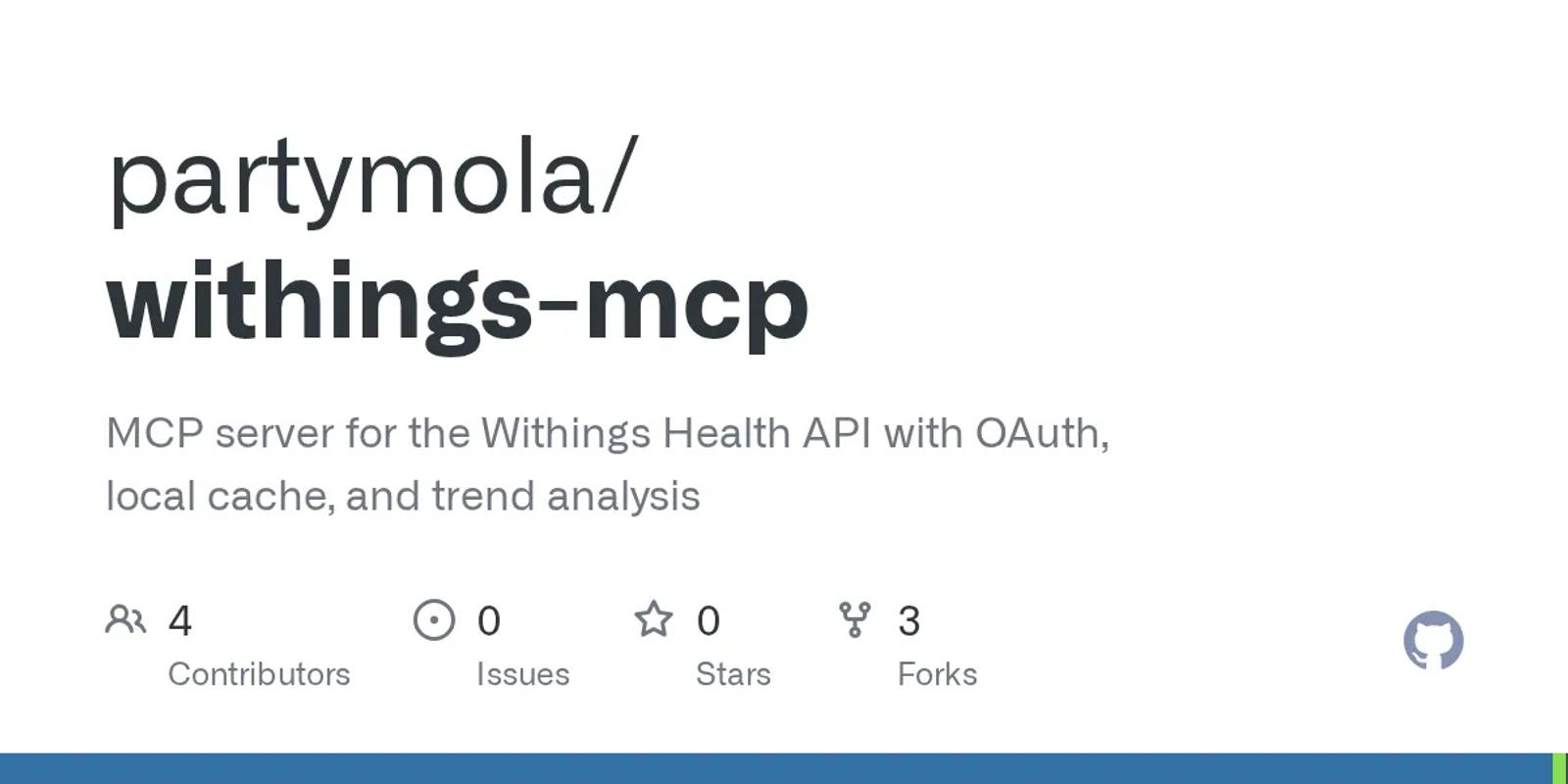
A Python server with 8 tools, a local SQLite cache, and trends, under GPL-3.0. It reads Withings through your own developer app.
Setup: involved. Register your own Withings app, install Python 3.13, run its auth command, and add it to your desktop AI app.
Price: free and open source.
Best for: developers who want a local cache and trends.
9. Open Wearables
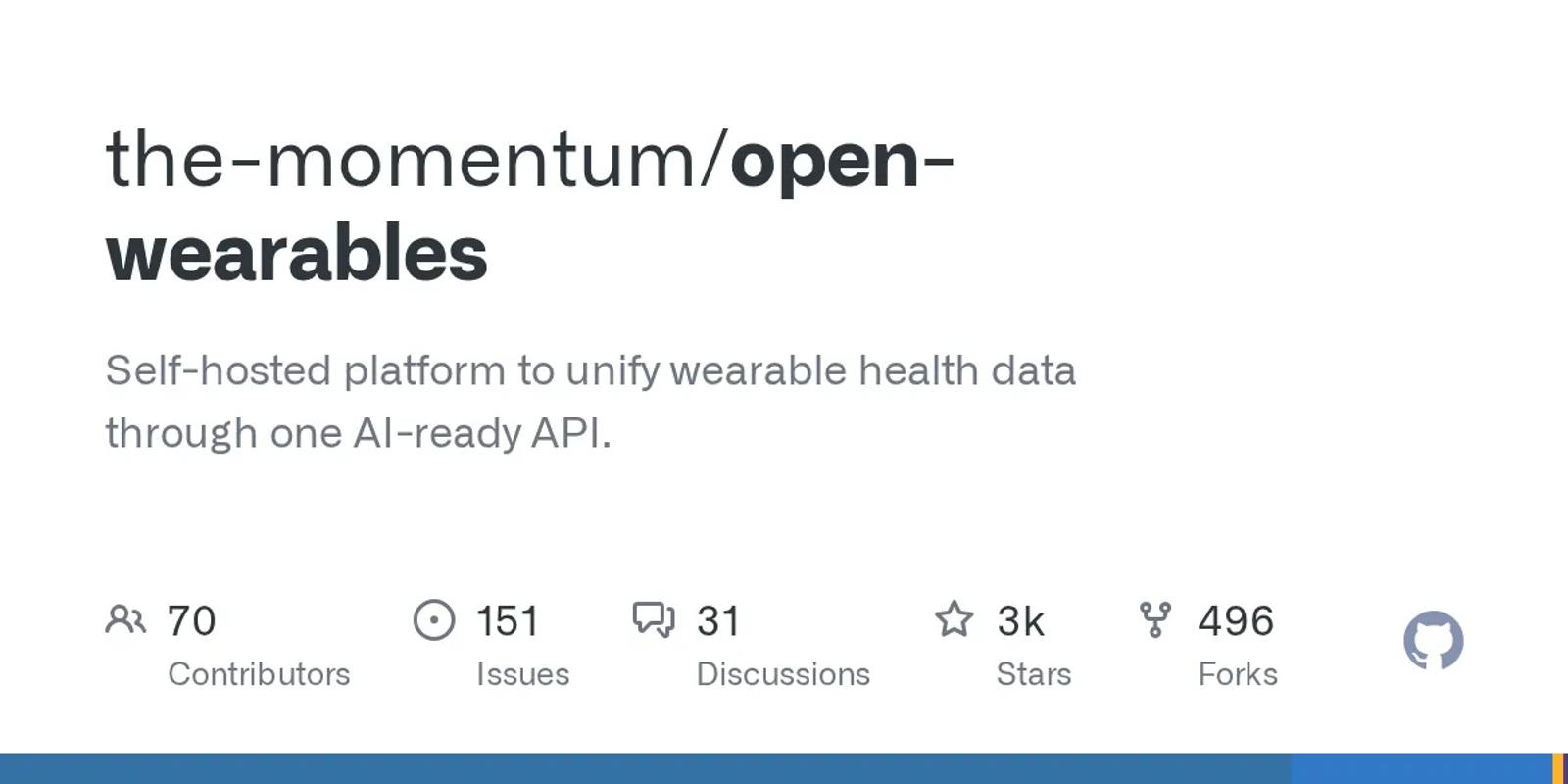
An open-source platform that you run on your own server, with 2,562 stars and an MIT license. It connects Withings with your own developer app and a public web address for the callback, and it includes an MCP server with 6 tools.
Setup: the most work on this list. Run its Docker stack on a server with a public address, register your Withings app, add its keys, and set up the MCP server. Desktop apps only.
Price: free software. You pay for the server.
Best for: developers who want several sources on hardware they control.
| Tool | Setup | Withings access | Price |
|---|---|---|---|
| freddy | None; web, desktop, and phone | Official sign-in | Free tier; $49/year |
| withings-mcp.com | None; web, desktop, and phone | Official sign-in | Free |
| Wellness Project | App and connector; web, desktop, and phone | Official sign-in | Free (3 chats a day); Pro $9.99/mo |
| FitnessPeak | Key; desktop apps and claude.ai | Official sign-in | $39/yr |
| AthleteData | Account; web, desktop, and phone | Official sign-in | CHF 69/yr or CHF 9/mo |
| Fulcra Context | iPhone app; web, desktop, and phone | Through Apple Health | Free; Pro $14.99/mo |
| withings-mcp-unofficial | Your own Withings app; desktop only | Official, your own app | Free |
| partymola/withings-mcp | Your own Withings app; desktop only | Official, your own app | Free |
| Open Wearables | Your own server and Withings app; desktop only | Official, your own app | Free; you pay for hosting |
How to choose
For most people, the answer is freddy: no developer app, nothing to keep running, and Withings next to your other apps in any AI app that speaks MCP, on your phone too. The exceptions:
- You use only Withings and want it free: withings-mcp.com.
- You want a coaching app alongside: Wellness Project.
- You want Withings, WHOOP, and Hevy in one small server: FitnessPeak.
- You want it on your own computer: withings-mcp-unofficial.
Prices and details verified in September 2026. This space moves fast, so check each vendor's site for current details before you commit. For other wearables, see our roundup of wearable MCP servers.