Hevy holds every set, rep, and weight you have logged, and the AI assistant you talk to every day cannot see any of it. The Model Context Protocol (MCP) is the open standard that connects the two, and eight options now do it for Hevy.
This list ranks them by setup effort, from least to most. freddy is ours, and it is first: nothing to install, and your lifting next to your sleep and recovery apps in any AI app that speaks MCP. Each entry says who it suits.
What to know first
The question that sorts Hevy options is Hevy Pro. Hevy's public API works with a personal API key, and the key is only for Pro members (Hevy API). Pro costs $2.99 a month, $23.99 a year, or $74.99 once (pricing), and the key is in Hevy's settings under Developer, with no approval step.
Without Pro, the one route is Hevy's own ChatGPT app, which is free and mostly builds routines.
Hevy's API can create and update workouts and routines, but it has no delete and no undo, and an update replaces the whole record. If you let an AI write to Hevy, check what it changes.
Where a server runs decides where you can use it. A hosted server is a web address, so it works in Claude and ChatGPT on the web, on the desktop, and on your phone. A server on your computer works only in desktop apps such as Claude Desktop and Cursor. The Claude phone app and claude.ai cannot reach it, and ChatGPT needs a tunnel you set up yourself.
The list
1. freddy
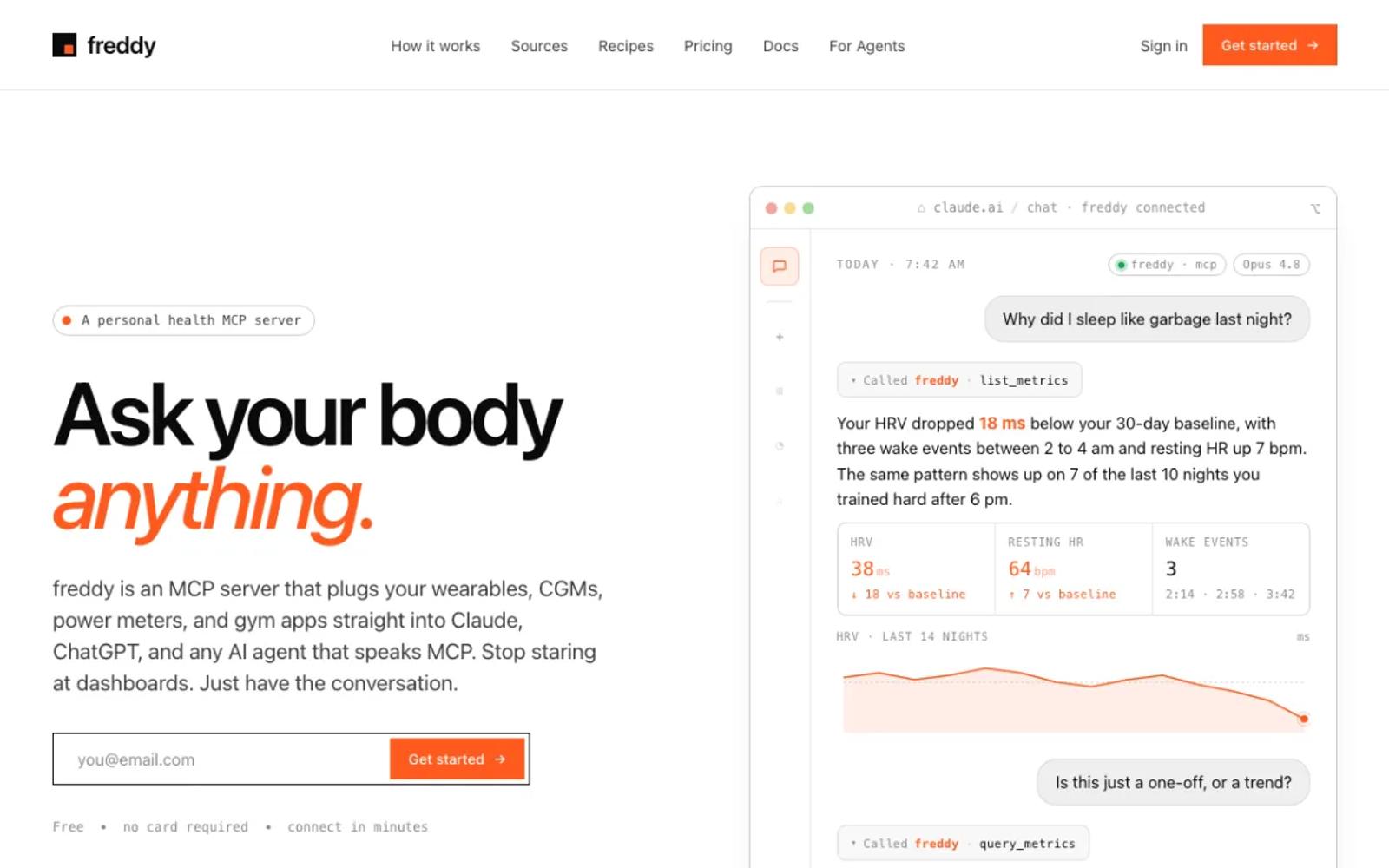
freddy is a hosted MCP server that brings your health data from all your apps into one place. You sign in with a code we email you, enter your Hevy API key one time, and add freddy to your AI app, from ChatGPT's app directory or with one personal URL in Claude, Cursor, or any other MCP client.
freddy reads your workouts and body measurements, history included, and never writes to Hevy, so your log stays as you left it. The same account reads Garmin, Oura, Polar, Apple Health, and more, so a question like "do my lifts drop in weeks I sleep badly" works across all of them.
Our Hevy guide walks through every step.
Setup: three steps in your browser, plus your Hevy API key, which needs Hevy Pro. Nothing to install, and it works on your phone too.
Price: free for one source with a short history window, or $49/year for all your sources and your full history.
Best for: Hevy Pro members who want their training next to their sleep and recovery, without running anything.
2. Hevy for ChatGPT
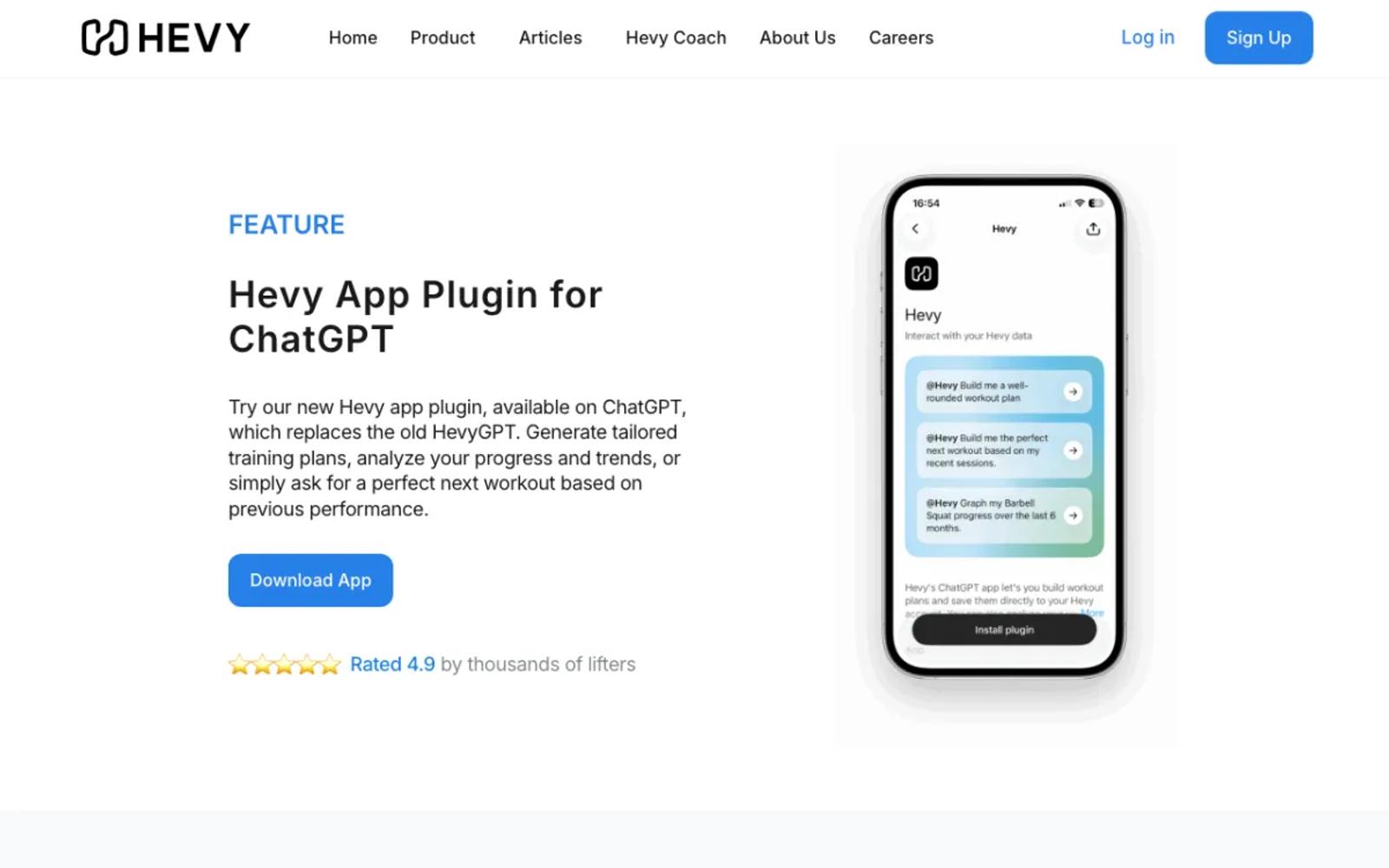
Hevy's own ChatGPT app signs in with your Hevy account, and Hevy says it works with free Hevy and free ChatGPT accounts. It reads your workouts and creates routines, folders, and plans; it does not log or edit workouts, and it does not read body measurements.
It works in ChatGPT only. Hevy's free plan allows 4 routines, which a generated plan can fill quickly.
Setup: install Hevy from ChatGPT's app directory and sign in with Hevy.
Price: free.
Best for: ChatGPT users without Hevy Pro who want the AI to build routines.
3. hevy-mcp, hosted
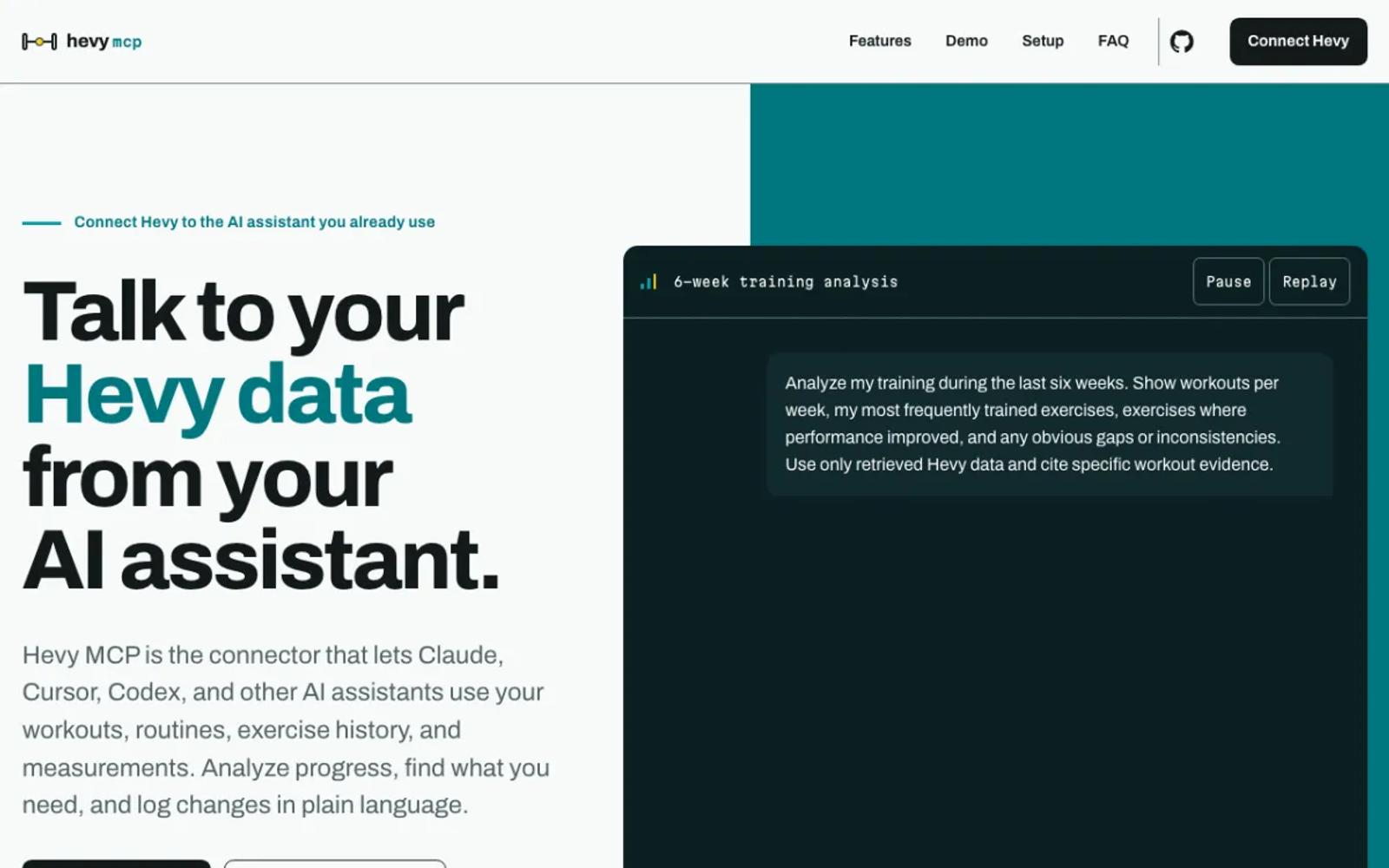
The best-known community project also runs as a free hosted server. It reads and writes workouts, routines, folders, body measurements, and custom exercises, and you enter your Pro key on its sign-in page. The code is open, with 483 stars and an MIT license.
Setup: add its URL as a custom connector in Claude and enter your Pro key on its page. In ChatGPT it needs developer mode.
Price: free and open source.
Best for: Hevy Pro members who want the AI to write routines and workouts at no cost.
4. Wellness Project
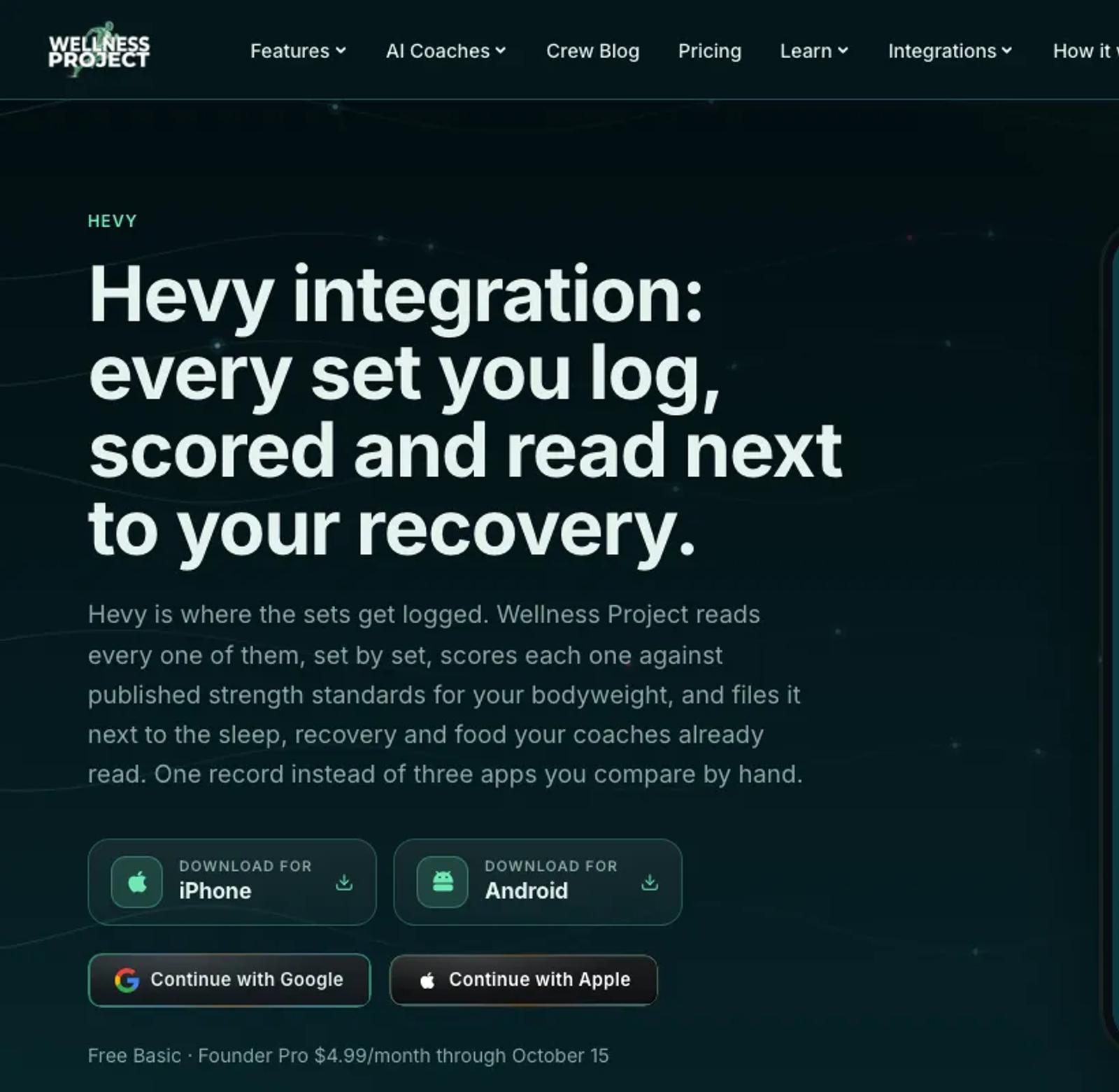
Wellness Project is a hosted coaching app with its own MCP server. It syncs Hevy every hour with your full history, never writes to Hevy, and labels its Hevy connection as alpha.
The free plan allows 3 analysis chats a day, with the app and your AI app counted together.
Setup: paste your Hevy API key in the app, then add its MCP address to your AI app and sign in.
Price: a free Basic plan. Pro is $9.99 a month or $99.99 a year, with an introductory $4.99 a month or $39.99 a year until October 15 (pricing).
Best for: people who want a coaching app alongside their AI assistant.
5. AthleteData
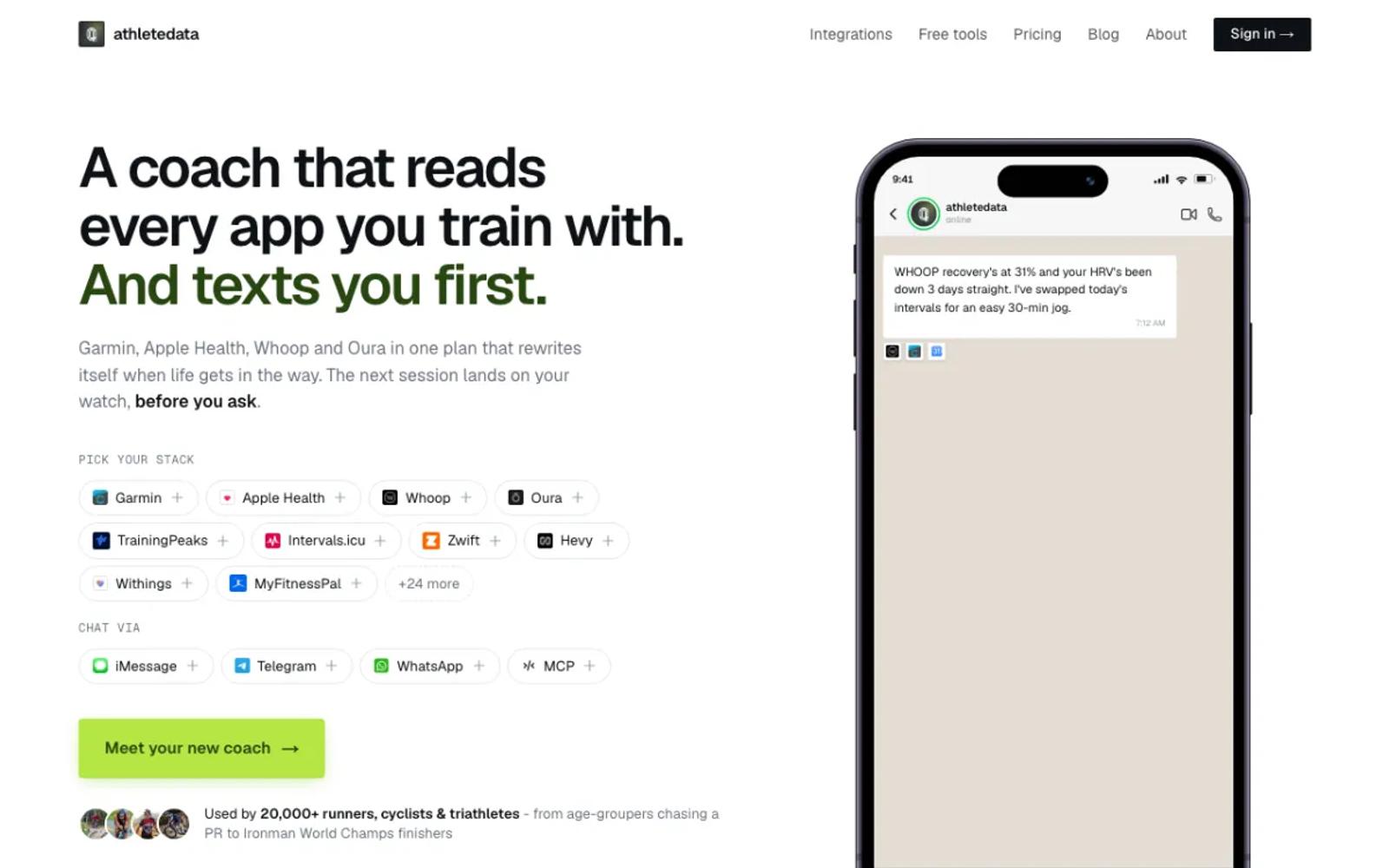
AthleteData is a hosted AI coach with a cheaper MCP-only plan. It lists 18 Hevy tools that read and write, next to more than 30 other apps. The coaching plan messages you after workouts; the MCP-only plan leaves that out.
Setup: start the trial, paste your Hevy API key in the dashboard, and add the connector to your AI app.
Price: MCP-only is CHF 9 a month or CHF 69 a year, after a 7-day free trial (plans). Coaching is CHF 29.90 a month.
Best for: athletes who want a coach that gets in touch first, as well as answers.
6. FitnessPeak
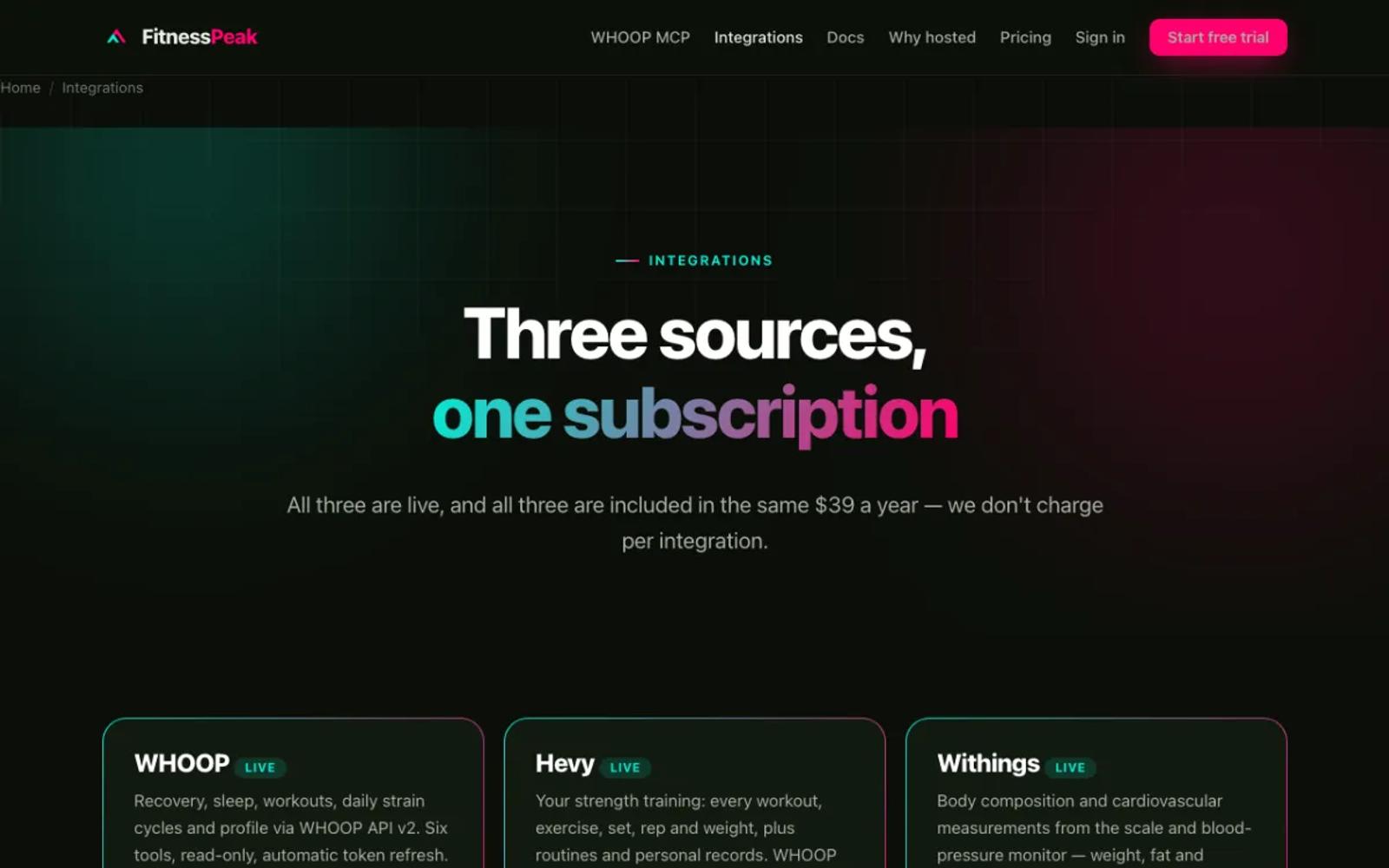
FitnessPeak, from a Norwegian company, runs a hosted MCP server that covers Hevy, WHOOP, and Withings, with 7 read-only Hevy tools. It connects with a key, so it suits Claude, Cursor, and VS Code; its own docs say ChatGPT's connector screen does not work with it.
Setup: sign up with a card, connect Hevy, and add its key to your AI app.
Price: $39 a year, after a 14-day trial (pricing).
Best for: people who want Hevy, WHOOP, and Withings in one small hosted server.
7. hevy-mcp, local
The same chrisdoc/hevy-mcp project, run on your own computer with your API key in its config. It is the most active Hevy server, with 24 contributors and releases this month.
Setup: moderate. Install Node 20 and add one command with your Hevy API key to your AI app's config. Desktop apps only.
Price: free and open source.
Best for: people who would rather keep their key on their own computer.
8. khglynn/hevy-mcp
A server you deploy yourself on Cloudflare Workers: 25 tools, 8 of which write, and each connection can be read-only or read-write. It is new, credits chrisdoc's project, and works in Claude on the web and phone because it runs on the web.
Setup: involved. You need a Cloudflare account, Node 22, a storage namespace, secrets, and a deploy. Then you add your own URL to your AI app.
Price: free, within Cloudflare's free tier.
Best for: developers who want a server they own that also works on their phone.
| Tool | Setup | Needs Hevy Pro | Price |
|---|---|---|---|
| freddy | API key; web, desktop, and phone | Yes | Free tier; $49/year |
| Hevy for ChatGPT | None; ChatGPT only | No | Free |
| hevy-mcp, hosted | API key; web, desktop, and phone | Yes | Free |
| Wellness Project | App and connector; web, desktop, and phone | Yes | Free (3 chats a day); Pro $9.99/mo |
| AthleteData | API key; web, desktop, and phone | Yes | CHF 69/yr or CHF 9/mo |
| FitnessPeak | Key; desktop apps and claude.ai | Yes | $39/yr |
| hevy-mcp, local | Terminal and config file; desktop only | Yes | Free |
| khglynn/hevy-mcp | Cloudflare deploy; web, desktop, and phone | Yes | Free (Cloudflare free tier) |
How to choose
For most Hevy Pro members, the answer is freddy: your lifting next to your recovery data, nothing to run, and it never changes your log. The exceptions:
- You do not pay for Hevy Pro and use ChatGPT: Hevy's own ChatGPT app.
- You want the AI to write routines and workouts: hevy-mcp, hosted or local.
- You want a coach that gets in touch first: AthleteData.
- You want a server you own that works on your phone: khglynn/hevy-mcp.
Prices and details verified in September 2026. This space moves fast, so check each vendor's site for current details before you commit. For other wearables, see our roundup of wearable MCP servers.