Your Wahoo ELEMNT, KICKR, and TICKR record every ride and workout, and the AI assistant you talk to every day cannot see any of it. The Model Context Protocol (MCP) is the open standard that connects the two, and seven options now do it for Wahoo.
This list ranks them by setup effort, from least to most. freddy is ours, and it is first: nothing to install, no API access to apply for, and your rides next to your sleep and recovery in any AI app that speaks MCP. Each entry says who it suits.
What to know first
Wahoo gives API access only on request, and a live app needs Wahoo's review (Wahoo developer portal). So the question that sorts Wahoo options is whether a tool uses a Wahoo app that Wahoo already approved, or asks you to apply yourself.
Wahoo also syncs rides to partner platforms, which opens an indirect route: Wahoo to Intervals.icu, then an Intervals.icu MCP server.
Where a server runs decides where you can use it. A hosted server is a web address, so it works in Claude and ChatGPT on the web, on the desktop, and on your phone. A server on your computer works only in desktop apps such as Claude Desktop and Cursor. The Claude phone app and claude.ai cannot reach it, and ChatGPT needs a tunnel you set up yourself.
The list
1. freddy
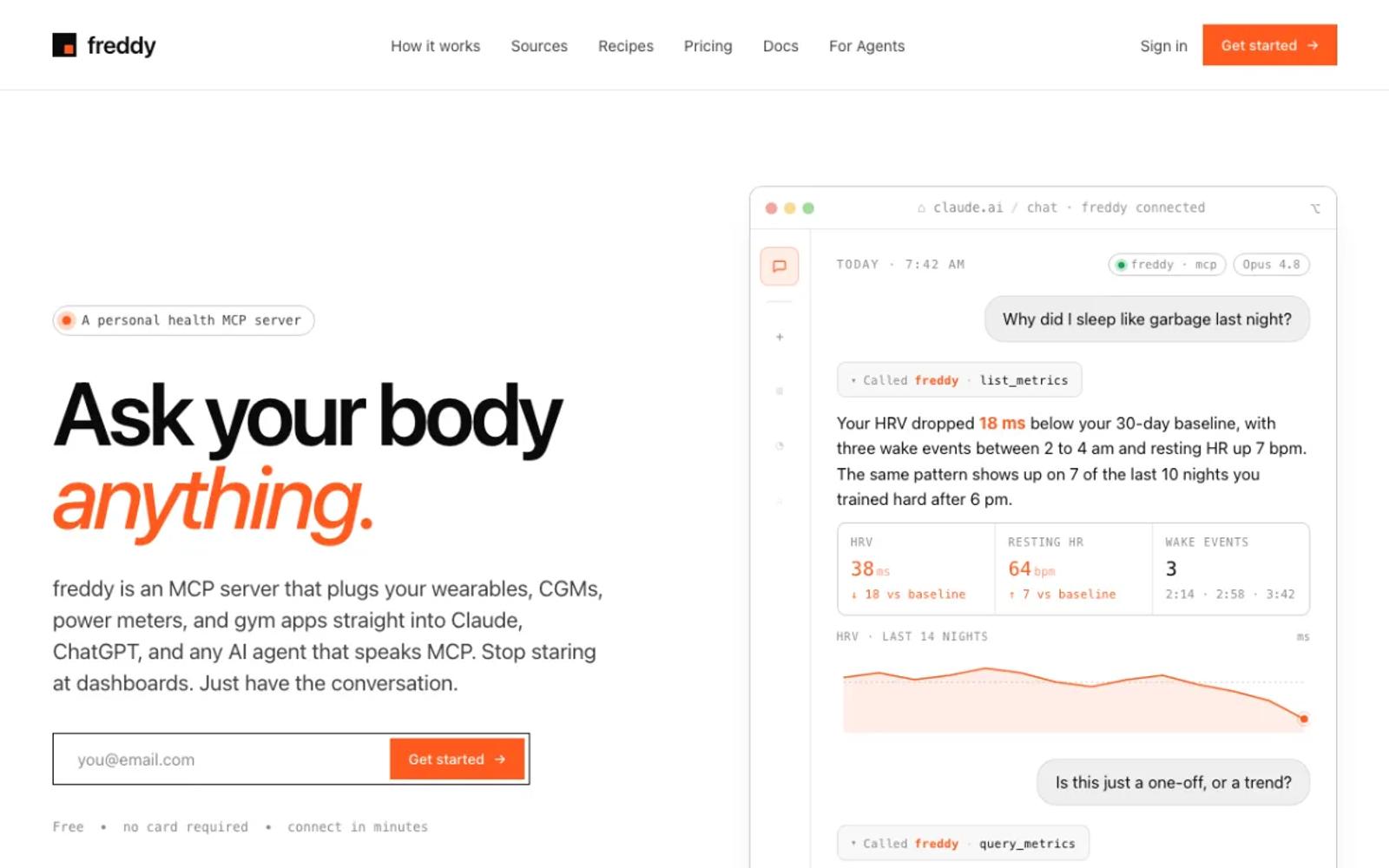
freddy is a hosted MCP server that brings your health data from all your apps into one place. You sign in with a code we email you, connect Wahoo on Wahoo's own sign-in screen, and add freddy to your AI app, from ChatGPT's app directory or with one personal URL in Claude, Cursor, or any other MCP client.
freddy uses Wahoo's official API through its own approved app, so there is nothing to apply for. New rides and workouts arrive by push soon after your device syncs, and your history comes with them. The same account reads Garmin, Oura, Polar, Apple Health, and more.
Our Wahoo guide walks through every step.
Setup: three steps in your browser. Nothing to install, nothing to update, and it works on your phone too.
Price: free for one source with a short history window, or $49/year for all your sources and your full history.
Best for: almost everyone who rides with Wahoo, and especially people who use more than one app.
2. AthleteData
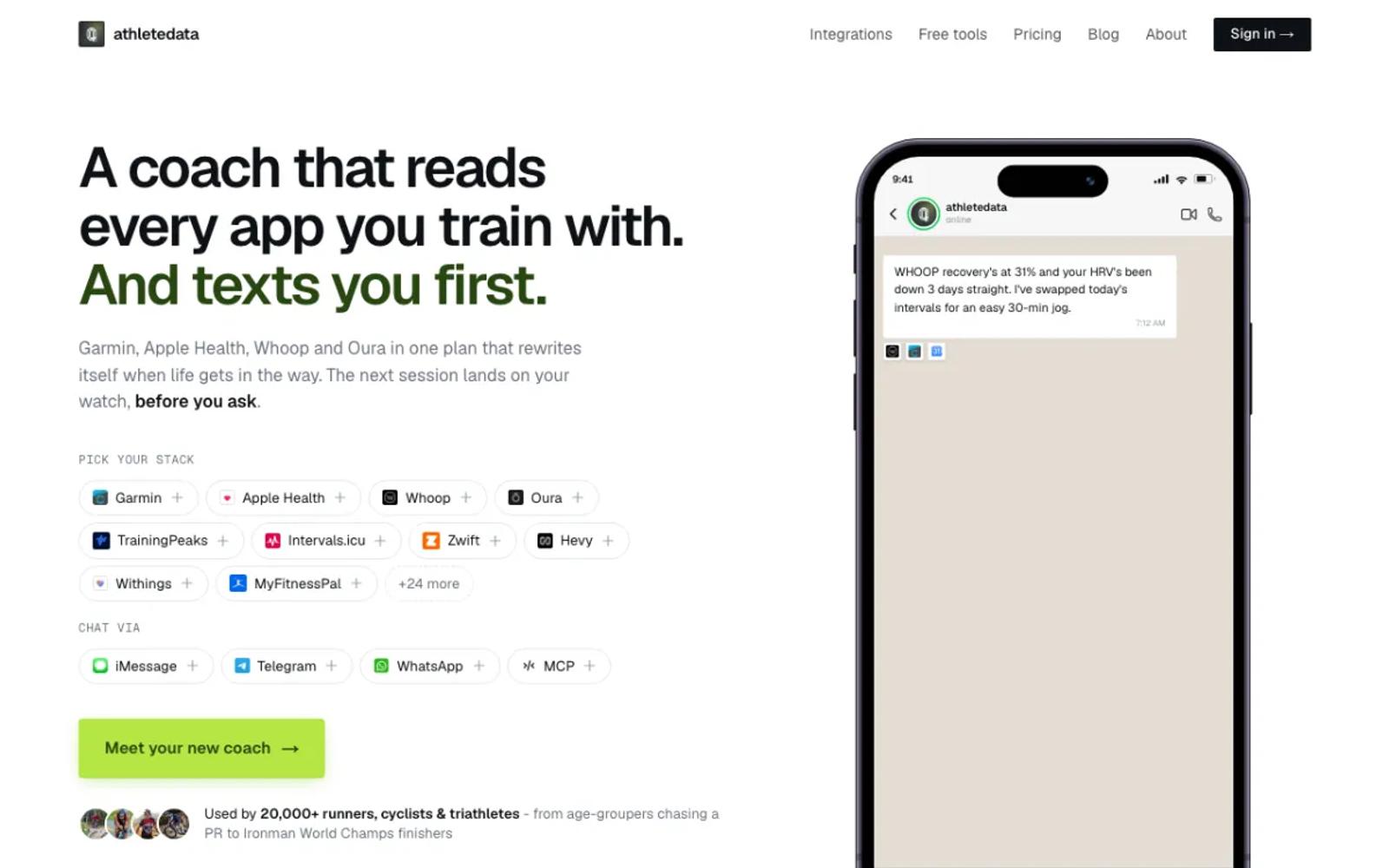
AthleteData is a hosted AI coach with a cheaper MCP-only plan. It signs in to Wahoo, and your ELEMNT rides and TICKR workouts sync on their own, next to more than 30 other apps. The coaching plan messages you after workouts; the MCP-only plan leaves that out.
Setup: start the trial, connect Wahoo, and add the connector to your AI app.
Price: MCP-only is CHF 9 a month or CHF 69 a year, after a 7-day free trial (plans). Coaching is CHF 29.90 a month.
Best for: athletes who want a coach that gets in touch first, as well as answers.
3. Shape
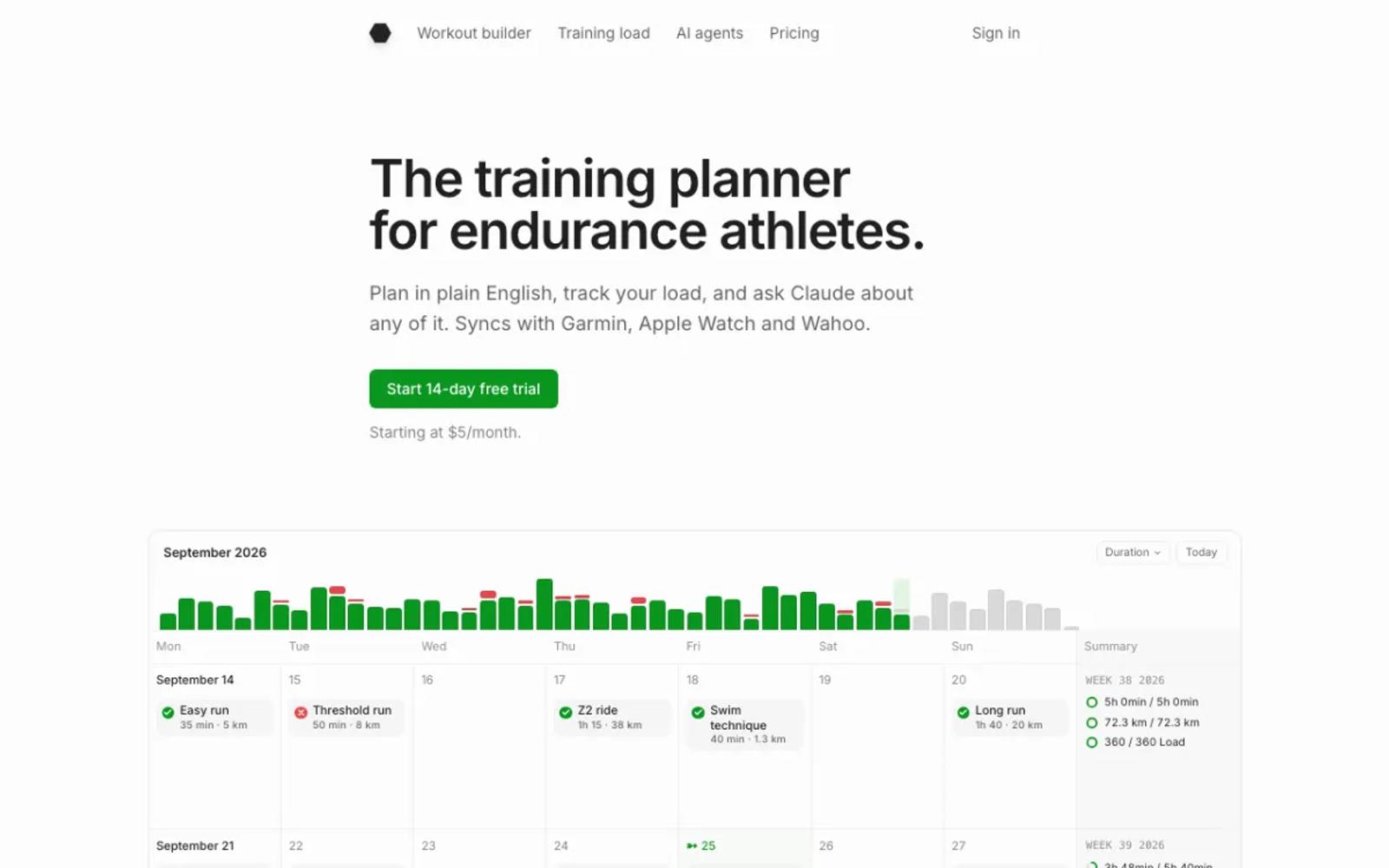
Shape is an endurance training planner with its own MCP server. It signs in to Wahoo with Wahoo's official screen, and it writes too: it sends planned workouts to your ELEMNT.
Setup: sign up, connect Wahoo, and add its connector to your AI app.
Price: $5 a month, after a 14-day trial (pricing).
Best for: riders who want the AI to plan sessions that land on their ELEMNT.
4. Tredict
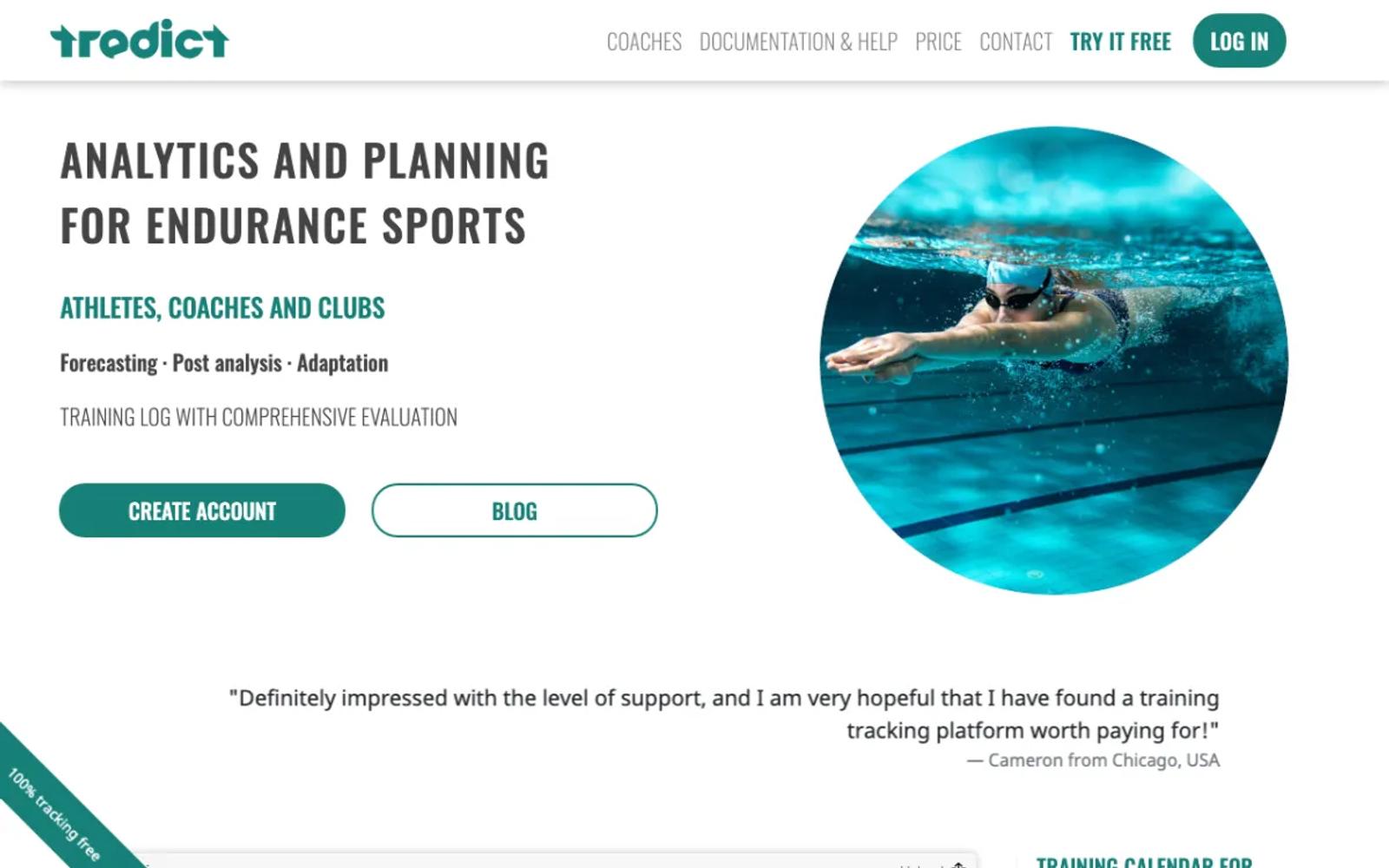
Tredict is an endurance training platform with its own MCP server. It connects with Wahoo's sign-in and imports up to 2,000 past activities.
It works best if Tredict is already your training log, and its MCP server needs Tredict's paid access for detailed data.
Setup: create a Tredict account, connect Wahoo, then add Tredict to your AI app.
Price: 2 months free, then $49 for 12 months, paid once (€49 in Europe; prices).
Best for: endurance athletes who already plan their training in Tredict.
5. IcuSync, through Intervals.icu
An indirect route. Wahoo syncs rides to Intervals.icu, which is free, and IcuSync serves Intervals.icu over MCP, with tools that read and plan, in Claude on the web, desktop, and phone, and in ChatGPT and Grok.
Setup: create an Intervals.icu account, link Wahoo there, sign up for IcuSync, and paste its URL into your AI app.
Price: Intervals.icu is free; IcuSync is $20 a year.
Best for: athletes who already train in Intervals.icu.
6. Intervals.icu with a local MCP server
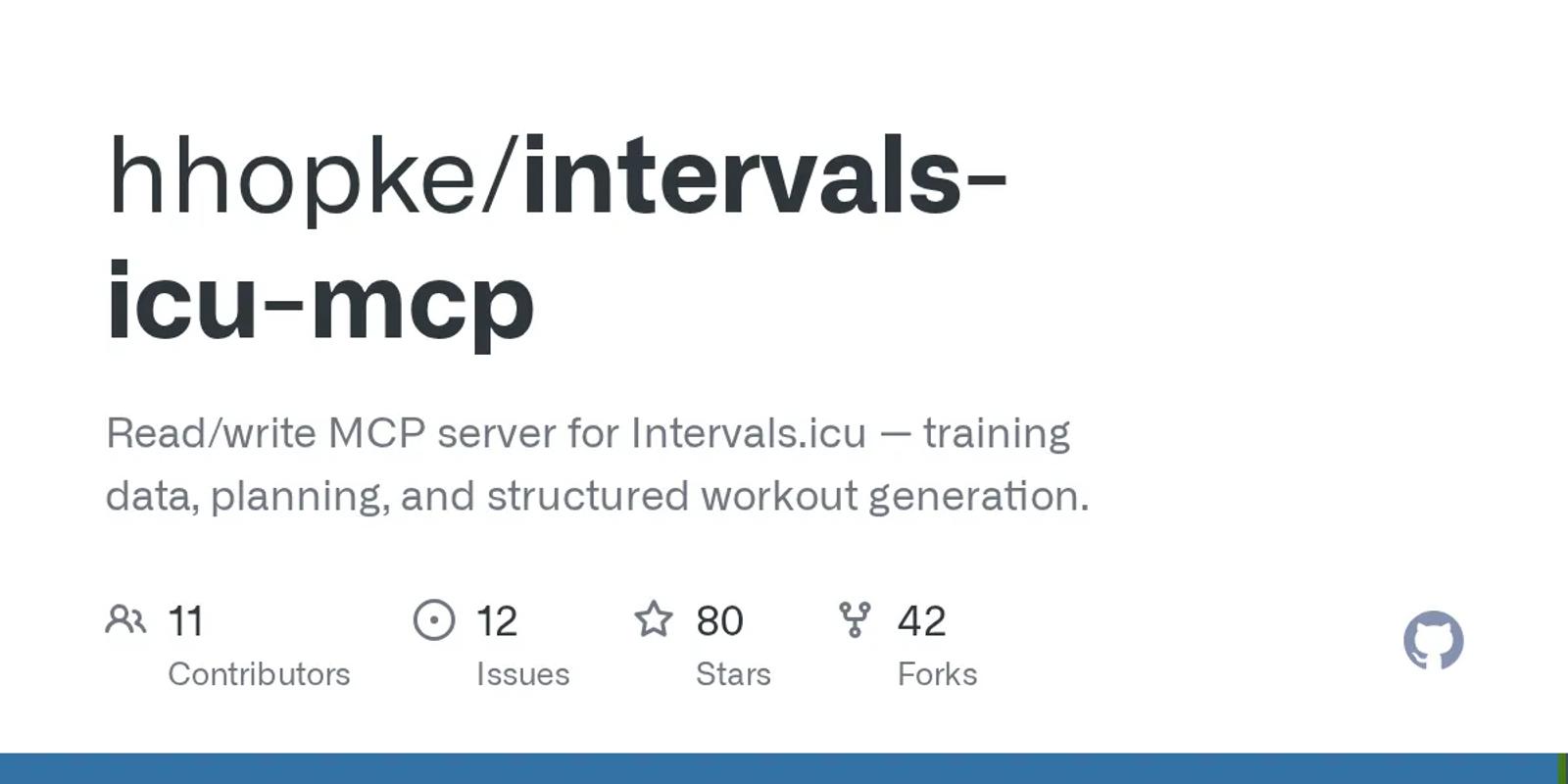
The do-it-yourself version of the same route: Wahoo syncs to Intervals.icu, and hhopke/intervals-icu-mcp reads it from your own computer with 67 tools, MIT licensed. Intervals.icu's personal API key is free and needs no approval.
Setup: moderate. Link Wahoo to Intervals.icu, install uv, copy your athlete ID and API key, and add one command to your AI app's config. Desktop apps only.
Price: free and open source.
Best for: people at home in a terminal who want every tool on their own computer.
7. armonge/wahoo-mcp

A Python server on Wahoo's official API with 9 tools, under GPL-3.0. It needs your own Wahoo developer app, which means applying to Wahoo, and its code last changed in July 2025.
Setup: the most work on this list. Apply for Wahoo API access and wait, register an app, install Python 3.13, sign in, and add it to your desktop AI app.
Price: free and open source.
Best for: developers who already have Wahoo API access.
| Tool | Setup | Wahoo access | Price |
|---|---|---|---|
| freddy | None; web, desktop, and phone | Official, approved app | Free tier; $49/year |
| AthleteData | Account; web, desktop, and phone | Official sign-in | CHF 69/yr or CHF 9/mo |
| Shape | Account; web, desktop, and phone | Official sign-in | $5/mo |
| Tredict | Tredict account; web, desktop, and phone | Official sign-in | 2 months free, then $49 per 12 months |
| IcuSync | Two accounts; web, desktop, and phone | Through Intervals.icu | $20/yr |
| hhopke/intervals-icu-mcp | Terminal and config file; desktop only | Through Intervals.icu | Free |
| armonge/wahoo-mcp | Your own API approval; desktop only | Official, your own app | Free |
How to choose
For most people, the answer is freddy: nothing to apply for, nothing to run, and your rides next to your recovery data in any AI app that speaks MCP. The exceptions:
- You want the AI to put workouts on your ELEMNT: Shape.
- You want a coach that gets in touch first: AthleteData.
- You already train in Intervals.icu: IcuSync, or hhopke/intervals-icu-mcp on your own computer.
Prices and details verified in September 2026. This space moves fast, so check each vendor's site for current details before you commit. For other wearables, see our roundup of wearable MCP servers.