Health Connect sync runs through the freddy Android app. Android controls background execution, so a connected source does not guarantee an import every few minutes.
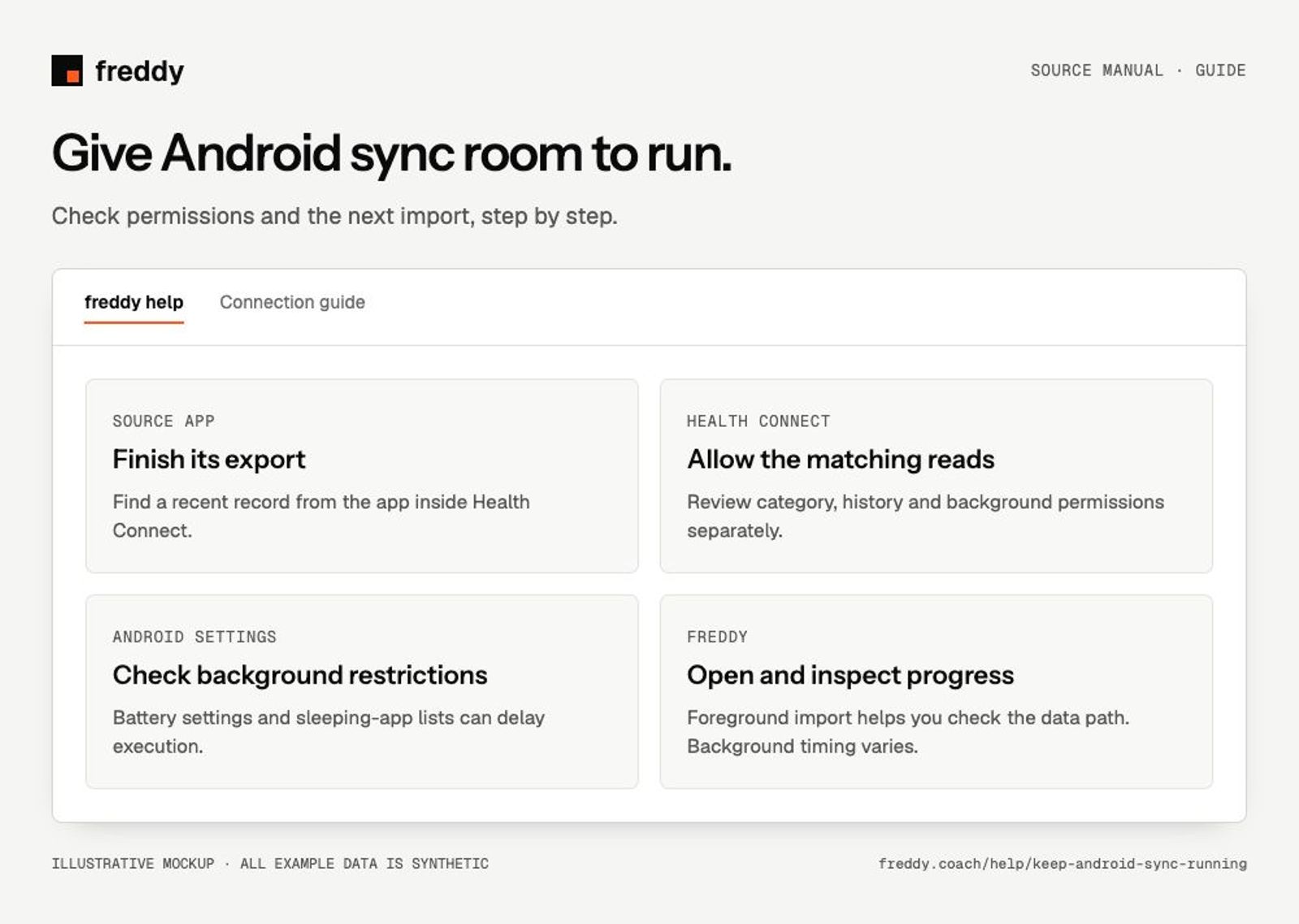
Check the data path first
- Open the recording app and let its device sync finish.
- Open Health Connect and confirm a recent record from that app exists.
- Open freddy and check whether the record arrives while the app is in the foreground.
If the record never reached Health Connect, changing freddy’s battery settings will not fix that first step.
Review permissions
- In Health Connect, allow the recording app to write the chosen category and freddy to read it.
- Allow background access for freddy when that permission is available and requested.
- Check the separate history permission if the missing records are old rather than recent.
Review Android battery settings
Open Android Settings → Apps → freddy and its battery or background-use settings. Allow background activity or choose the unrestricted option if your phone offers one and sync is being delayed. Names differ by manufacturer. On Samsung phones, also check whether freddy has been placed in a sleeping-app list.
After force-stopping freddy, open it again before expecting background work. Power-saving modes and manufacturer restrictions can delay tasks even when category permissions are correct.
Check the next import
Open freddy with an internet connection and let the current import progress. Compare the newest record dates in Health Connect and freddy. Older history can take longer than a small update; keep the app open while you need a foreground import to continue.
What these settings do not do
Background permission does not make freddy record data itself, force another app to export its archive, or guarantee a fixed sync schedule. It lets freddy use the background opportunities Android provides.
Health Connect setup and history permissions
Android Health Connect permissions