Apple Health collects your steps, sleep, heart rate, and workouts from your iPhone, your Apple Watch, and many other apps, and the AI assistant you talk to every day cannot see any of it. The Model Context Protocol (MCP) is the open standard that connects the two, and at least ten tools now do it for Apple Health. They differ most in how fresh the data is and how much work they take.
This list ranks them by setup effort, from least to most. freddy is ours, and it is first: one iPhone app, nothing to export, nothing to keep open, and it works in any AI app that speaks MCP. Each entry says who it suits.
What to know first
Apple offers no cloud API for Health data, and it ships no MCP server. Your data leaves the iPhone in one of two ways: the Health app's "Export All Health Data" file, or an iPhone app that you allow to read Apple Health. A Mac cannot read Apple Health at all (Apple's documentation), so every Mac tool here gets its data from an iPhone app or an export file.
That makes freshness the real question. An export is a snapshot: it is as old as the day you made it, and you repeat it for new data. An app with Apple Health access can send new data as it arrives, within the limits iOS sets on background work. A few tools read the phone live, but only while their app is open.
Where a server runs decides where you can use it. A hosted server is a web address, so it works in Claude and ChatGPT on the web, on the desktop, and on your phone. A server on your computer works only in desktop apps such as Claude Desktop and Cursor. The Claude phone app and claude.ai cannot reach it, and ChatGPT needs a tunnel you set up yourself.
Claude and ChatGPT can also read Apple Health without MCP. Claude's iPhone app does it in beta, for Pro and Max plans in the US (Claude help). ChatGPT Health syncs Apple Health from an iPhone for Free, Go, Plus, and Pro users in the US. Each works inside its own assistant only. Outside the US, or in more than one AI app, you need one of the options below.
The list
1. freddy
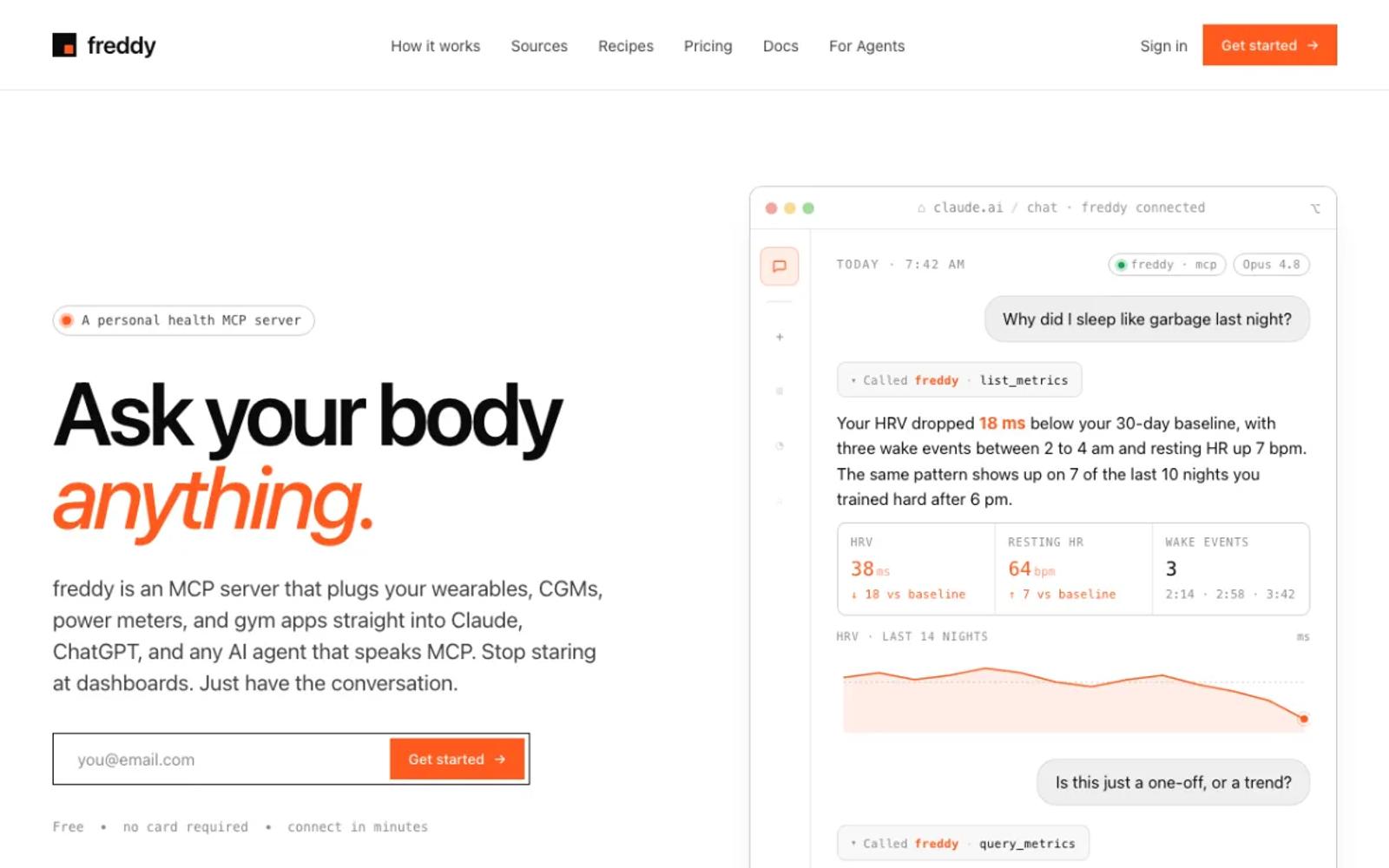
freddy is a hosted MCP server for your health data from all your apps. For Apple Health you install freddy for iPhone, allow it to read Apple Health, and add freddy to your AI app, from ChatGPT's app directory or with one personal URL in Claude, Cursor, or any other MCP client.
freddy reads your past data as well as new data. Your iPhone sends new data in the background when iOS schedules it, and right away when you open freddy, so the data is recent without an export or an open app. Because freddy is hosted, you can ask from your laptop or your phone, wherever your iPhone is.
freddy also connects Garmin, Oura, Polar, Withings, and more directly, so you can ask across all of them. Our setup guide walks through every step.
Setup: install the iPhone app, allow Apple Health access, and add freddy to your AI app. No computer, no export files.
Price: free for one source with a short history window, or $49/year for all your sources and your full history.
Best for: almost everyone with an iPhone, and especially people who use more than one app or want to ask from any device.
2. Fulcra Context
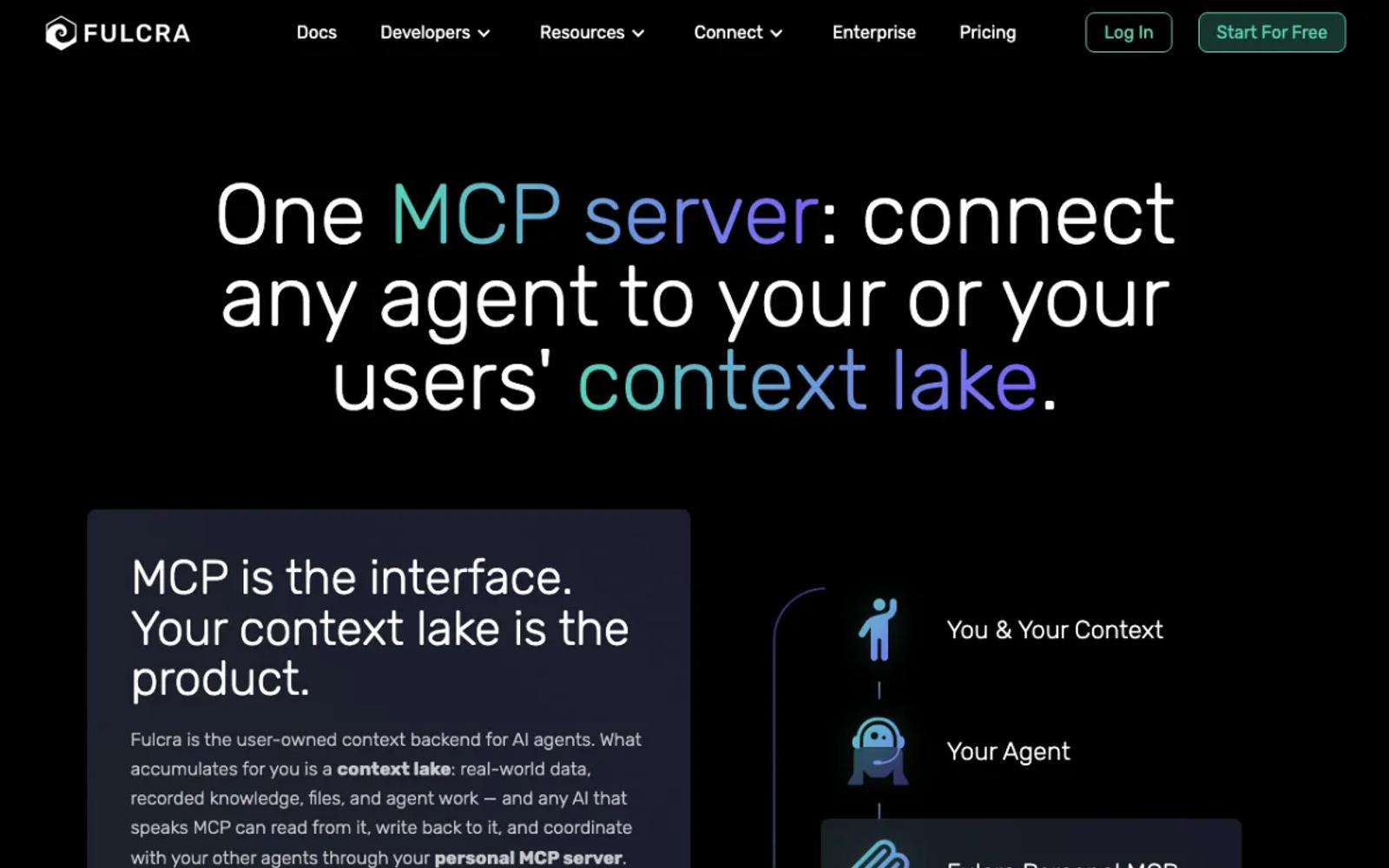
Fulcra Context is a personal data store with a hosted MCP server. Its iPhone app uploads Apple Health, and after the first sync it keeps syncing in the background. You sign in to the server with OAuth, so it works in Claude on the web, desktop, and phone, and in ChatGPT on the web.
It is a general personal data store rather than a health app, and its docs do not say how often it syncs.
Setup: install the Context app, create an account, allow Apple Health access, wait for the first sync, then add Fulcra's server address to your AI app and sign in.
Price: Personal is free and includes the MCP server. Pro is $14.99 a month or $149.99 a year (pricing).
Best for: people who want a free hosted server for Apple Health alone.
3. Wellness Project
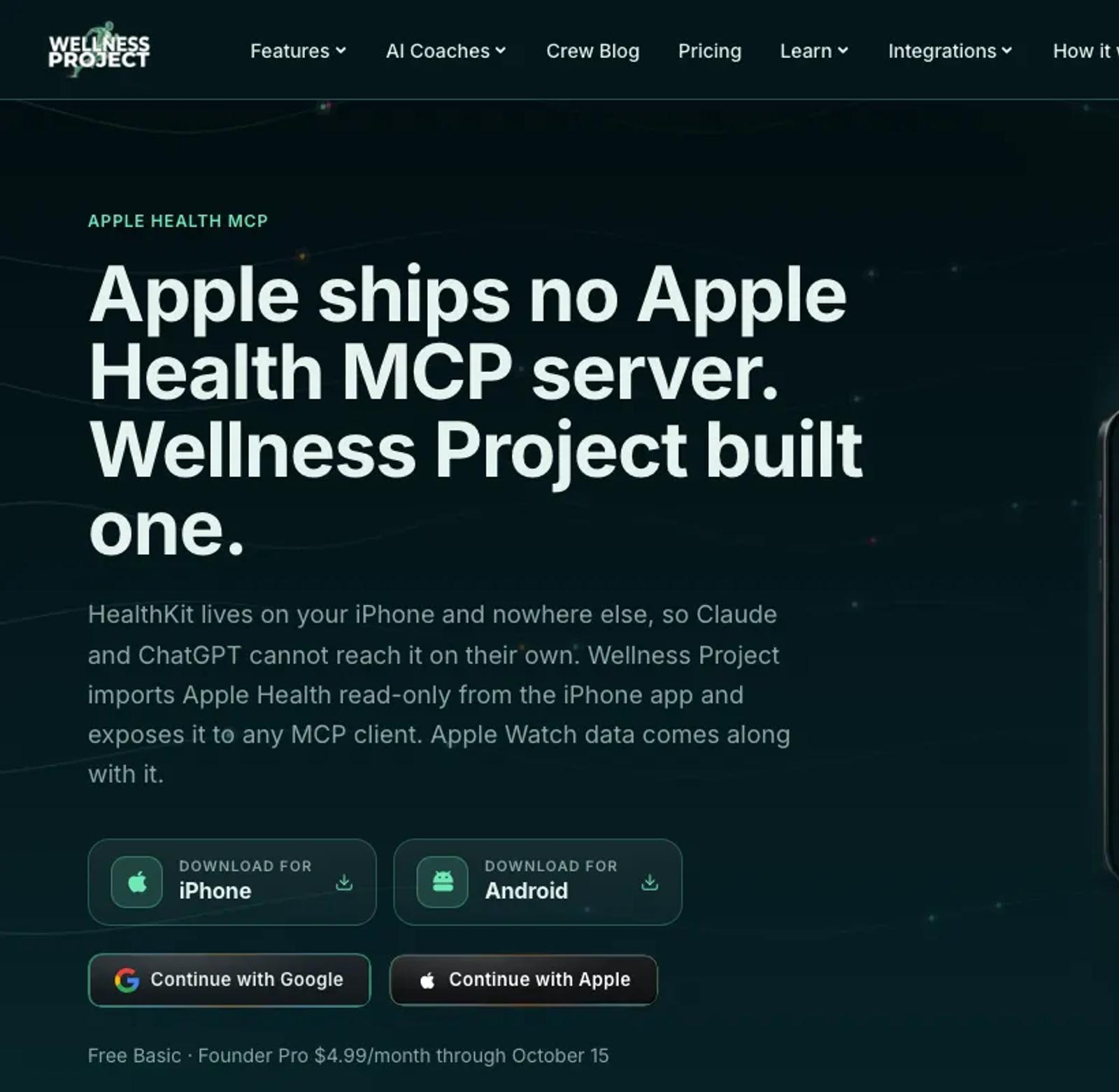
Wellness Project is an AI coaching app for iPhone with its own MCP server. The app imports Apple Health and keeps the synced history, and its server offers 73 tools, some of which write to Wellness Project. It works as a connector in Claude, ChatGPT, Gemini, and Grok.
The free plan allows 3 analysis chats a day, with the app and your AI app counted together. Its page does not say how often it syncs.
Setup: install the app, create an account, turn on Apple Health in its settings, then add its MCP server to your AI app and sign in.
Price: a free Basic plan. Pro is $9.99 a month or $99.99 a year, with an introductory $4.99 a month or $39.99 a year until October 15 (pricing).
Best for: people who want a coaching app alongside their AI assistant.
4. Shape
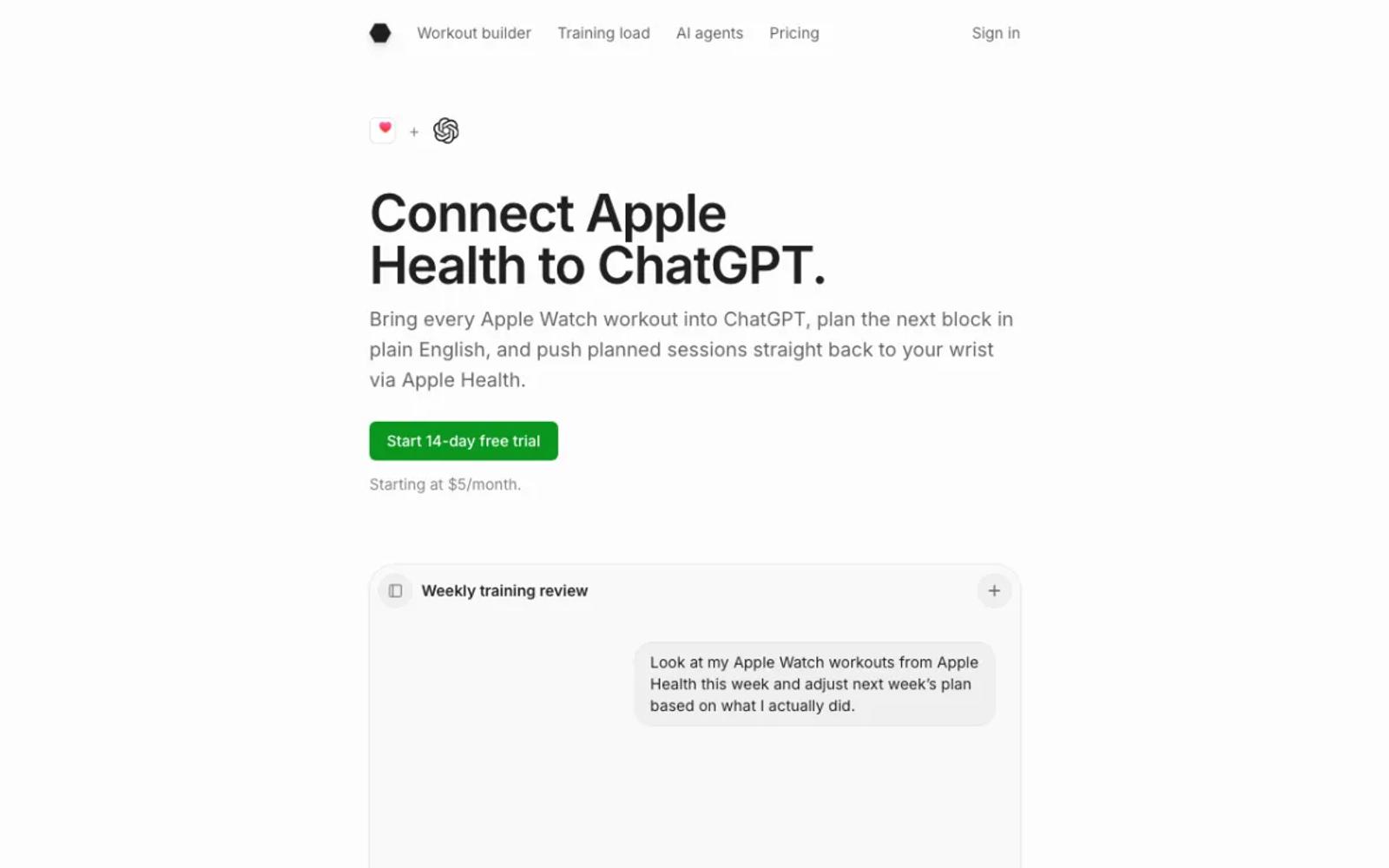
Shape is an endurance training planner with its own MCP server. Its iPhone app reads Apple Health: workouts first, plus steps, sleep, HRV, resting heart rate, VO2 max, and body composition. The server can also change your training plan.
It is a training tool first. For all of Apple Health, look at entries 1 to 3.
Setup: sign up, install the iPhone app, allow Apple Health access, and add the connector to your AI app. In ChatGPT it needs a paid plan.
Price: $5 a month, or $59.99 once for lifetime access, after a 14-day trial (pricing).
Best for: endurance athletes who plan their training with AI.
5. Health Auto Export
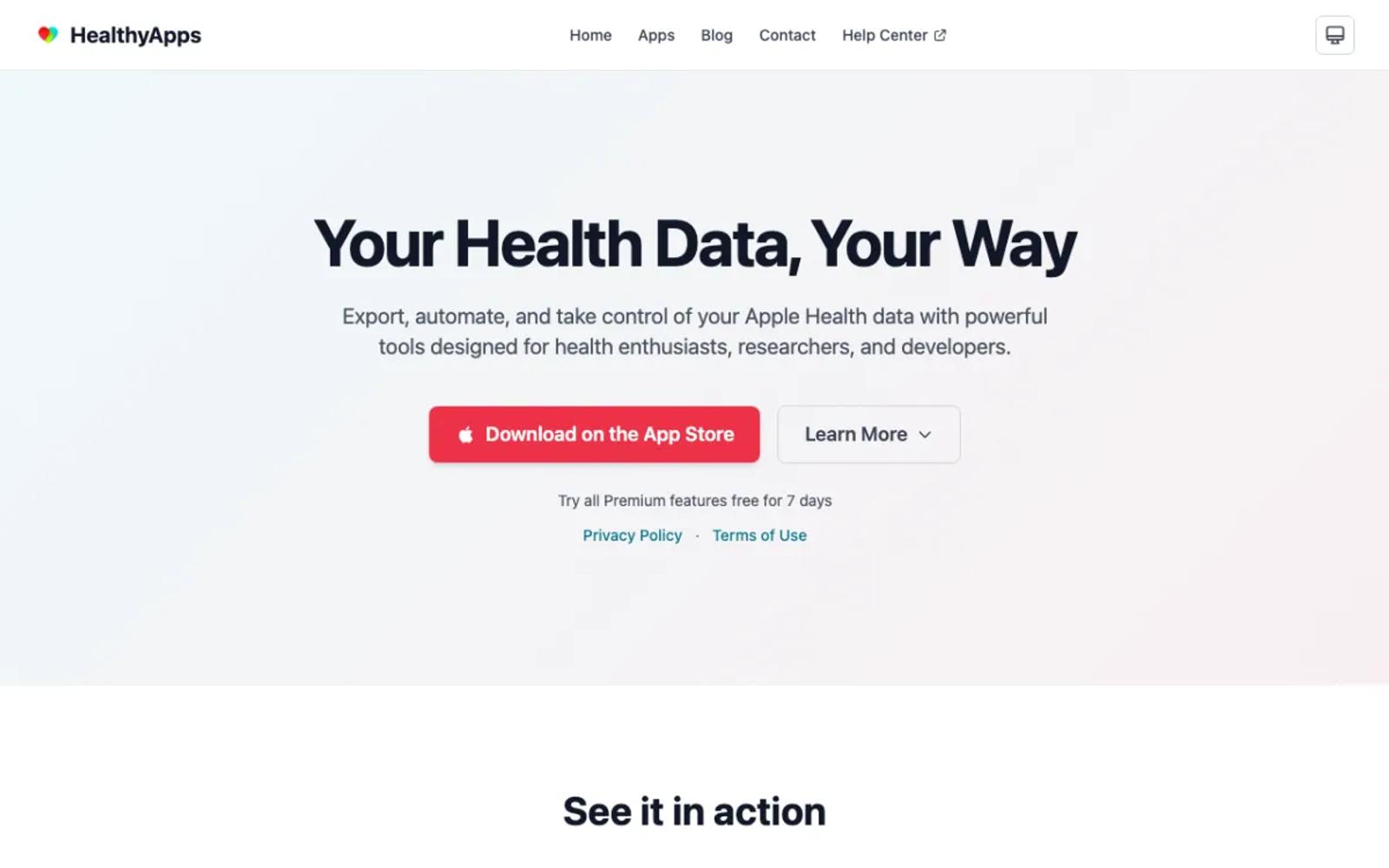
Health Auto Export runs an MCP server on the iPhone itself. Your AI app asks the phone, and the phone reads Apple Health at that moment, so the data is as fresh as it gets.
The cost of that freshness: the app must stay open on screen while you ask, and your computer must be on the same Wi-Fi. Because the server lives on your home network, it works with desktop apps such as Claude Desktop, Cursor, and Claude Code, and not with claude.ai, phone apps, or ChatGPT.
Setup: moderate. Buy Premium, start the server in the app, copy its address and token, and add them to your desktop AI app. Keep the app open each time you use it.
Price: Premium is $1.99 a month, $6.99 a year, or $24.99 once, after a 7-day trial. The Basic plan does not include the server (App Store).
Best for: people who want live data at their desk and do not mind keeping the app open.
6. MetricBridge with health-export-mcp
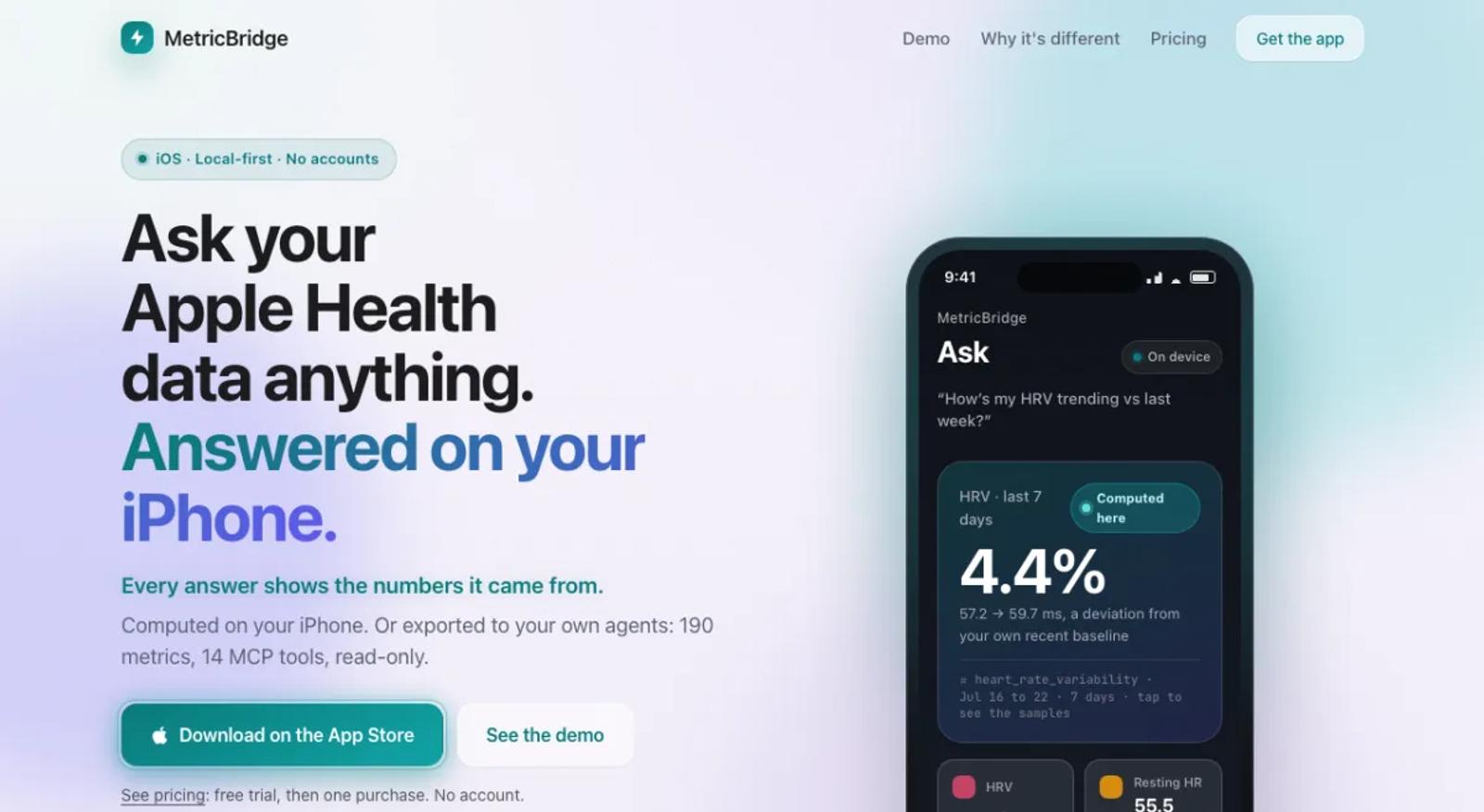
The MetricBridge iPhone app exports 190 metrics as JSON files to iCloud Drive, and refreshes them in the background when new data arrives. The open-source health-export-mcp server on your computer reads those files, with 14 read-only tools under an MIT license.
Freshness depends on iOS background time and on iCloud, which may need a few minutes to reach your computer.
Setup: moderate. Install the app, allow Apple Health access, choose iCloud, then add the server to your desktop AI app with the folder path. Desktop apps only.
Price: the app is $24.99 once, after a 7-day trial. The server is free.
Best for: people who want plain files they can read, and a free local server.
7. Health.md
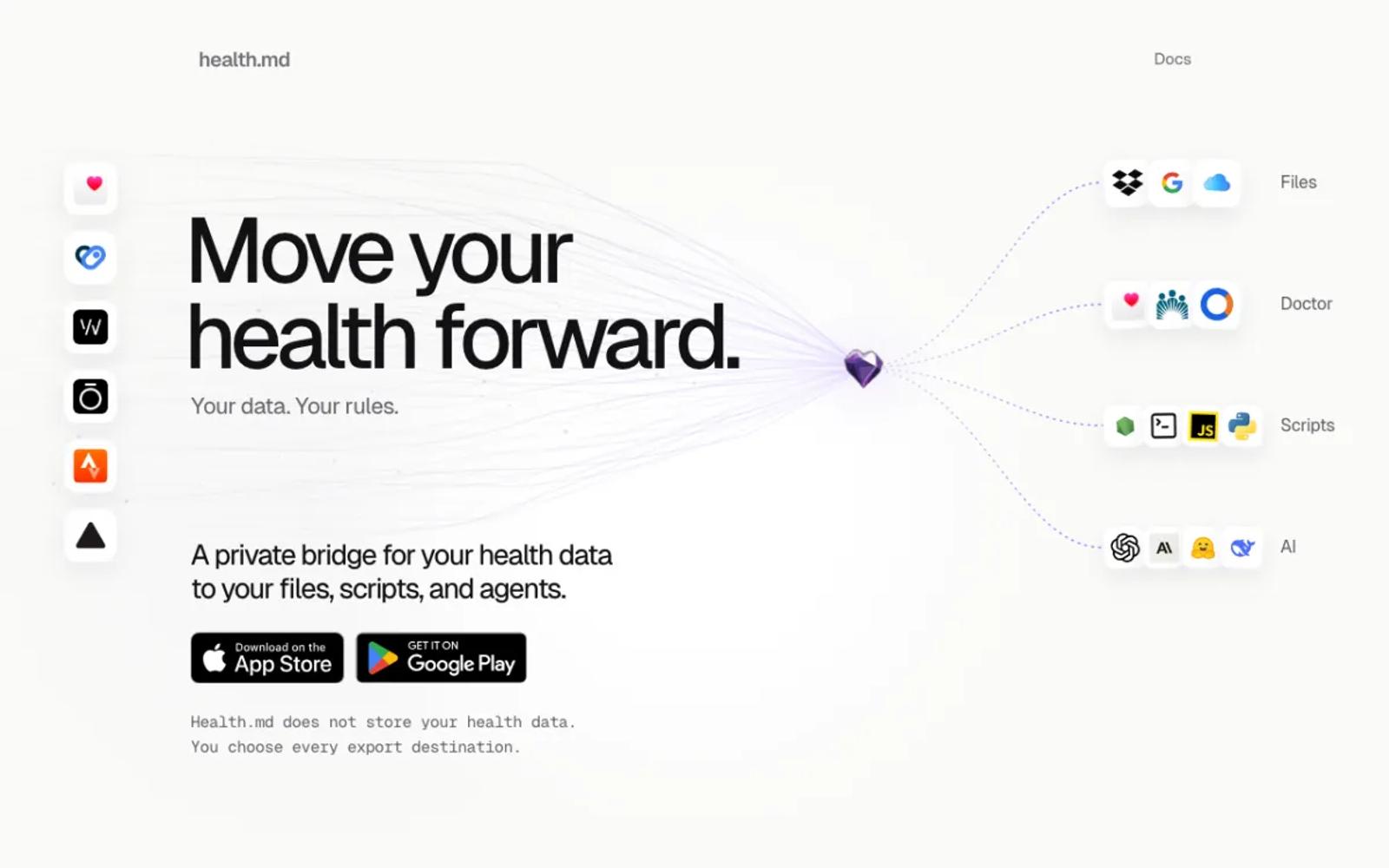
Health.md exports Apple Health to Markdown for Obsidian, and pairs a Mac app with its iPhone app to offer a local MCP server with 21 tools, under AGPL-3.0.
The iPhone app must stay open while the Mac asks, and both must be on the same network. A cross-platform command-line version is in early preview.
Setup: moderate. Install both apps, turn on Mac connectivity, pair them, and add the helper to your desktop AI app. Desktop apps only.
Price: 10 free exports, then $19.99 once for full access.
Best for: Obsidian users with a Mac.
8. neiltron/apple-health-mcp
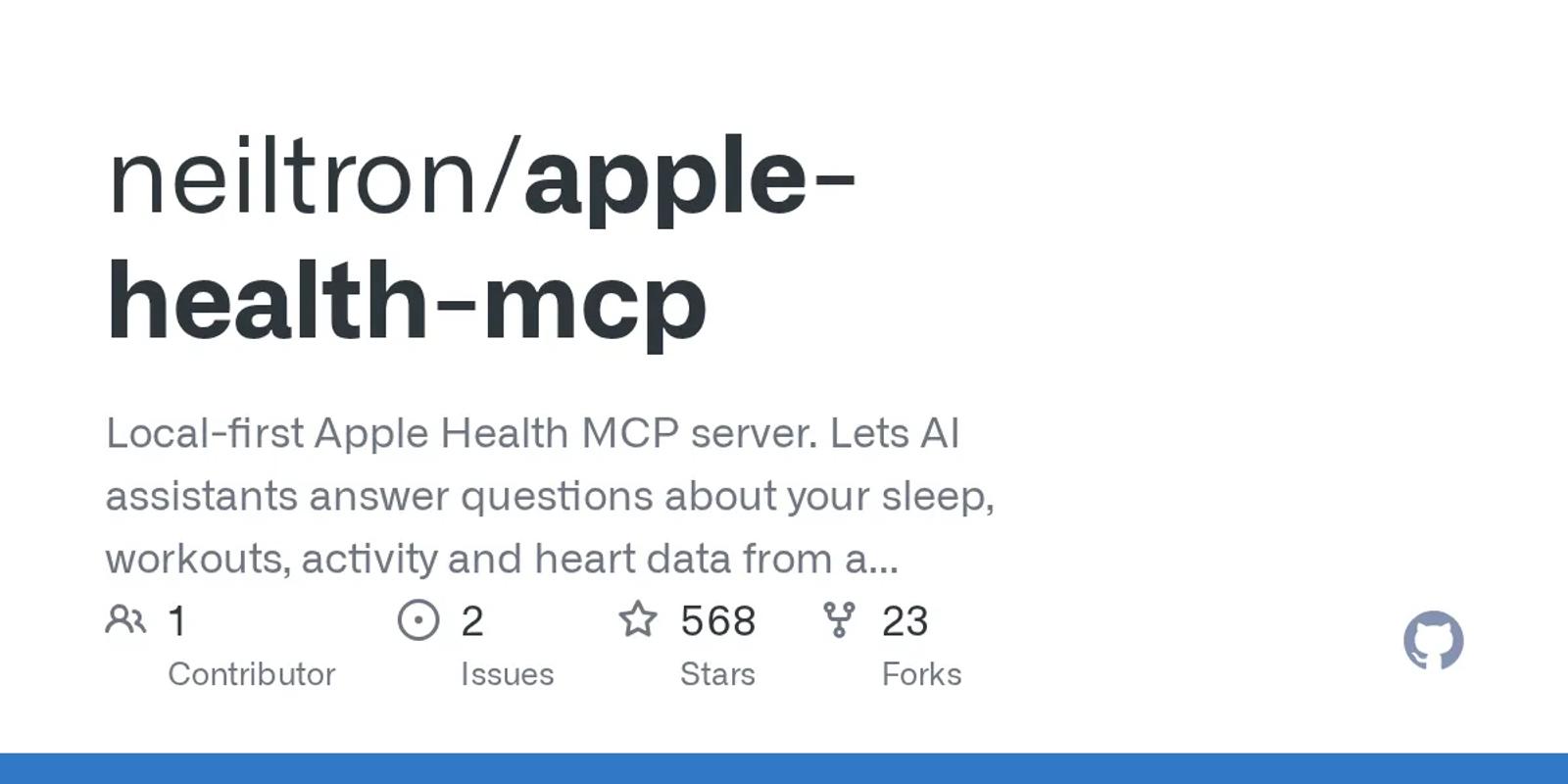
The most-starred Apple Health MCP server, with 568 stars and an MIT license. It loads CSV files into DuckDB and gives your AI app 3 tools to query them.
It does not read the Health app's own export. It needs CSV files from the Simple Health Export CSV app, which was last updated in 2022, and your data is as old as your last export.
Setup: involved. Export from that app, move the files to your computer, unzip them, and add the server with the folder path. Repeat the export for new data. Desktop apps only.
Price: free and open source.
Best for: people who want SQL over a snapshot of their data.
9. vpetersson/apple-health-mcp-server
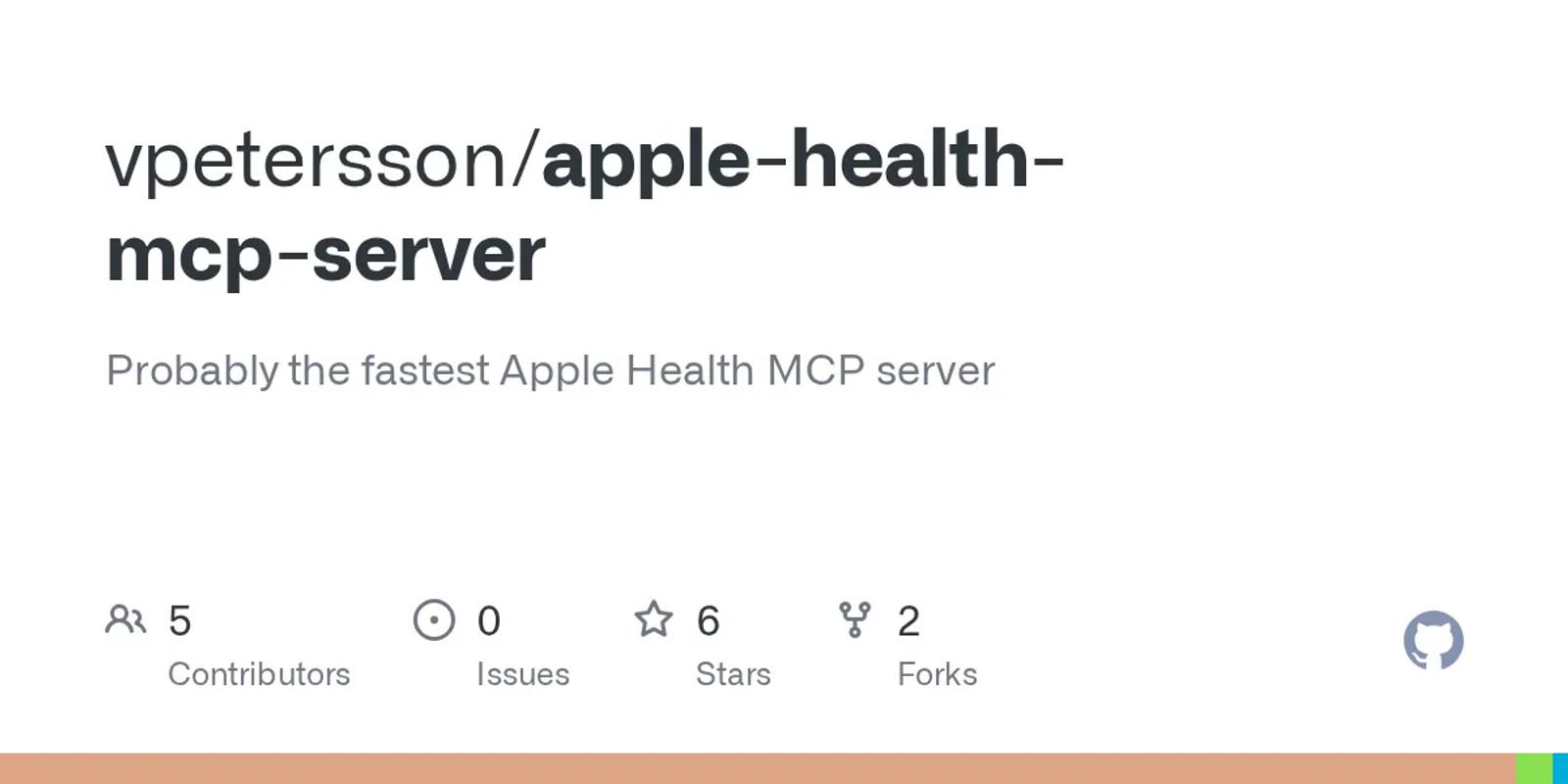
A Rust server that reads the Health app's own export: 12 read-only tools over your records, workouts, ECGs, and routes, stored in DuckDB, MIT licensed and updated this week.
Its README describes Homebrew and one-click installs, but no release exists yet, so today you build it from source. Your data is as old as your last export, and a new import skips duplicates.
Setup: involved. Export from the Health app, copy the ZIP to your computer, build the server with Rust, run the import, and add it to your desktop AI app.
Price: free and open source.
Best for: developers who want the native export and no third-party iPhone app.
10. Open Wearables
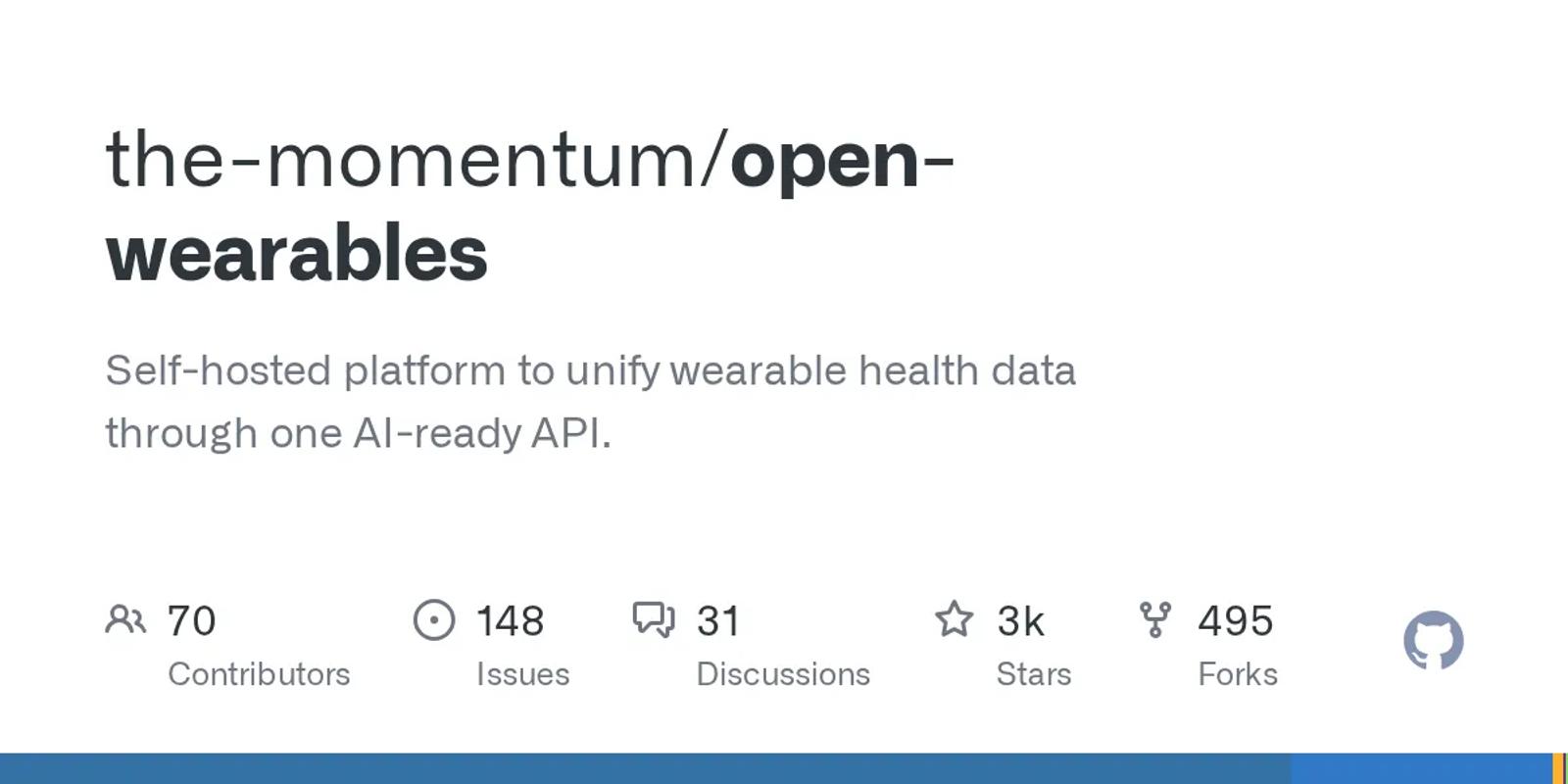
An open-source platform that you run on your own server, with 2,558 stars and an MIT license. For Apple Health it takes an export upload, or a beta iPhone app that syncs in the background, by invitation through its Discord. It includes an MCP server with 6 tools and covers several other wearables.
Setup: the most work on this list. Run its Docker stack, create an API key, set up the MCP server, then upload your export or join the beta app. Desktop apps only.
Price: free software. You pay for the server.
Best for: developers who want several sources on hardware they control.
| Tool | Data freshness | Setup | Price |
|---|---|---|---|
| freddy | Background sync, and on app open | iPhone app; web, desktop, and phone | Free tier; $49/year |
| Fulcra Context | Background sync | iPhone app; web, desktop, and phone | Free; Pro $14.99/mo |
| Wellness Project | Sync, interval not stated | iPhone app; web, desktop, and phone | Free (3 chats a day); Pro $9.99/mo |
| Shape | Sync, interval not stated | iPhone app; web, desktop, and phone | $5/mo or $59.99 once |
| Health Auto Export | Live, while the app is open | iPhone app on the same Wi-Fi; desktop only | $1.99/mo, $6.99/yr, or $24.99 once |
| MetricBridge | Background file export through iCloud | iPhone app and local server; desktop only | $24.99 once |
| Health.md | Live, while the app is open | iPhone app and Mac app; desktop only | $19.99 once |
| neiltron | Last manual export | Export app and local server; desktop only | Free |
| vpetersson | Last manual export | Build from source; desktop only | Free |
| Open Wearables | Export upload or beta app | Your own server; desktop only | Free; you pay for hosting |
How to choose
For most people, the answer is freddy: one iPhone app, nothing to export, nothing to keep open, and it works in any AI app that speaks MCP, on your phone too. The exceptions:
- You want a free hosted server for Apple Health alone: Fulcra Context.
- You want a coaching app alongside: Wellness Project, or Shape for endurance training plans.
- You need data live to the minute at your desk: Health Auto Export.
- You want files and code you control: MetricBridge with health-export-mcp, or vpetersson's server for the native export.
- You want several sources on hardware you control: Open Wearables.
Prices and details verified in September 2026. This space moves fast, so check each vendor's site for current details before you commit. For other wearables, see our roundup of wearable MCP servers.