Health Connect collects your sleep, steps, workouts, and heart rate from the apps and watches on your Android phone, and the AI assistant you talk to every day cannot see any of it. The Model Context Protocol (MCP) is the open standard that connects the two. For Health Connect the choice is small: five options work today.
This list ranks them by setup effort, from least to most. freddy is ours, and it is first: one Android app, nothing to keep open, and it works in any AI app that speaks MCP. Each entry says who it suits.
What to know first
Health Connect has no cloud API. It lives on your phone, and data leaves it only through an Android app you give permission to, or through Health Connect's own export file. So the question that sorts the options is freshness: does an app upload your data in the background, read it live while you ask, or wait for a daily export?
Two Android permissions decide how much an app can see. Without the history permission, an app reads only the 30 days before you first grant access; without the background permission, it reads only while it is open (Android docs).
Where a server runs decides where you can use it. A hosted server is a web address, so it works in Claude and ChatGPT on the web, on the desktop, and on your phone. A server on your computer works only in desktop apps such as Claude Desktop and Cursor. The Claude phone app and claude.ai cannot reach it, and ChatGPT needs a tunnel you set up yourself.
Claude's Android app can also read Health Connect without MCP, in beta for Pro and Max plans in the US, on Android 14 or later (Claude help). It works inside that one app only. Outside the US, or in more than one AI app, you need one of the options below.
The list
1. freddy
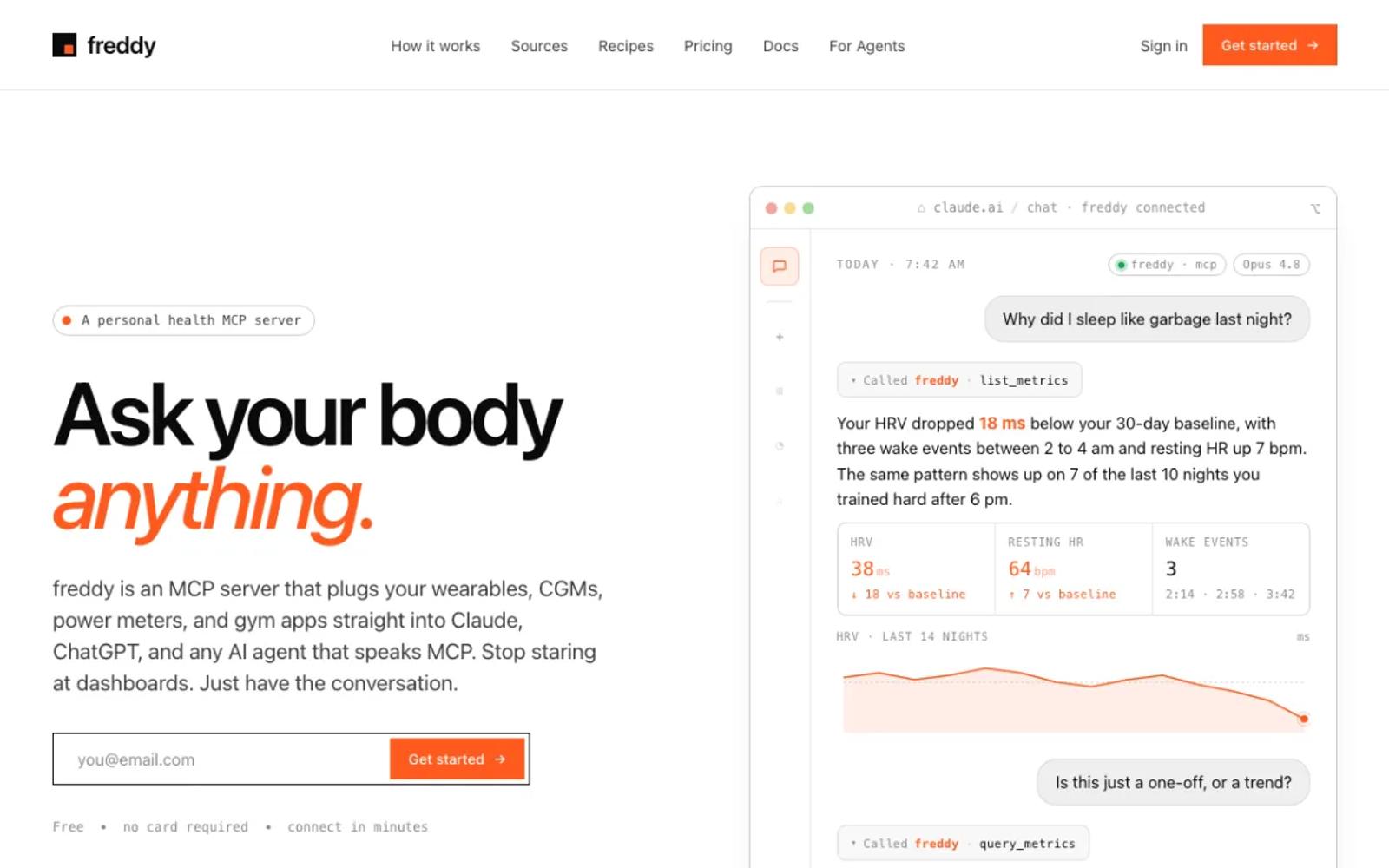
freddy is a hosted MCP server that brings your health data from all your apps into one place. You install freddy for Android, allow it to read Health Connect, and add freddy to your AI app, from ChatGPT's app directory or with one personal URL in Claude, Cursor, or any other MCP client.
freddy asks Android for both the background and the history permissions, so it can send new data without being open and reach further back than 30 days. Your phone sends new data in the background when Android allows it, and right away when you open freddy. Because freddy is hosted, you can ask from your laptop or your phone.
Health Connect already carries data from apps like Samsung Health, Google Health, and many others, and freddy also connects Garmin, Oura, Polar, and more directly. Our setup guide walks through every step.
Setup: install the Android app, allow Health Connect access, and add freddy to your AI app. No computer, no export files.
Price: free for one source with a short history window, or $49/year for all your sources and your full history.
Best for: almost everyone with an Android phone.
2. Wellness Project
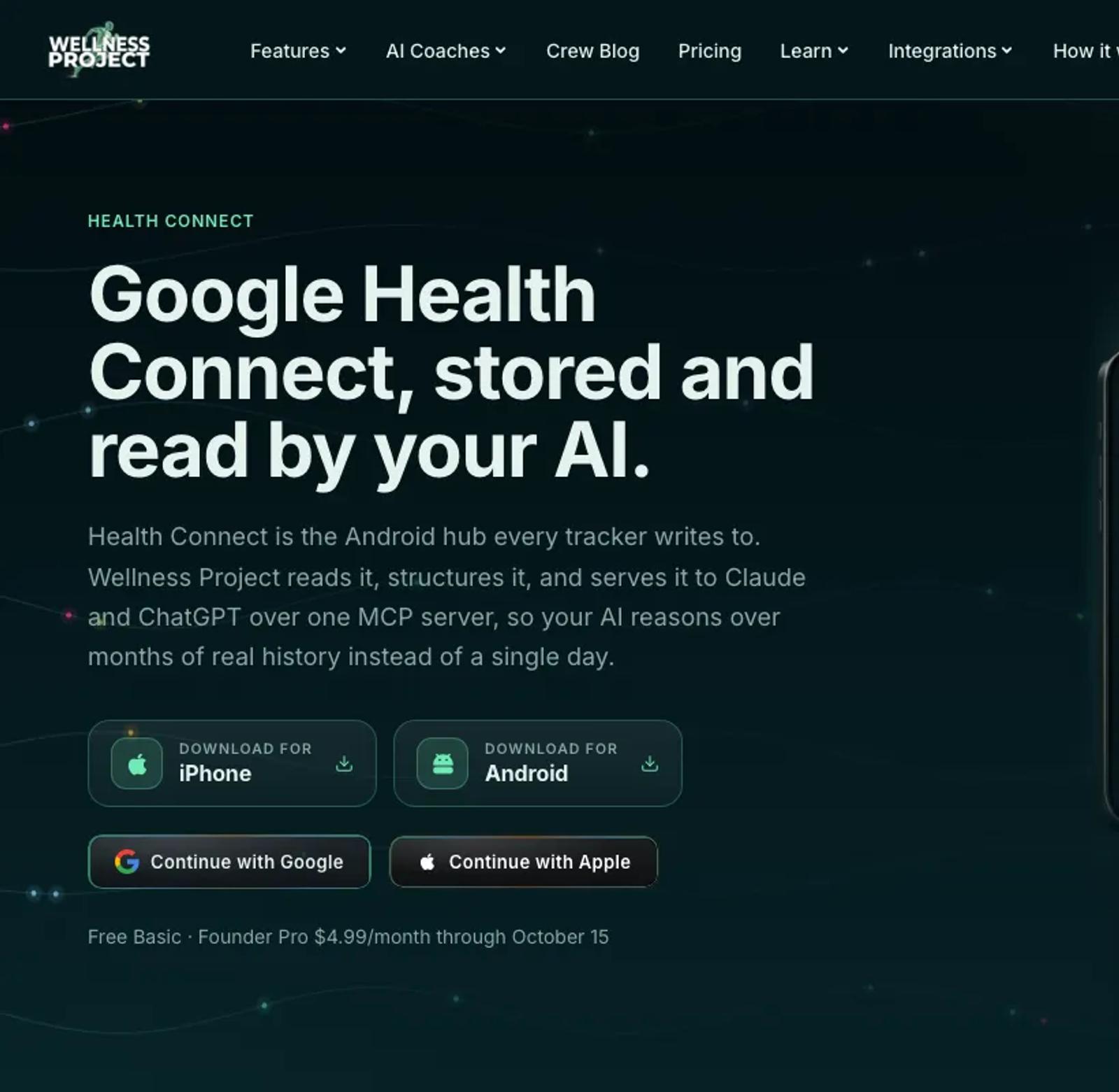
Wellness Project is a coaching app for Android with a hosted MCP server. The app reads Health Connect, and its server lists 73 tools, some of which write to Wellness Project. Its pages do not say whether it syncs in the background or asks for the history permission.
The free plan allows 3 analysis chats a day, with the app and your AI app counted together.
Setup: install the Android app, allow Health Connect access, then add its MCP address to your AI app and sign in.
Price: a free Basic plan. Pro is $9.99 a month or $99.99 a year, with an introductory $4.99 a month or $39.99 a year until October 15 (pricing).
Best for: people who want a coaching app alongside their AI assistant.
3. Genetrix16/health-connect-mcp
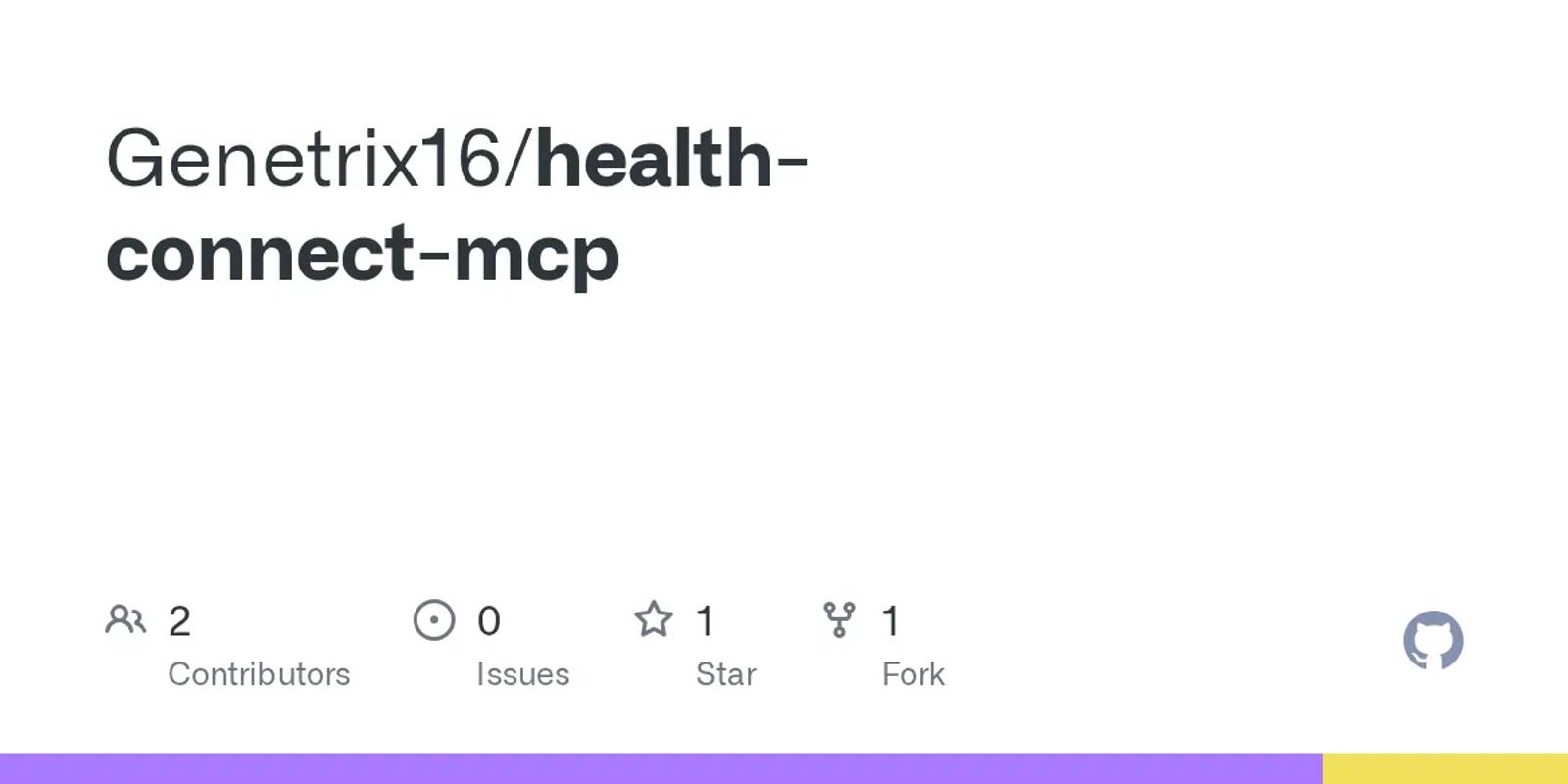
A small open-source pair: an Android app and a server on your computer, MIT licensed, with 7 read-only tools. Your computer asks the phone over your Wi-Fi, so the data is live on every question.
The app does not ask for the history permission, so it sees only the 30 days before you first grant access. Its README install command points at a package that does not exist on npm, so you run the server from the repository.
Setup: involved. Build or install the Android app, clone the repository, run the server, and add it to your desktop AI app. Phone and computer must share a Wi-Fi network.
Price: free and open source.
Best for: tinkerers who want live data at their desk.
4. Open Wearables
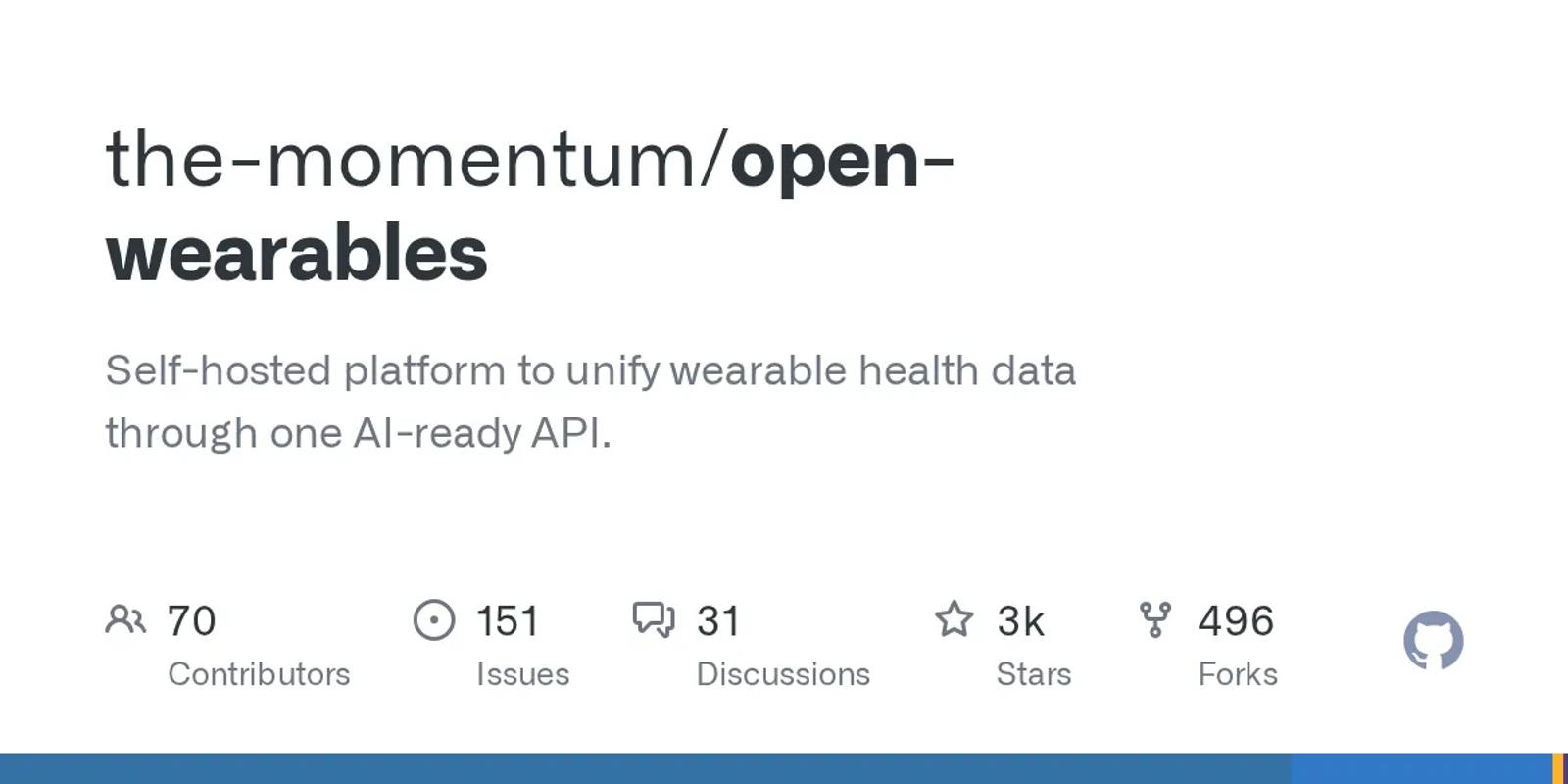
An open-source platform that you run on your own server, with 2,562 stars and an MIT license. Since version 0.9.0 it has a Health Connect provider, and its Android app asks for the history and background permissions. It includes an MCP server with 6 tools and covers several other wearables.
The Android app is a beta; you ask for it on the project's Discord.
Setup: the most work of the ready-made options. Run its Docker stack, get the beta Android app, connect it, create an API key, and set up the MCP server. Desktop apps only.
Price: free software. You pay for the server.
Best for: developers who want several sources on hardware they control.
5. pricejoshua/health-connect-mcp
A homelab project built on Health Connect's export file: Health Connect saves a daily export to Google Drive, a sync tool copies it to your server, and an MCP server with 11 tools, raw SQL among them, reads it behind a Cloudflare tunnel. Because it runs on the web, it works in the Claude phone app.
Your data is a day old at best, and the repository has no license file, so its terms are unclear.
Setup: the most work on this list. Turn on Health Connect's scheduled export, set up the file sync, the database, the server, and the tunnel.
Price: free.
Best for: homelab owners who want their own copy of the export.
| Tool | Data freshness | Setup | Price |
|---|---|---|---|
| freddy | Background sync, and on app open | Android app; web, desktop, and phone | Free tier; $49/year |
| Wellness Project | Sync, interval not stated | Android app; web, desktop, and phone | Free (3 chats a day); Pro $9.99/mo |
| Genetrix16 | Live, over Wi-Fi | Android app and local server; desktop only | Free |
| Open Wearables | Background sync (beta app) | Your own server; desktop only | Free; you pay for hosting |
| pricejoshua | Daily export | Export, sync, database, and tunnel | Free |
How to choose
For most people, the answer is freddy: one Android app, history included, nothing to keep open, and it works in any AI app that speaks MCP, on your phone too. The exceptions:
- You want a coaching app alongside: Wellness Project.
- You want live data at your desk and like to tinker: Genetrix16/health-connect-mcp.
- You want several sources on hardware you control: Open Wearables.
Prices and details verified in September 2026. This space moves fast, so check each vendor's site for current details before you commit. For other wearables, see our roundup of wearable MCP servers.