Intervals.icu already holds your training load, fitness curve, wellness notes, and every workout your watch or bike computer sends it. The Model Context Protocol (MCP) is the open standard that lets the AI assistant you talk to every day read all of that, and eight options now do it for Intervals.icu.
This list ranks them by setup effort, from least to most. freddy is ours, and it is first: nothing to install, no API key in a file, and Intervals.icu next to your sleep and recovery apps in any AI app that speaks MCP. Each entry says who it suits.
What to know first
Intervals.icu gives every athlete a personal API key, free, under Developer Settings on the settings page. The key opens your whole account, so it belongs in a config file on your own computer, never in a chat or a hosted form. Hosted services use Intervals.icu's own sign-in screen instead, which you can revoke per app on the same settings page (API docs).
One limit applies to every option on this list: activities that reach Intervals.icu through its Strava sync do not come back out through the API. Intervals.icu confirmed this in October 2025 (forum). If Strava is your only link, connect your watch to Intervals.icu directly, or use its import of your Strava archive, which is a Supporter feature.
Intervals.icu itself is free, with an optional Supporter plan at $4 a month (pricing). It has no official MCP server yet; in September 2026 its developer said one is at the spec stage (forum).
Where a server runs decides where you can use it. A hosted server is a web address, so it works in Claude and ChatGPT on the web, on the desktop, and on your phone. A server on your computer works only in desktop apps such as Claude Desktop and Cursor. The Claude phone app and claude.ai cannot reach it, and ChatGPT needs a tunnel you set up yourself.
The list
1. freddy
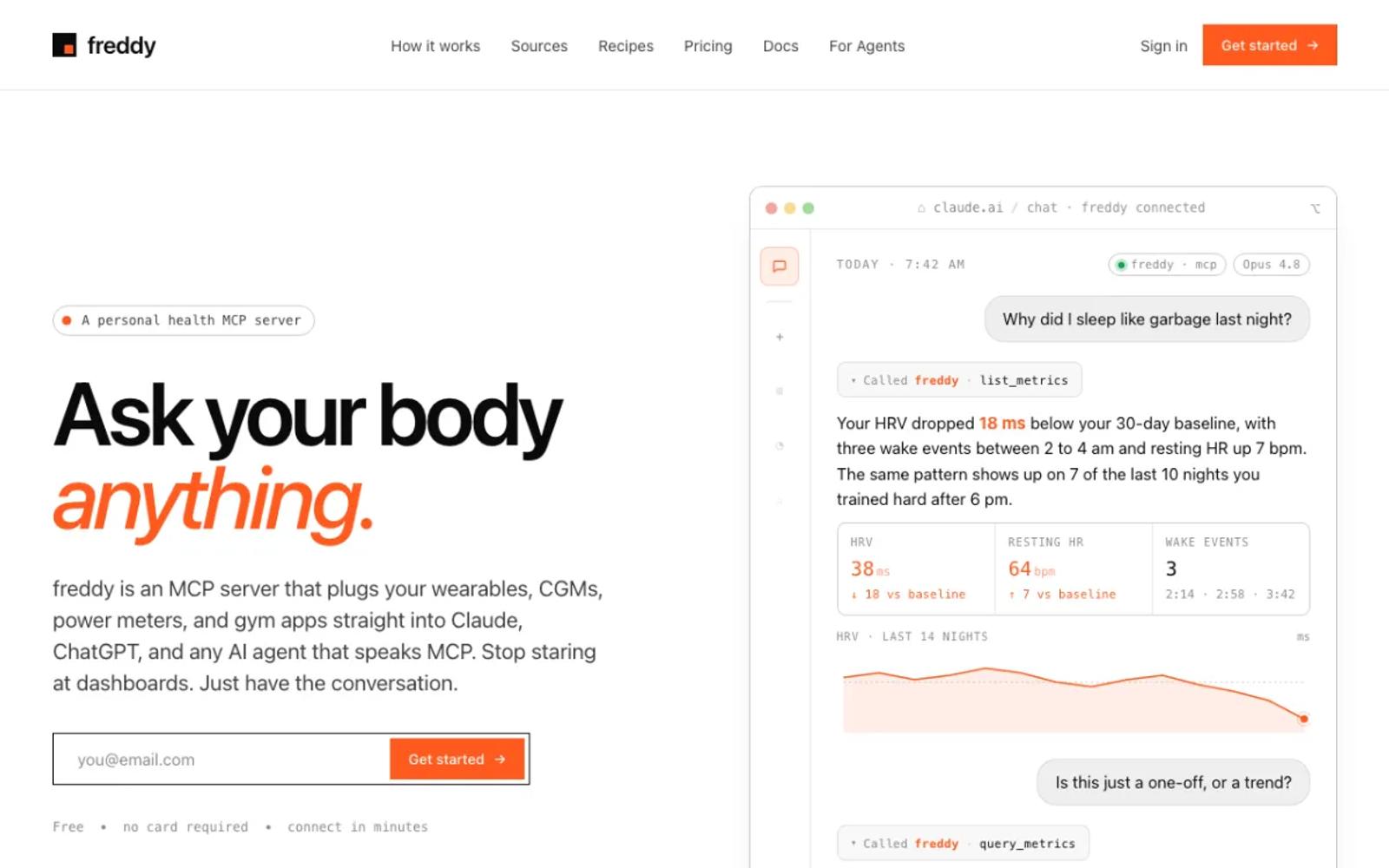
freddy is a hosted MCP server that brings your health data from all your apps into one place. You sign in with a code we email you, connect Intervals.icu on its own sign-in screen, and add freddy to your AI app, from ChatGPT's app directory or with one personal URL in Claude, Cursor, or any other MCP client.
New activities and wellness entries arrive by push soon after Intervals.icu gets them, and your history comes with them. The same account reads Garmin, Oura, Polar, Withings, Apple Health, and more, so a question like "does my HRV drop the day after a hard interval session" works across your training and your recovery. Our Intervals.icu guide walks through every step.
freddy reads your data; it does not write workouts to your Intervals.icu calendar. If you want the AI to plan sessions for you, look at entries 2, 4, 5, and 7.
Setup: three steps in your browser. Nothing to install, no API key to copy, and it works on your phone too.
Price: free for one source with a short history window, or $49/year for all your sources and your full history.
Best for: athletes who want their training next to their sleep and recovery data, without running anything.
2. icuvisor
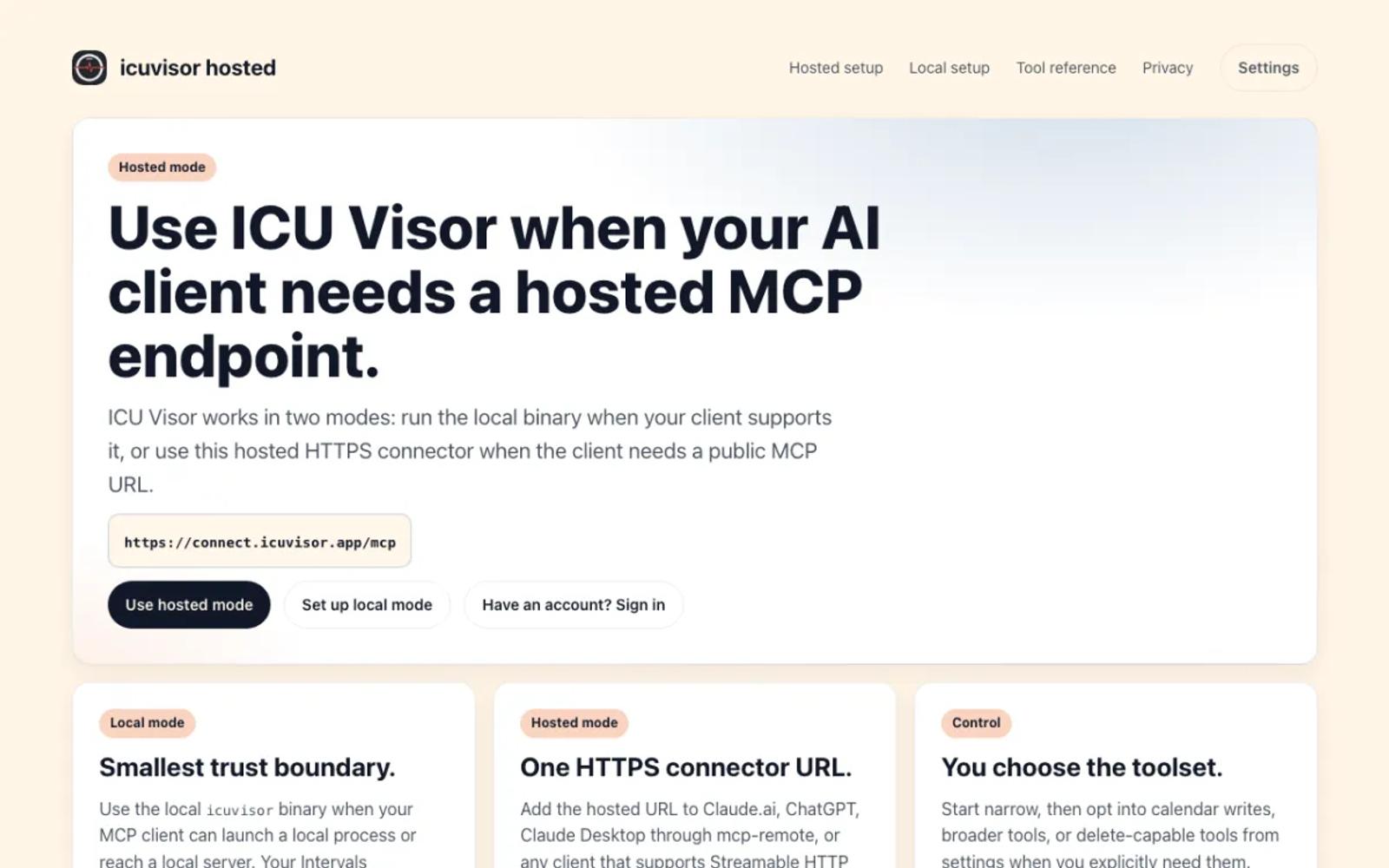
icuvisor is an open-source server with a free hosted version. It signs in with Intervals.icu's own screen and offers 73 tools in three sizes, 51 of which read and the rest write or delete. The hosted version is read-only by default, and you turn on writes yourself.
It works in Claude, in ChatGPT through developer mode, and in Claude Desktop. The hosted version's price is not written down anywhere except a forum post by its maintainer that calls it free.
Setup: add its URL as a connector, pick a tool set, and approve access on Intervals.icu. A local version also installs with one command and your API key.
Price: free and open source (MIT).
Best for: athletes who want the AI to read and plan in Intervals.icu at no cost.
3. gregaria-mcp
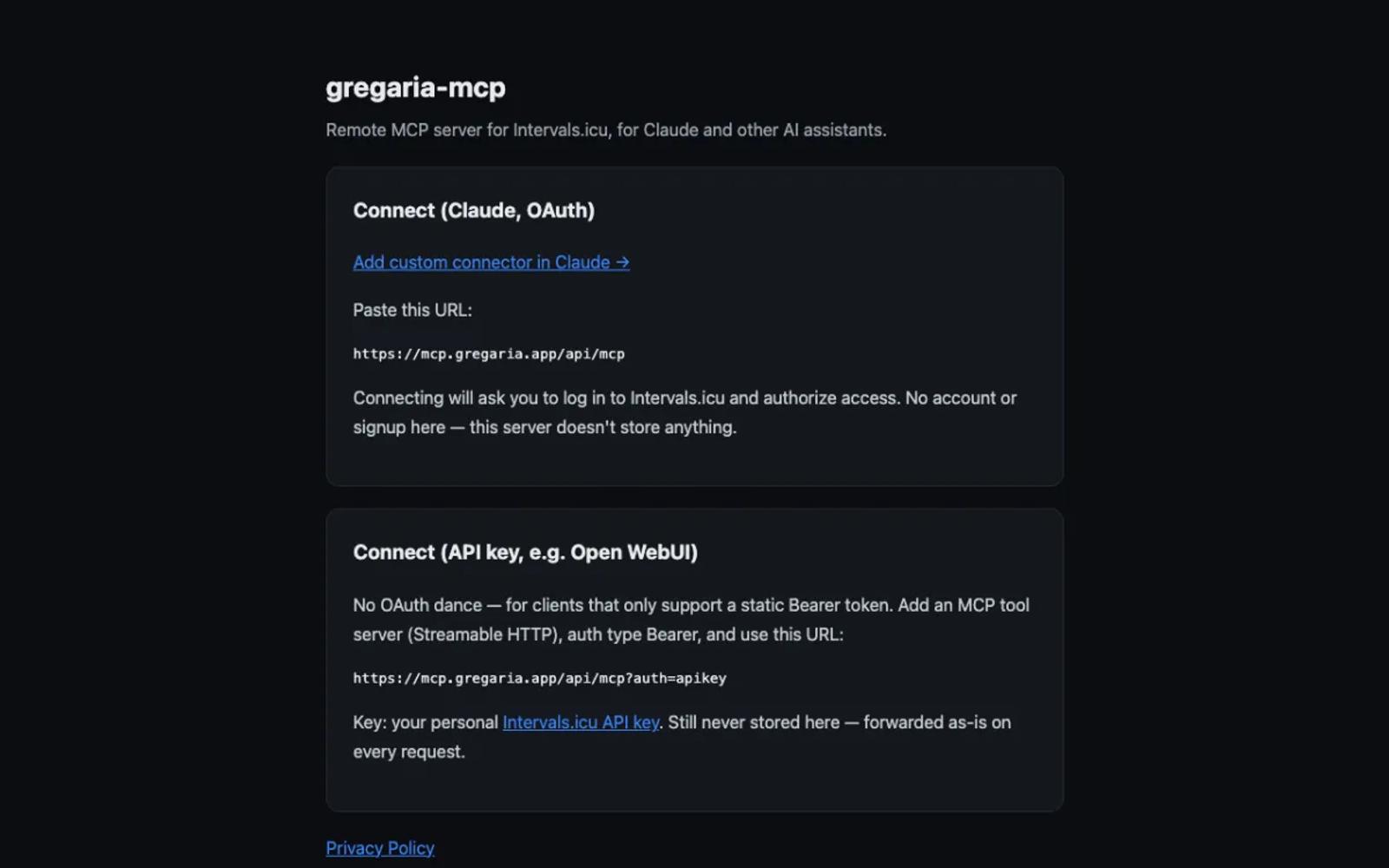
gregaria-mcp is a small, free hosted relay built for Claude. It signs in with Intervals.icu's own screen and needs no account of its own. It reads your data and can write wellness entries, calendar events, and activity messages.
It is a one-developer project with a handful of GitHub stars, and ChatGPT support is not there yet.
Setup: add its URL as a custom connector in Claude and log in to Intervals.icu.
Price: free and open source (MIT).
Best for: Claude users who want a free hosted connection with nothing to sign up for.
4. IcuSync
IcuSync is a paid hosted server from an Australian company, with 24 tools that read and write: workouts, wellness, FTP, and activity comments, plus sharing with a coach. It signs in with Intervals.icu's own screen and gives you a personal URL.
It works in Claude on every plan, on the web, desktop, and phone, in ChatGPT through developer mode, and in Grok.
Setup: sign up, connect Intervals.icu, and paste your personal URL into your AI app.
Price: $20 a year. The launch free trial has closed.
Best for: athletes who want a maintained, paid service that plans workouts with them.
5. easy-intervals
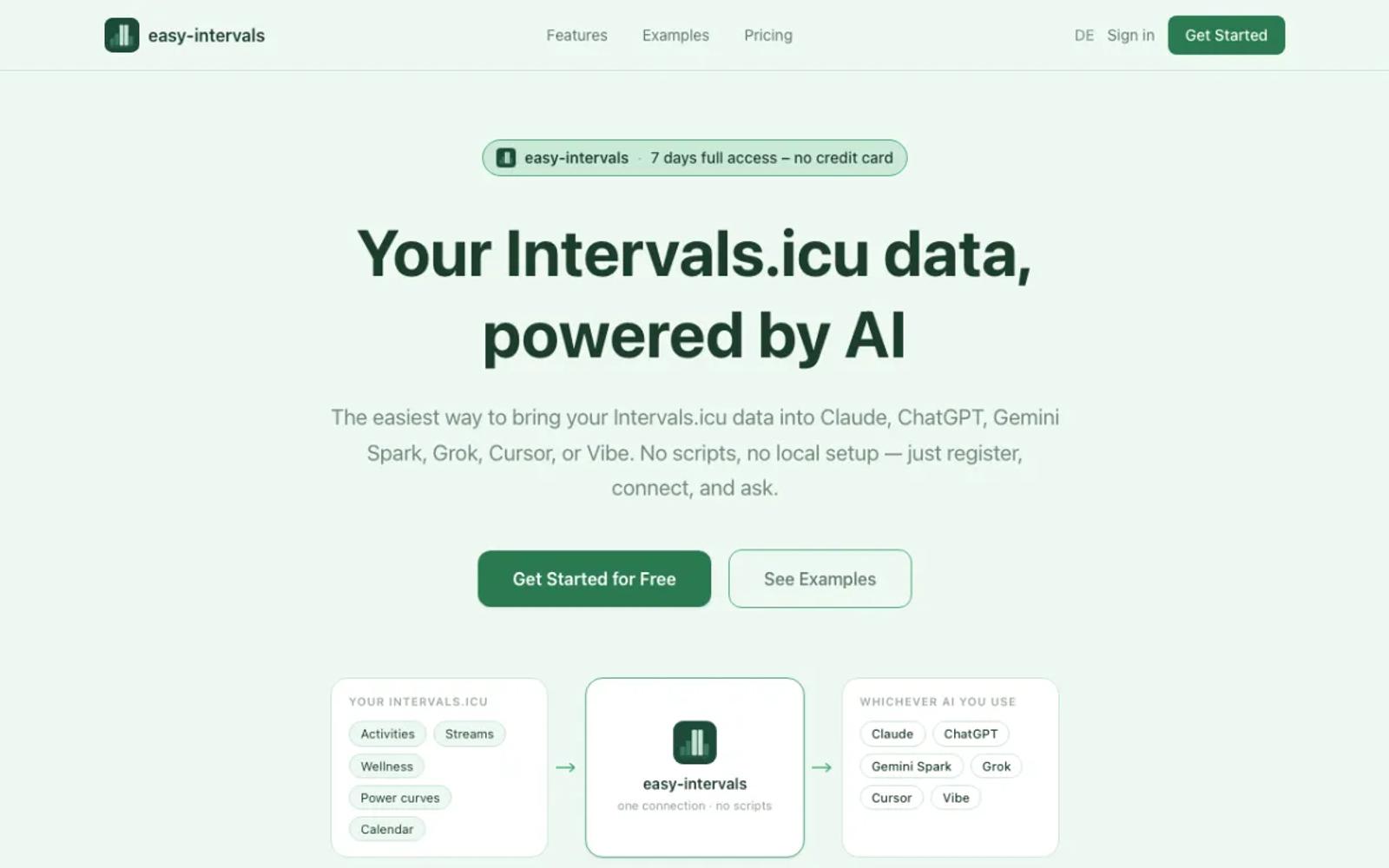
easy-intervals is a hosted server from Germany with 33 tools that read and write events, wellness, and activities. It signs in with Intervals.icu's own screen and works in Claude, ChatGPT, Gemini, Grok, and Cursor.
The free plan gives 7 days of full access, then 15 requests a day.
Setup: register, connect Intervals.icu, add its URL as a connector, and sign in.
Price: free with a daily limit, or €18 a year for Power, which does not renew by itself.
Best for: people who want a low-cost yearly plan and several AI apps.
6. AthleteData
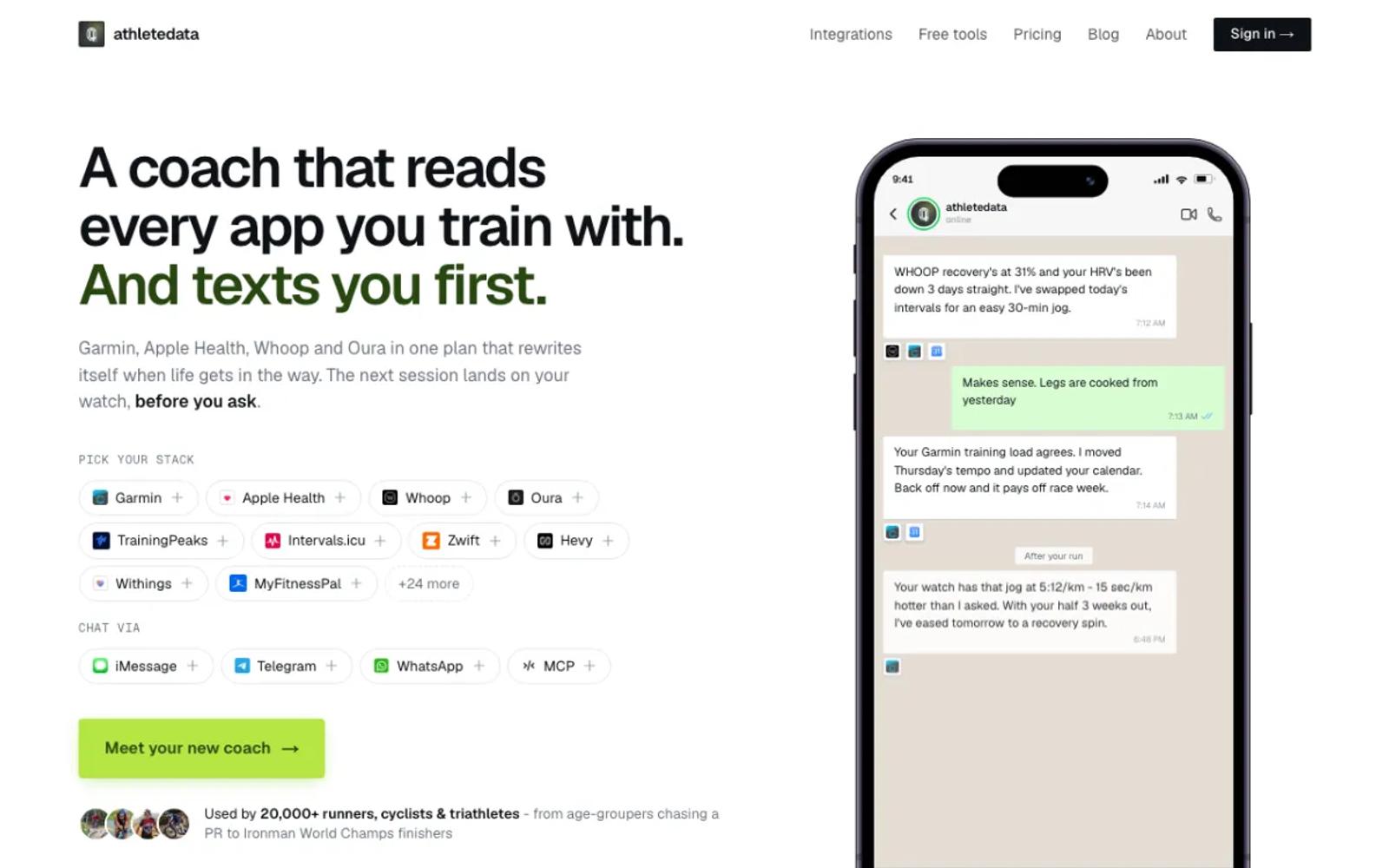
AthleteData is a hosted AI coach with a cheaper MCP-only plan. For Intervals.icu it offers 11 tools, 3 of which write to your calendar, next to Garmin, WHOOP, Oura, and others. The coaching plan messages you after workouts; the MCP-only plan leaves that out.
Setup: start the trial, link Intervals.icu, then add the connector to your AI app.
Price: MCP-only is CHF 9 a month or CHF 69 a year, after a 7-day free trial (plans). Coaching is CHF 29.90 a month.
Best for: athletes who want a coach that gets in touch first, as well as answers.
7. hhopke/intervals-icu-mcp
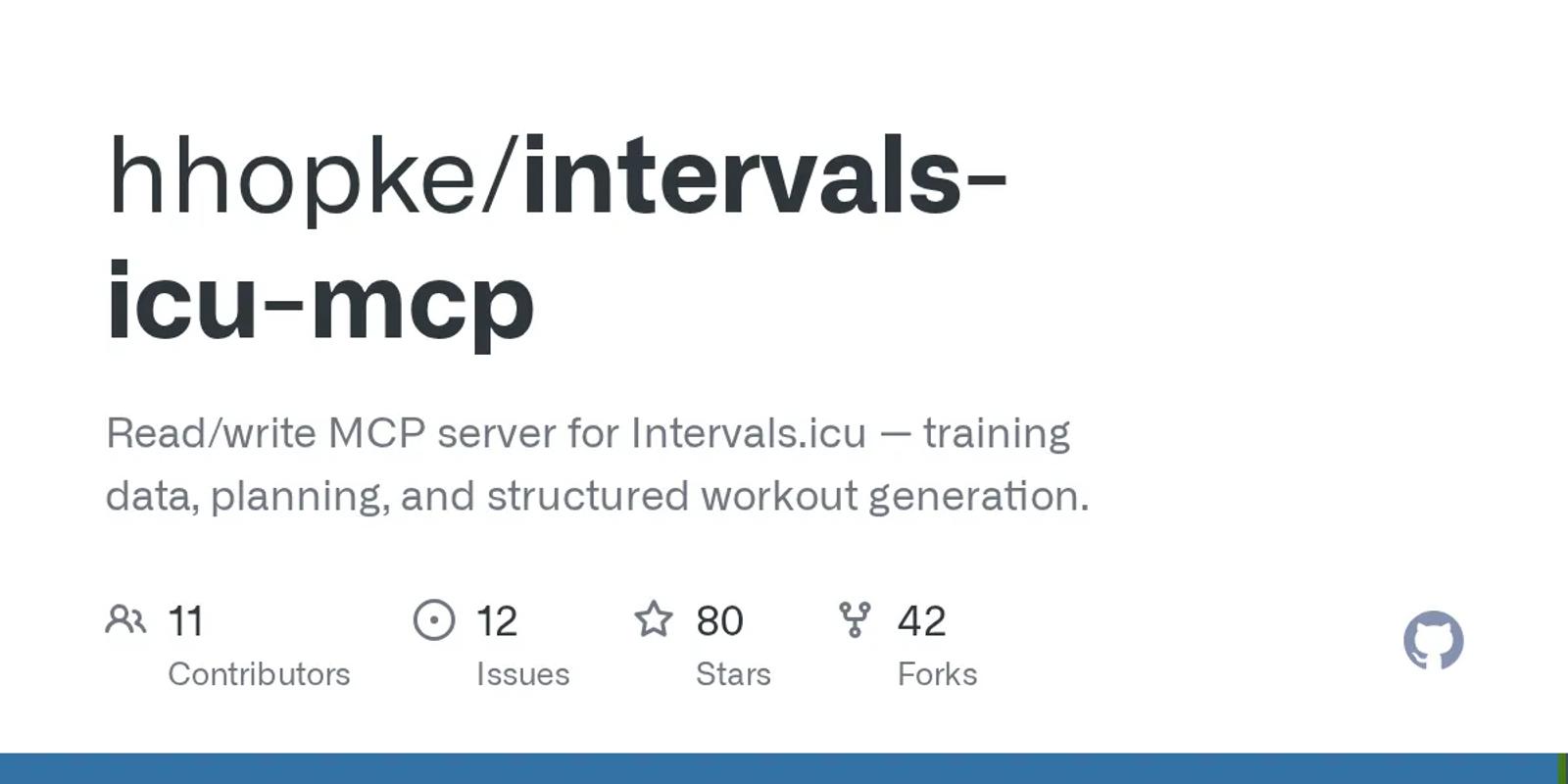
The most complete local server: 67 tools, plus resources and prompts, MIT licensed. It reads and writes, and deletes are off unless you allow them. It is the maintained continuation of an earlier project by eddmann, and says so.
Setup: moderate. Install uv, copy your athlete ID and API key from Intervals.icu, and add one command with those two values to your AI app's config. Desktop apps only.
Price: free and open source.
Best for: people at home in a terminal who want every tool on their own computer.
8. mvilanova/intervals-mcp-server
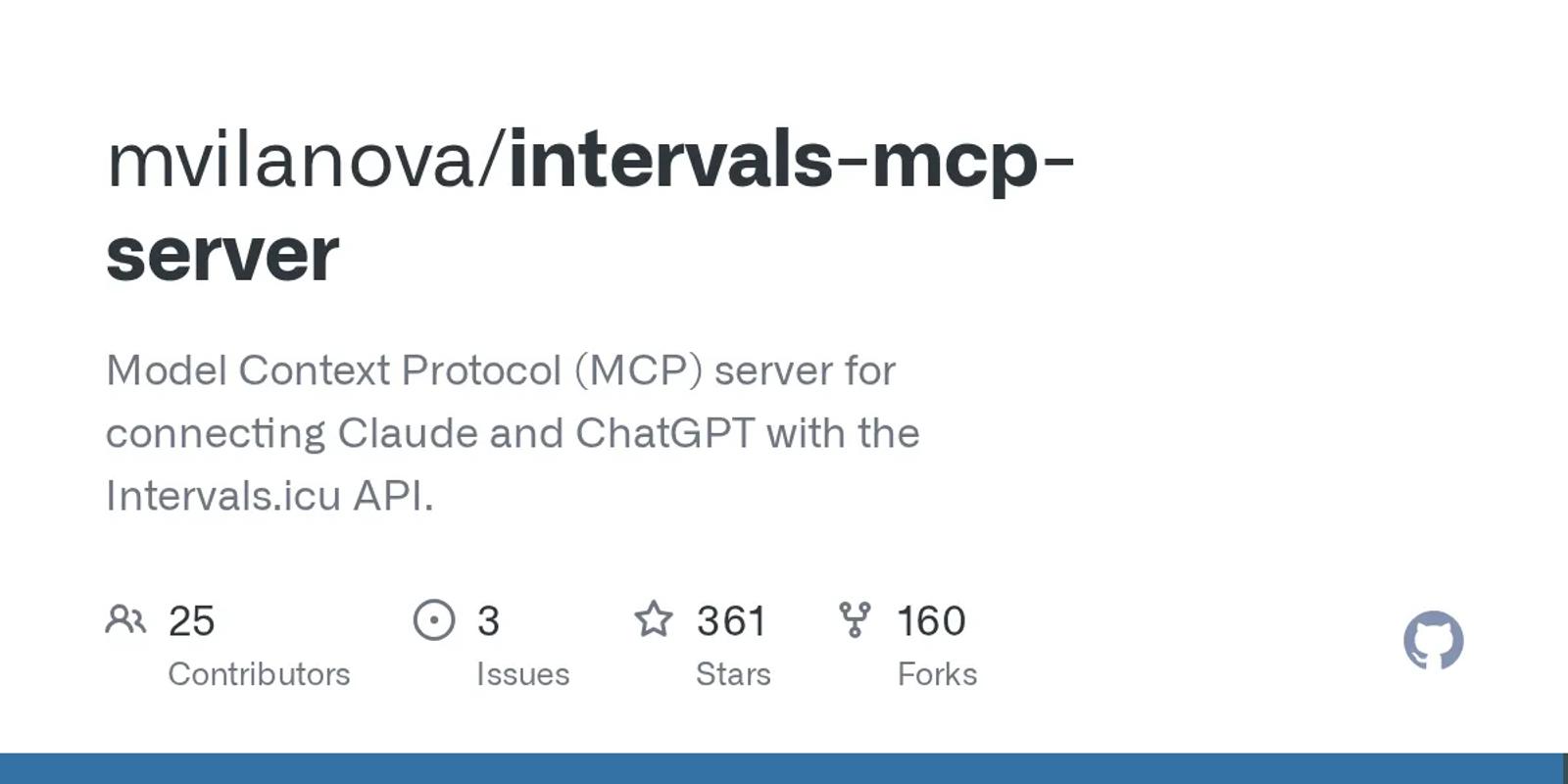
The most-starred Intervals.icu MCP server, with 361 stars, about 20 tools, and a GPL-3.0 license. It reads your data and writes events, notes, and activity messages.
Its ChatGPT recipe runs the server behind a public tunnel with no sign-in, so anyone with the address could read your data. Keep it to Claude Desktop.
Setup: involved. Install uv, clone the repository, create its environment, put your athlete ID and API key in a settings file, and register it with Claude Desktop. Desktop apps only.
Price: free and open source.
Best for: developers who want the best-known project and will run it locally.
| Tool | Setup | Intervals.icu sign-in | Price |
|---|---|---|---|
| freddy | None; web, desktop, and phone | Official sign-in | Free tier; $49/year |
| icuvisor | None (hosted) or one command (local) | Official sign-in, or your API key locally | Free |
| gregaria-mcp | None; Claude | Official sign-in | Free |
| IcuSync | Account; web, desktop, and phone | Official sign-in | $20/yr |
| easy-intervals | Account; web, desktop, and phone | Official sign-in | Free with a daily limit; €18/yr |
| AthleteData | Account; web, desktop, and phone | Official sign-in | CHF 69/yr or CHF 9/mo |
| hhopke/intervals-icu-mcp | Terminal and config file; desktop only | Your API key | Free |
| mvilanova/intervals-mcp-server | Clone and settings file; desktop only | Your API key | Free |
How to choose
For most people, the answer is freddy: no API key in a file, nothing to keep running, and Intervals.icu next to your recovery data in any AI app that speaks MCP. The exceptions:
- You want the AI to plan workouts in Intervals.icu at no cost: icuvisor.
- You want a paid service that plans with you: IcuSync, or easy-intervals for the lowest yearly price.
- You want a coach that gets in touch first: AthleteData.
- You want everything on your own computer: hhopke/intervals-icu-mcp.
Whatever you pick, never put your Intervals.icu API key into a chat or a hosted form. It opens your whole account until you make a new one.
Prices and details verified in September 2026. This space moves fast, so check each vendor's site for current details before you commit. For other wearables, see our roundup of wearable MCP servers.