Connect your Amazfit data through your Zepp account to compare workouts, sleep and daily activity with your other sources.
Before you connect
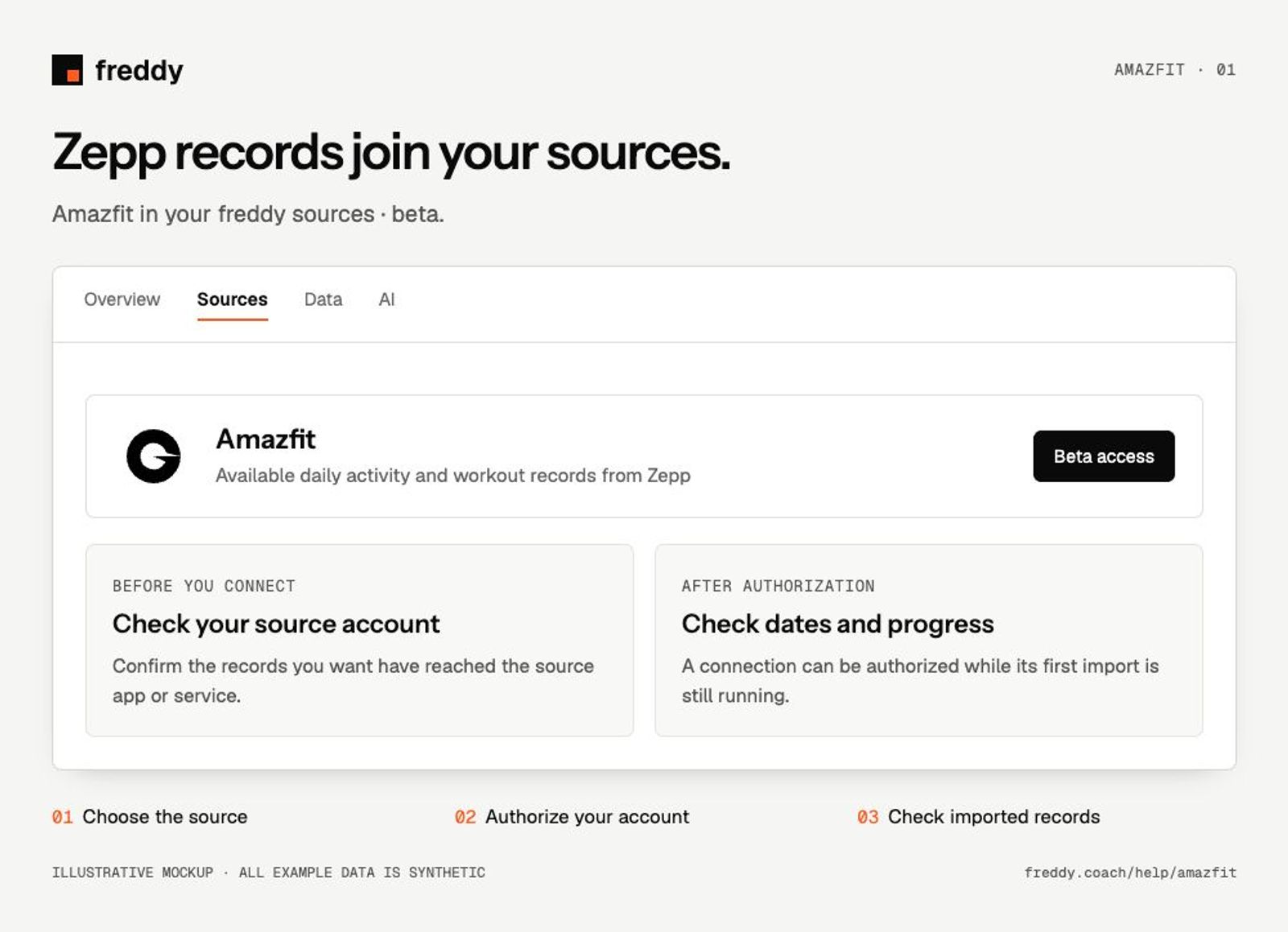
Amazfit is in beta in freddy. Sync your watch in the Zepp app and use the Zepp account that holds those records.
If the source card offers Join waitlist instead of Connect, beta access is not enabled for your account yet.
Connect
- Open Amazfit in Sources and choose Connect when available.
- Sign in to the Zepp account containing your records. Review the permissions and authorize the categories you want to share.
- Return to freddy and inspect the source’s import status and date coverage.
What reaches freddy
- Available daily activity and workout records from Zepp.
- Sleep and supported heart-rate, recovery or body measurements recorded by your devices.
- Additional measurements only when your device and the authorized Zepp service provide them.
History and updates
freddy imports the history made available by Zepp and receives new records through the connection. The date range can differ by category; device support determines which measurements exist.
If data is missing
- The source offers a waitlist: beta access is not enabled for your account.
- A watch sync completed but data is absent: confirm the finished record is visible in the Zepp app before using Sync.
- Sleep appears but a different metric does not: compare that category in Zepp and check the permissions granted during connection.
Use it with your other sources
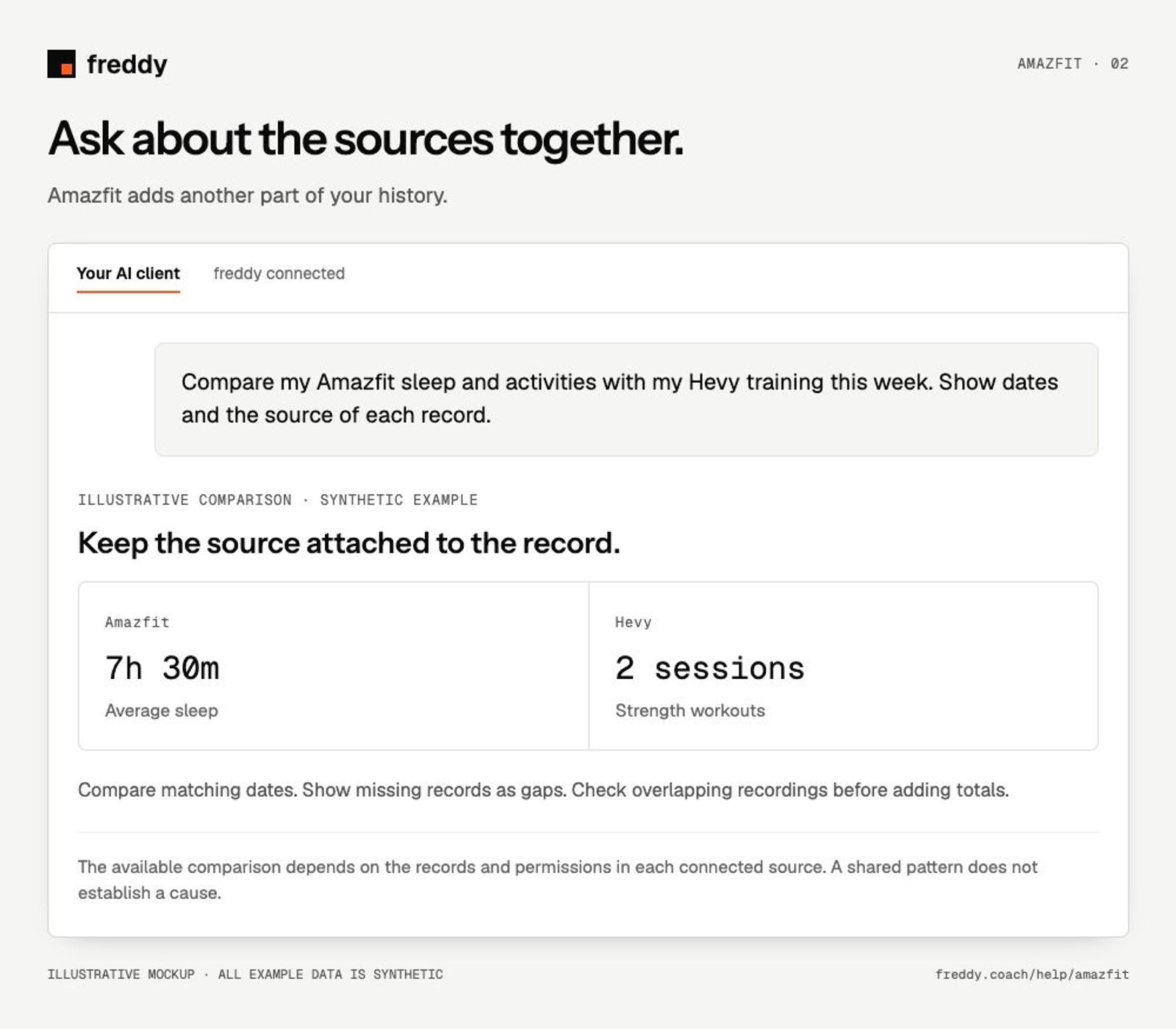
Compare my Amazfit sleep and activities with my Hevy training this week. Show dates and the source of each record.
Pause or disconnect
Use Paused on the source to stop future sync without deleting its stored history. Disconnect removes the connection and its associated data from freddy; read the confirmation before continuing. It does not delete your records in Amazfit. You can also revoke freddy’s authorization in the source service’s connected-app settings.