Use the Google Health mobile app to share Fitbit records with Apple Health or Health Connect, then let freddy read the records on your phone.
Before you connect
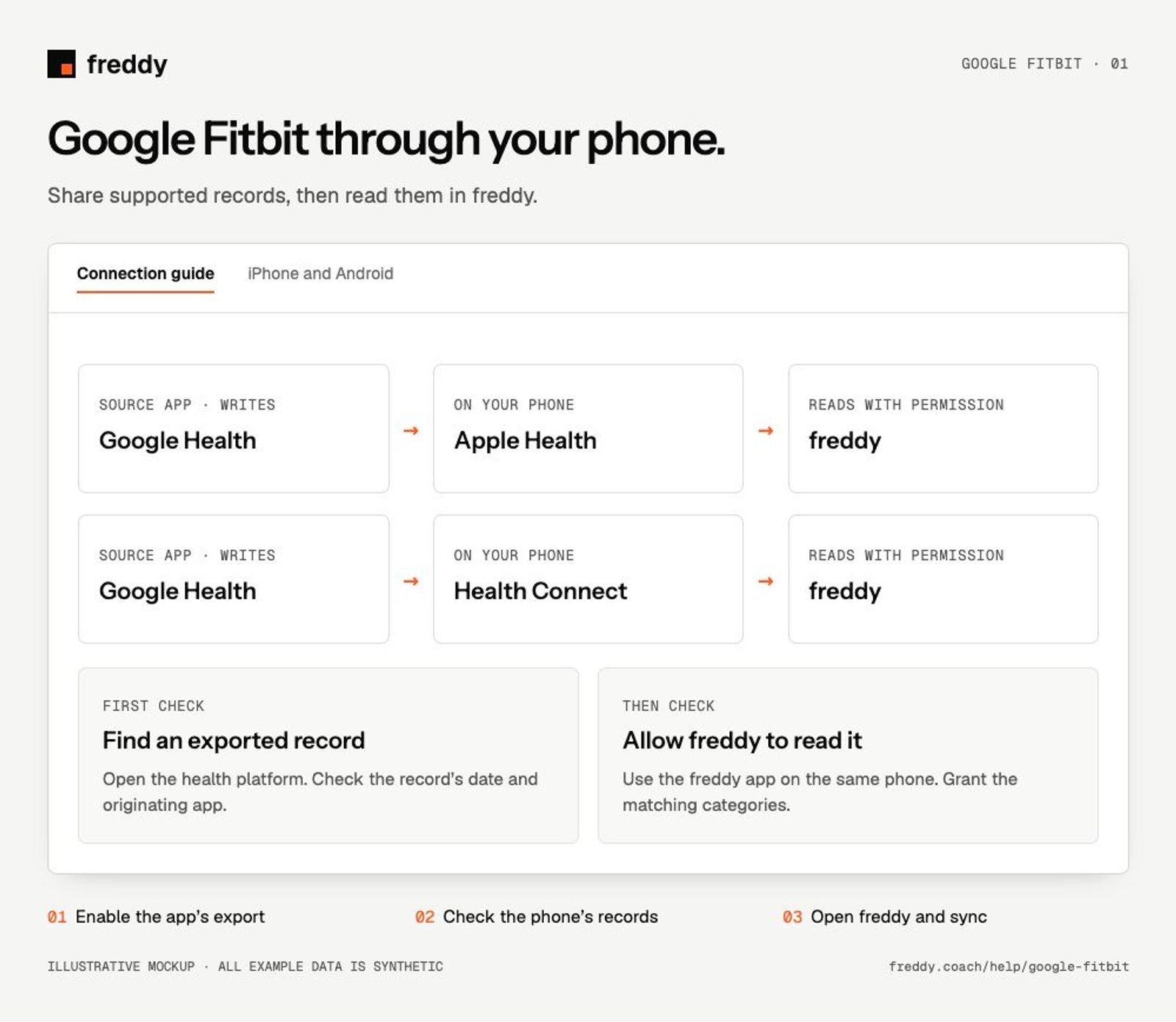
This is a phone bridge, using Apple Health on iPhone or Health Connect on Android. Install both Google Health and freddy on the same phone and sign in to your own accounts. freddy does not sign in directly to Google Fitbit for this route.
Connect the source app
On iPhone
In the Google Health app, open Connections → Apps and services → Apple Health. Follow setup and allow the categories you want it to write.
Finish the freddy Apple Health setup
On Android
In the Google Health app, open Connections → Partner apps and the option to sync health apps. Set up Health Connect and review the data-sharing permissions.
Finish the freddy Health Connect setup
Then open freddy on that phone, connect the matching health platform and allow it to read the same categories. Keep freddy open while the initial import progresses.
What reaches freddy
- Supported activity, exercise, sleep, heart-rate and body records that the Google Health app writes to your phone’s health platform.
- Exported records only. A metric displayed in Google Health is not automatically available through both platforms.
The source is named Google Fitbit in freddy; the companion phone app is now called Google Health. The separate Google Health source in freddy is a direct alpha integration, not a requirement for this bridge.
Check the connection
Sync your Fitbit device in the Google Health app. Check a finished sleep or activity entry in Apple Health or Health Connect and confirm its source before opening freddy.
History and updates
freddy reads supported records already written to the phone’s health platform. Google Fitbit decides which categories and dates it exports. Connecting today does not guarantee that its entire archive will be copied. Let the source app finish sharing before opening freddy; background updates depend on the phone’s scheduling.
If data is missing
- Missing from the health platform: check Google Fitbit’s export setting, write permissions and the original record. freddy cannot import a record that has not reached the platform.
- Present on the phone but absent in freddy: check freddy’s read permissions, the source’s active state and import progress.
- Some fields are missing: compare the actual exported record with the original. Enabling a category does not create fields the app does not export.
Use it with your other sources
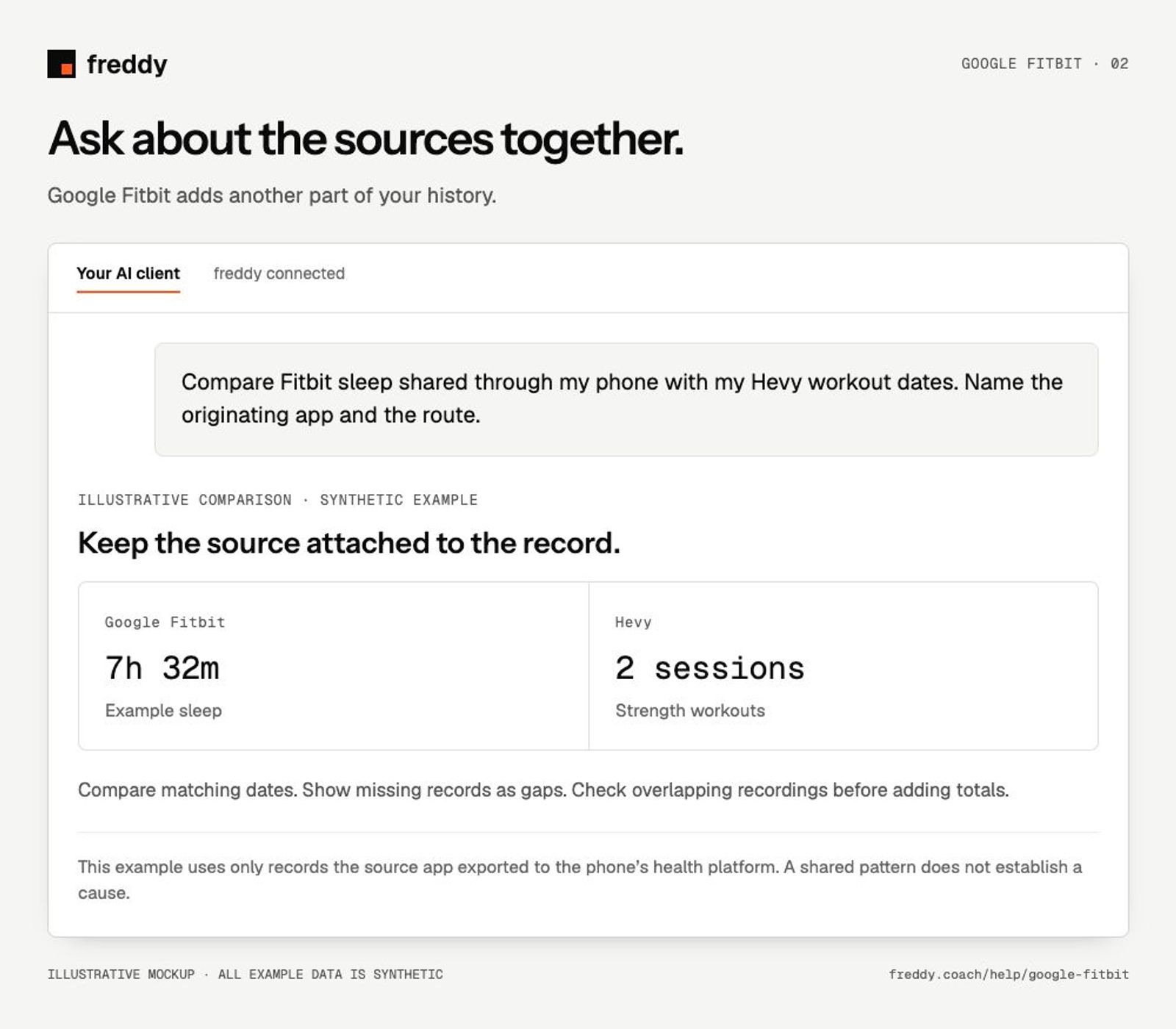
Compare Fitbit sleep shared through my phone with my Hevy workout dates. Name the originating app and the route.
Stop sharing or remove history
Turn off Google Fitbit’s write permissions to stop new exports to the phone’s health platform, or pause its contributing source in freddy to stop future import there. Previously imported history is separate: use Clear stored history in freddy and read the confirmation for its scope. Revoking a permission alone does not delete the copies already stored.
Provider instructions
Google Health with Apple Health
Google Health with Health Connect